
- Home
- Blog
The VIZON Blog
Practical articles on 3D modeling, CAD, AI and 3D printing, with free example models.
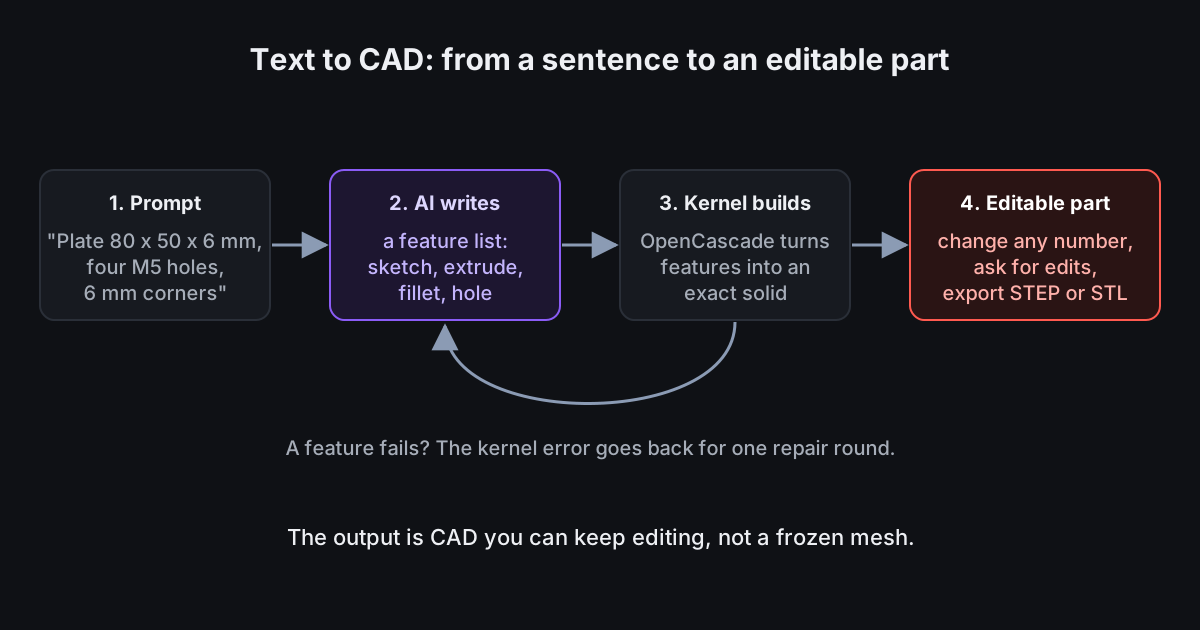 Text to CAD Explained: From a Sentence to an Editable PartText-to-CAD tools promise a part from a sentence. The useful ones give you a part you can keep editing. Here is how that works and how to get good results.AI CAD · Text to CAD
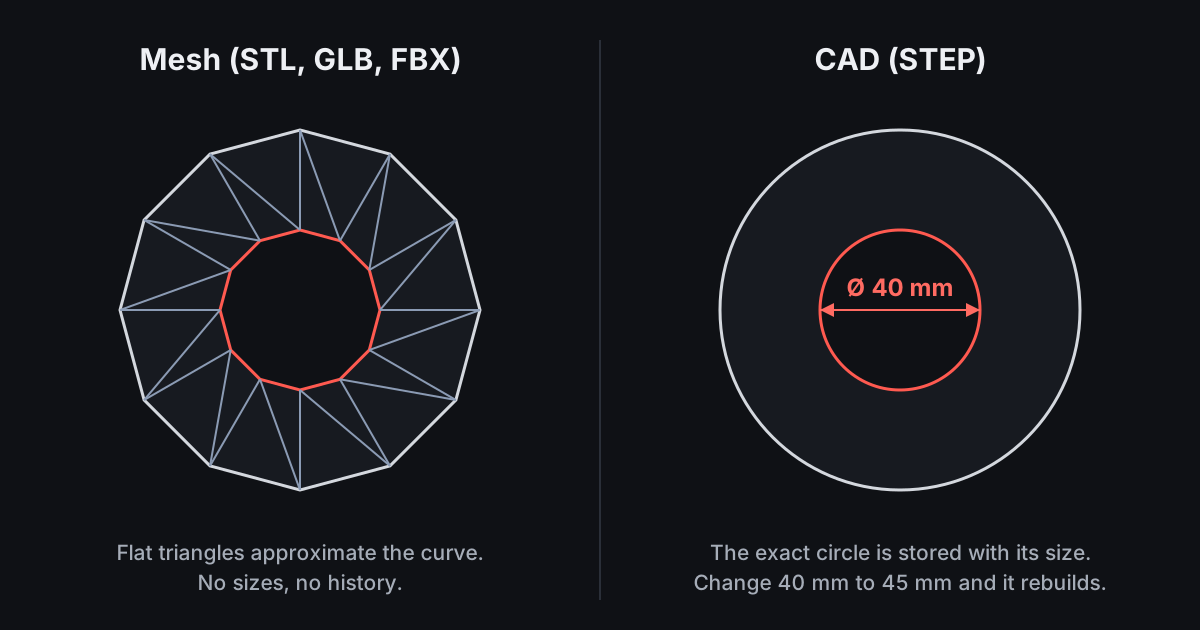 Mesh vs CAD: Which 3D Modeling Approach Do You Need?Mesh modeling and CAD both produce 3D models, but they store shape in different ways. Picking the right one saves hours.Basics · CAD · 3D modeling
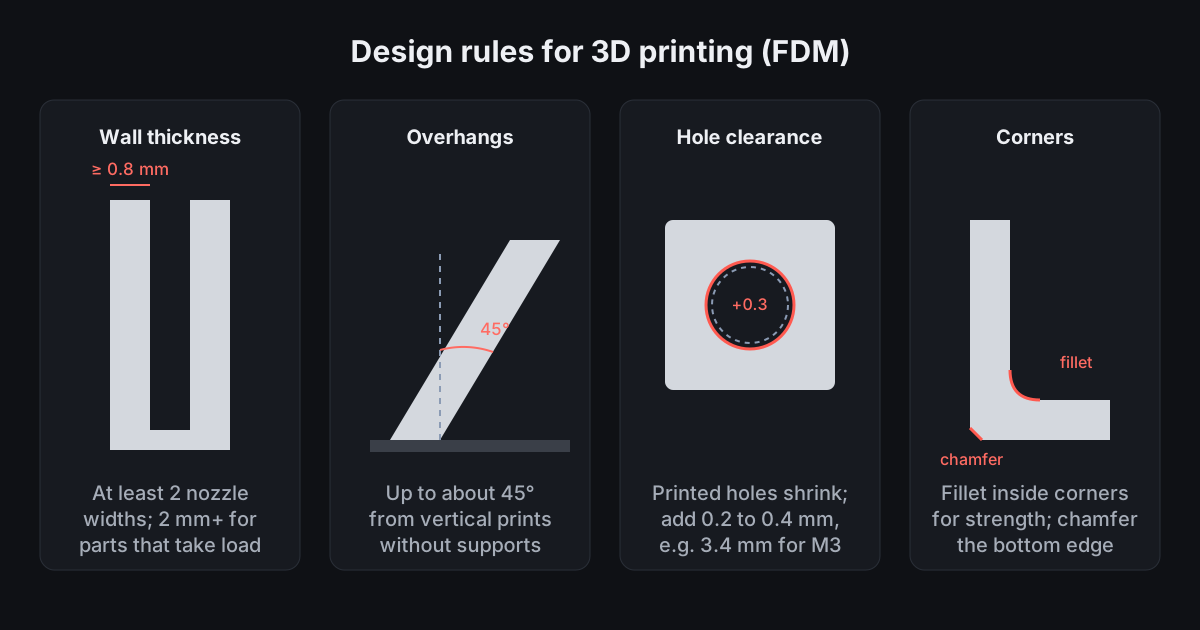 Designing Parts for 3D Printing: The Rules That MatterMost failed prints are design problems, not printer problems. These rules of thumb for FDM printing make parts that print first time and fit.3D printing · CAD
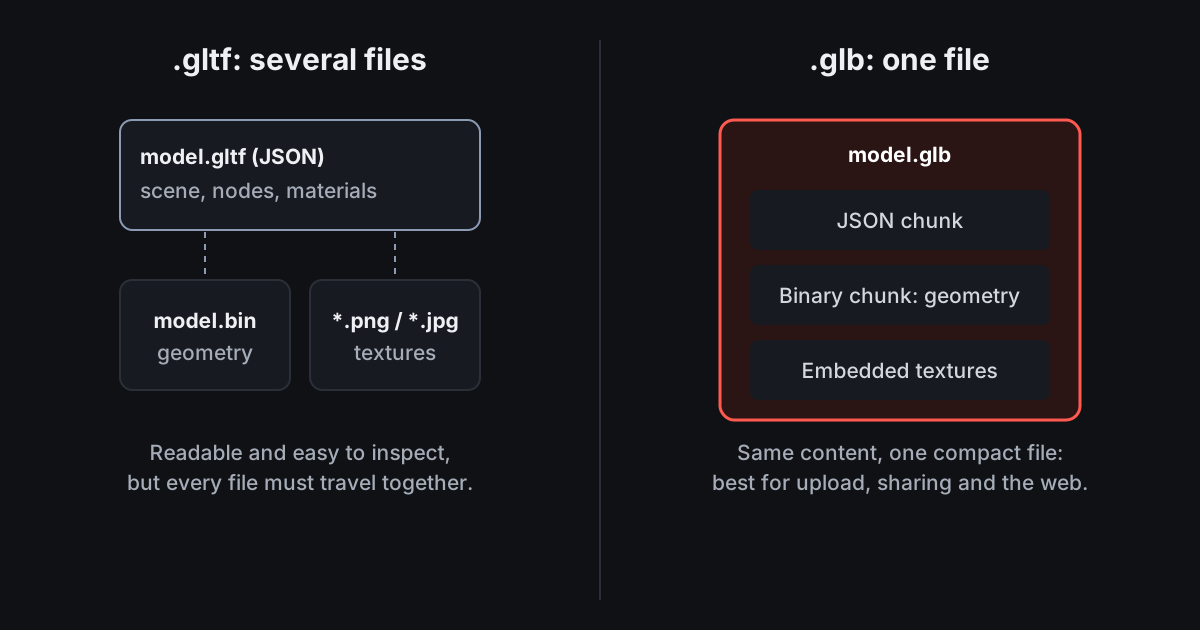 3D File Formats Compared: Which One Should You Use?The right 3D format depends on where the model is going. This guide compares the six formats people meet most often.File formats · Basics
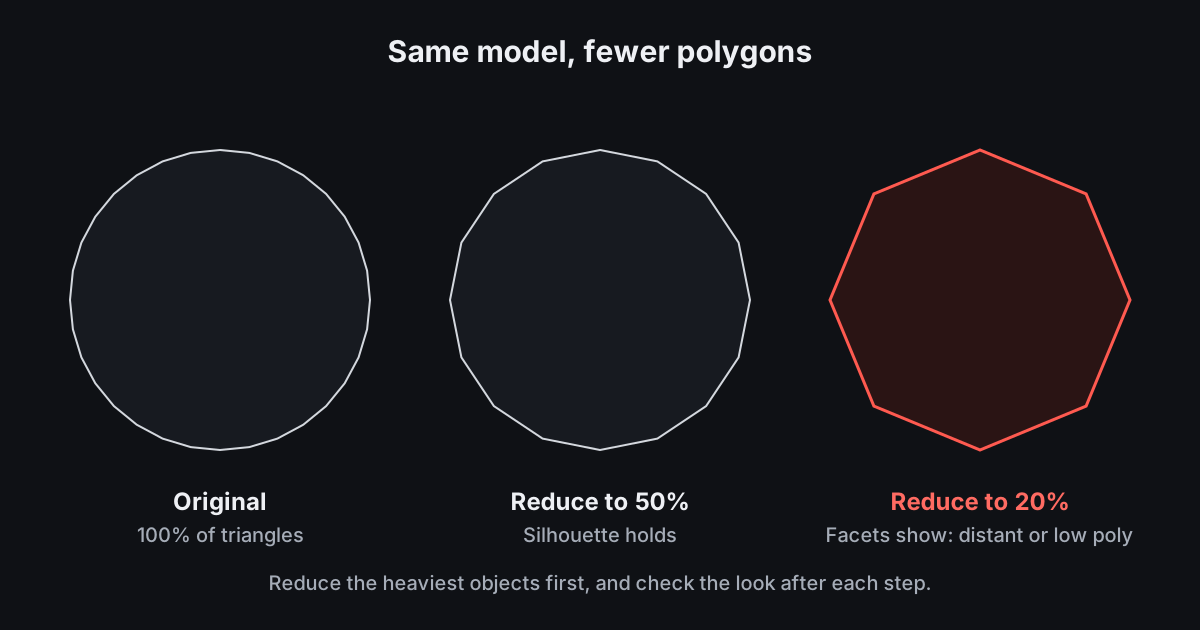 How to Reduce Polygon Count Without Ruining a ModelScans, CAD exports and marketplace models are often far heavier than they need to be. Here is a careful way to slim them down.Optimisation · 3D modeling
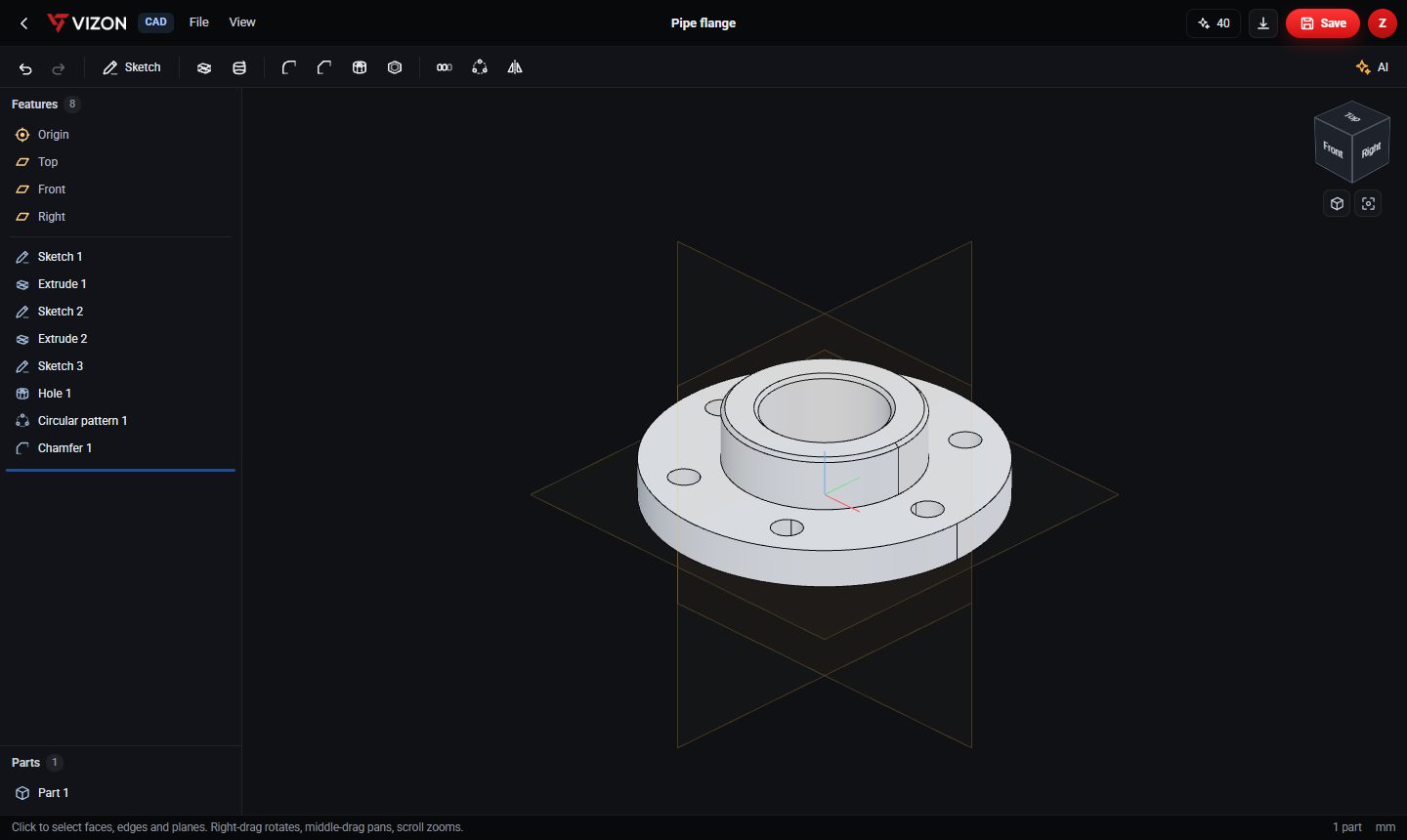 3D Modeling in the Browser: What Works Without Installing AnythingA few years ago, serious 3D work meant a heavy desktop install. Today a browser tab can run a real CAD kernel. Here is what that makes possible, and what it does not.3D modeling · Basics
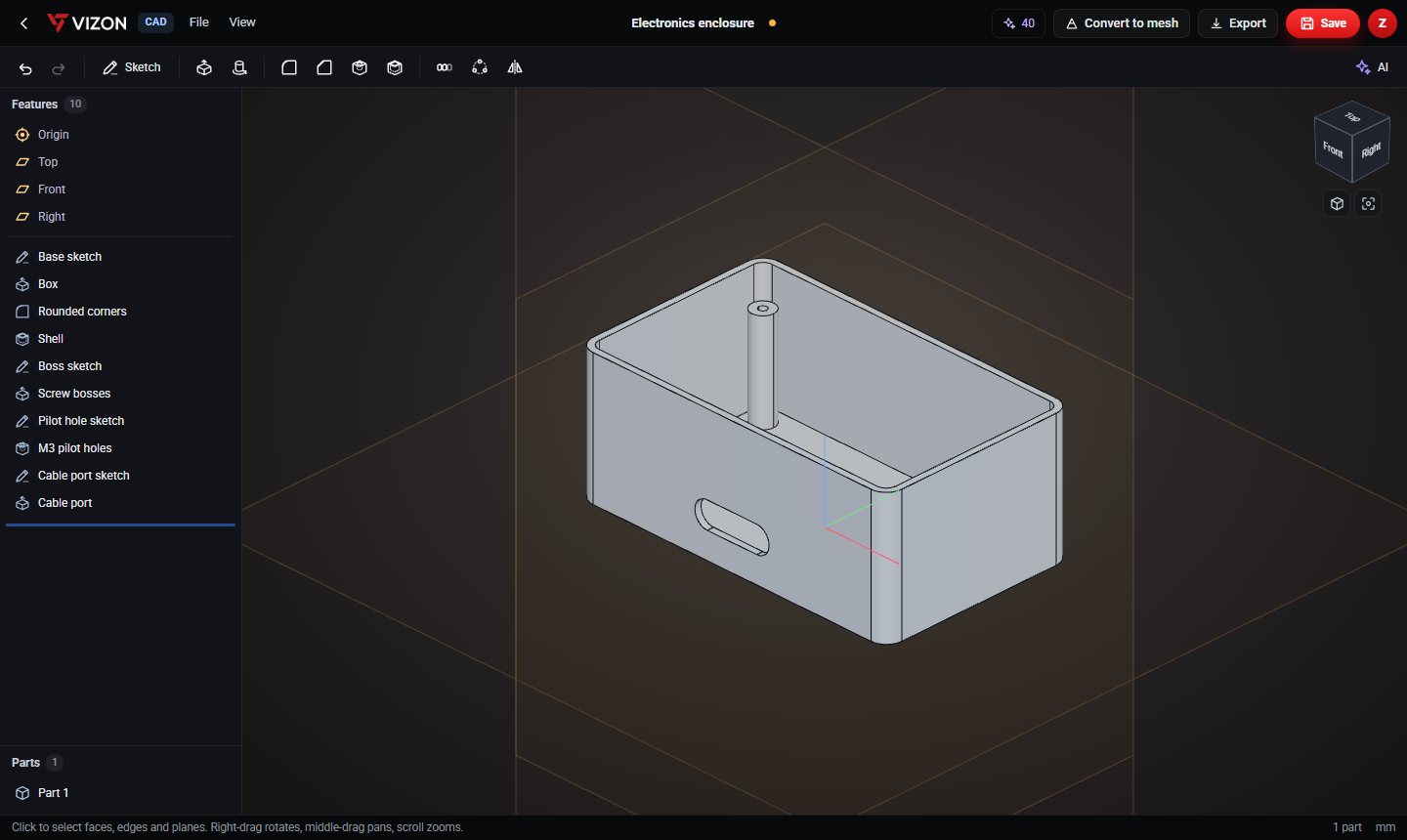 Design a Parametric Electronics Enclosure, Step by StepA project box is the perfect first real CAD part: a few features, a useful result, and every size changeable later. Here is the exact feature list behind the enclosure in our model gallery.Tutorial · CAD · 3D printing
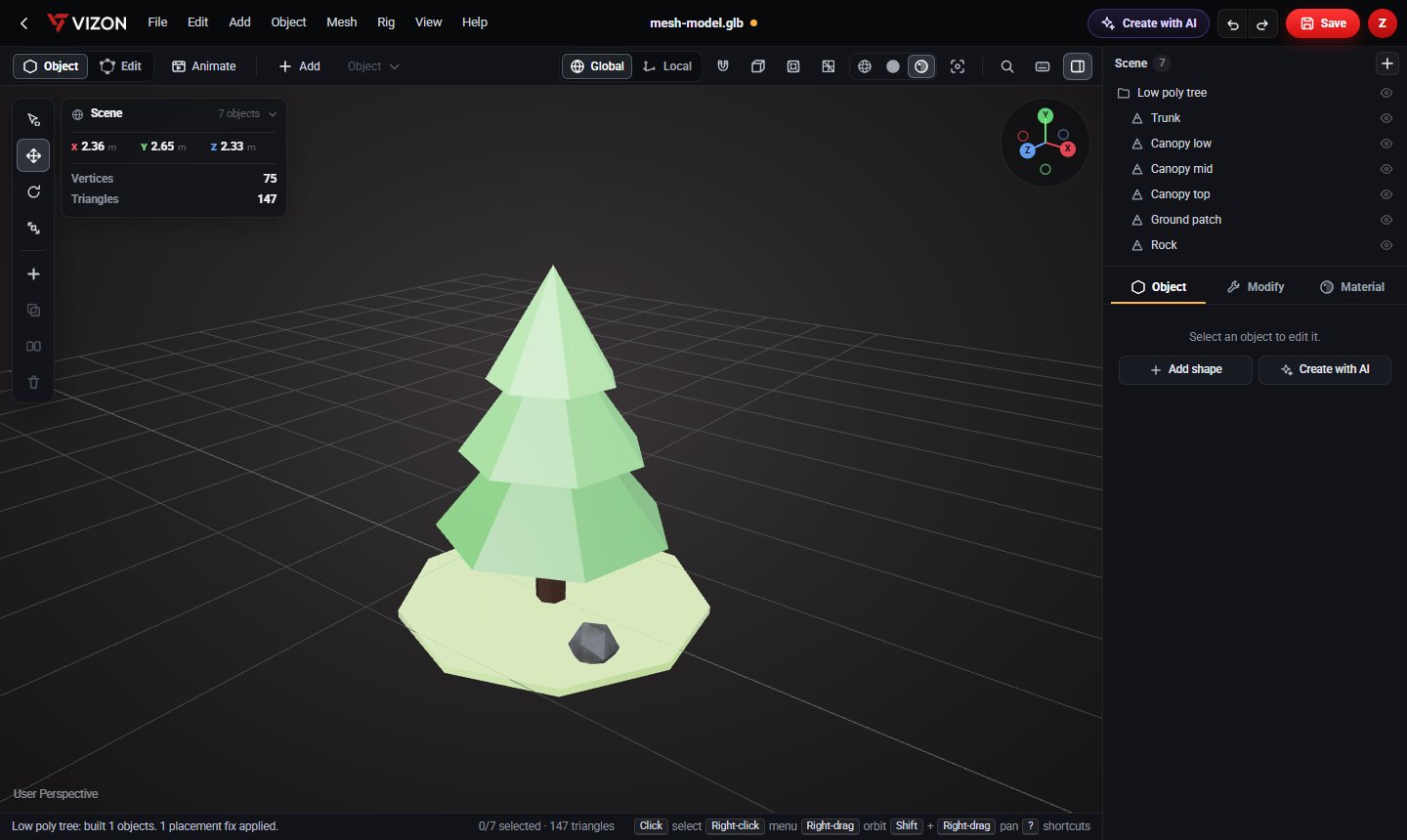 Making Low Poly 3D Assets for GamesLow poly art is quick to make, light to run and looks great when it is consistent. Here is a simple workflow, with two free example assets.Game assets · 3D modeling
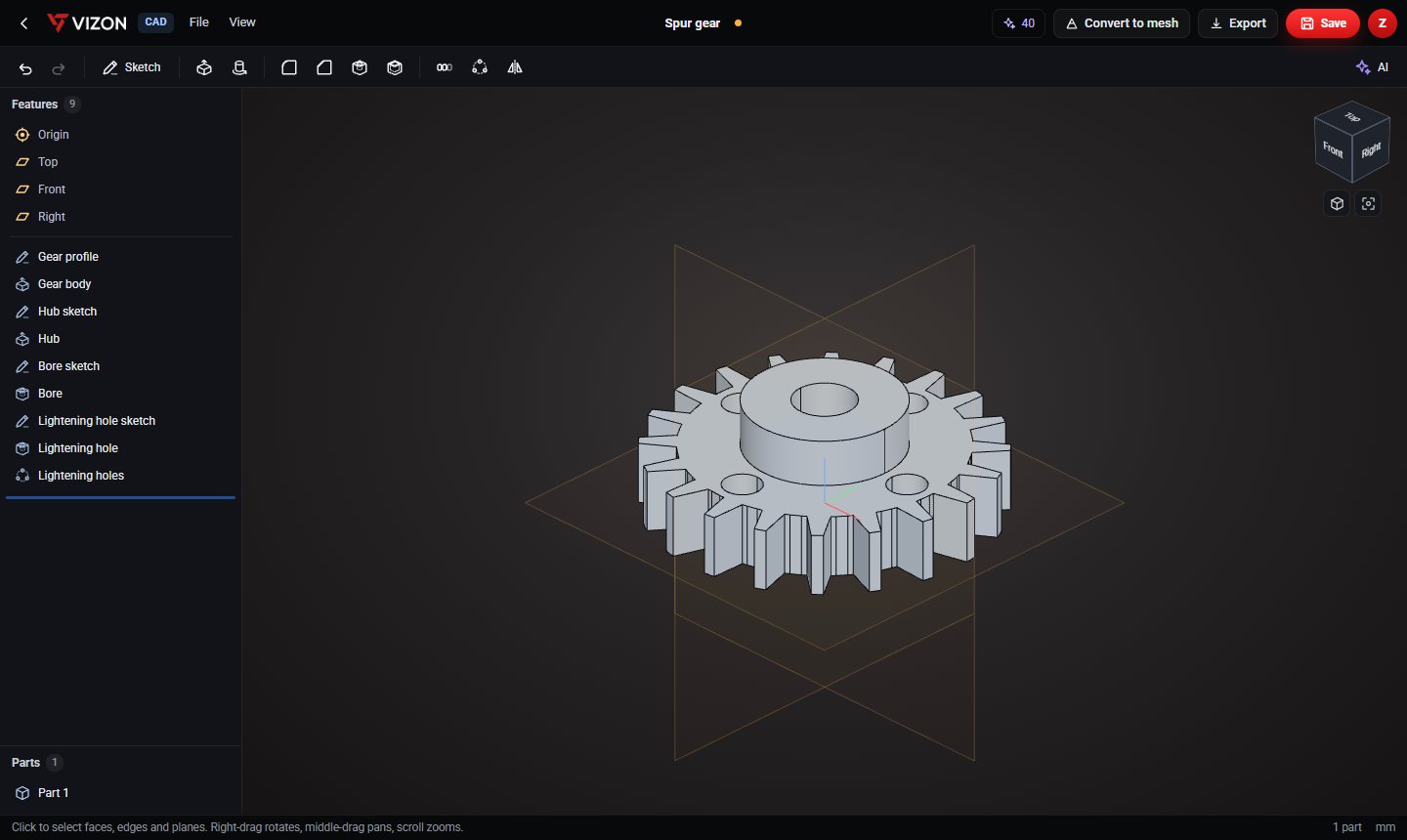 How to Design a Spur Gear in CADGears look complicated, but a few formulas define every size you need. Here is the maths, and a 20-tooth example built in VIZON.CAD · Mechanical design