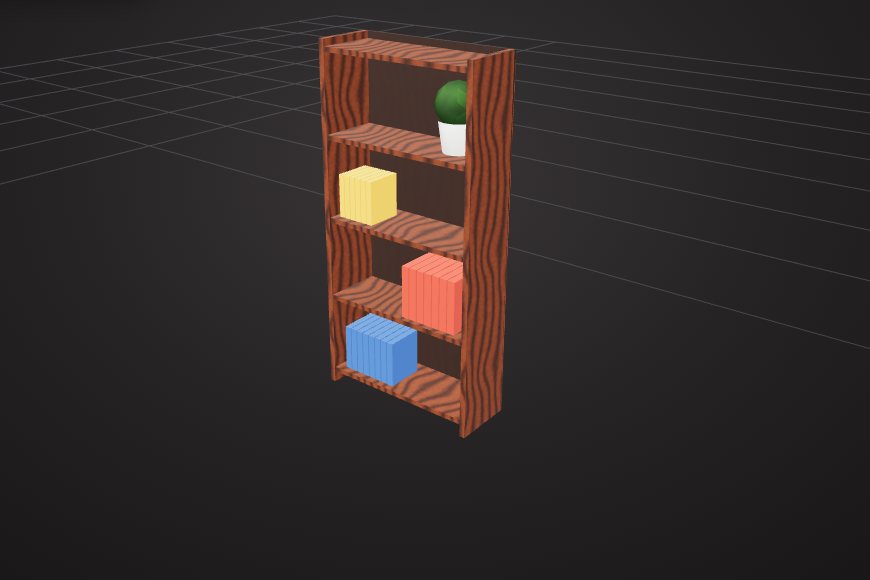
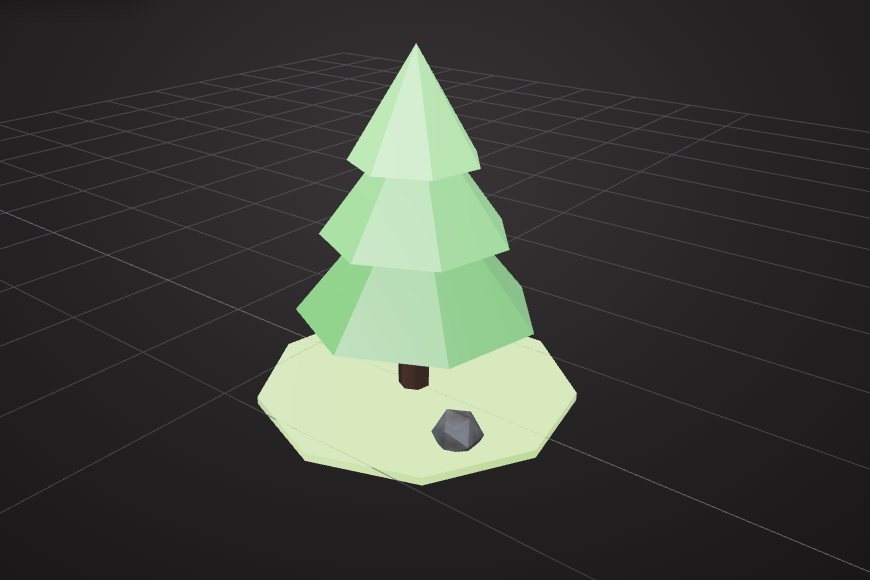
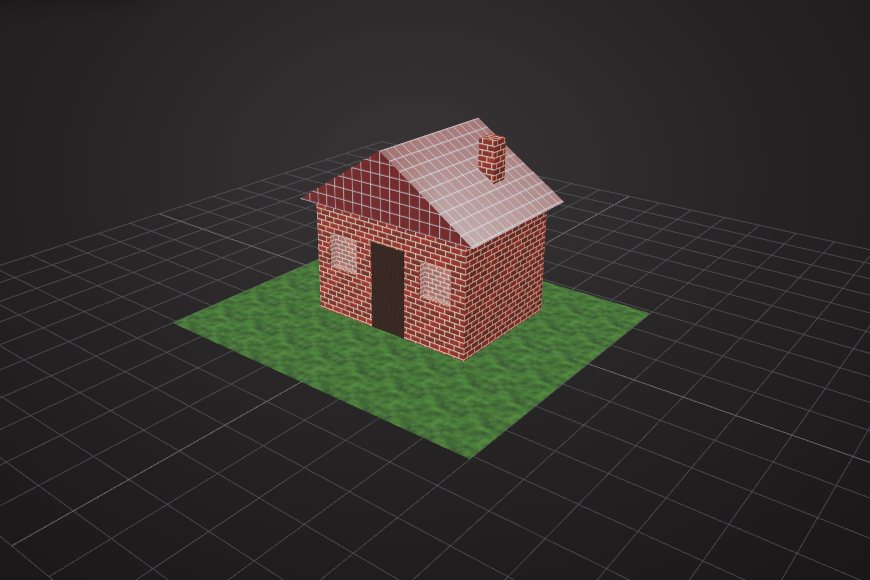
Built from real parts
The AI places named shapes, applies bevels and booleans, and assigns materials. Each piece appears in the scene outline.
Describe an object in the VIZON 3D Model Creator and the AI builds it from editable shapes and materials. Then ask for changes, or take over with the editing tools.
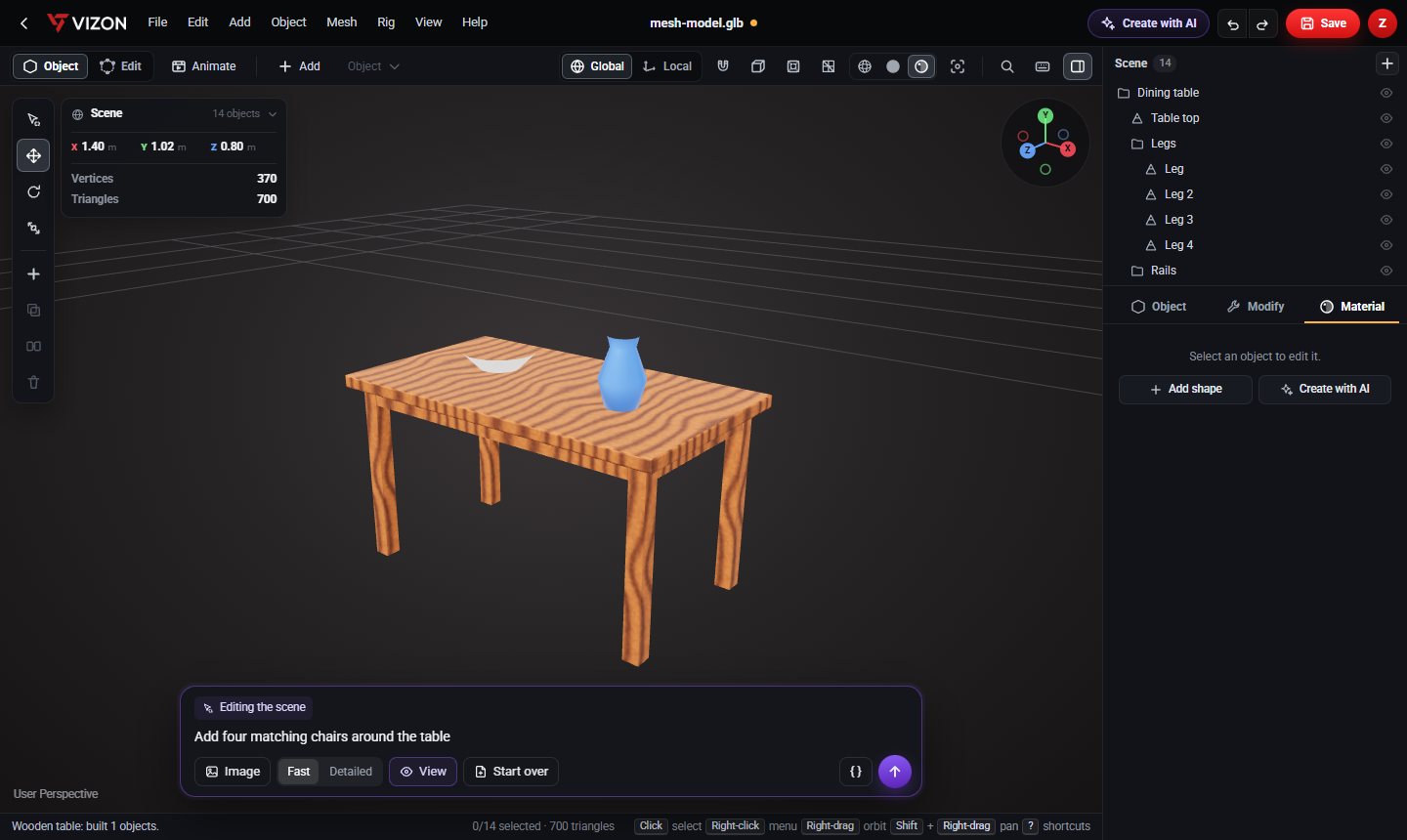
The AI places named shapes, applies bevels and booleans, and assigns materials. Each piece appears in the scene outline.
Select an object and ask: "make this green", "make it 20% smaller", "make the legs thinner".
Ask for something new next to what you have, like "add a matching chair next to it".
Each AI change is applied as a single undo step, so you can try ideas freely.
The result is an ordinary scene. Move, reshape, retexture or delete any part.
Download the model as GLB for games, the web, or a Zimension 3D world.
VIZON builds models from shapes, so it is best for objects with clear structure: furniture, props, simple architecture, product mockups and stylised game assets. It does not produce scanned or sculpted organic meshes such as realistic characters. For precise mechanical parts, use the AI CAD generator instead.
Real models built with these tools. Each one is free to download.
Yes. It is made of separate, named objects with materials, all editable with the normal 3D Model Creator tools.
Yes for structured, stylised assets such as props, furniture and buildings. Export as GLB to use them in game engines and in Zimension.
The AI CAD generator writes dimensioned CAD features for engineering parts. This generator builds visual mesh models from shapes and materials.
VIZON runs in your browser. Create an account and open the tool in seconds.