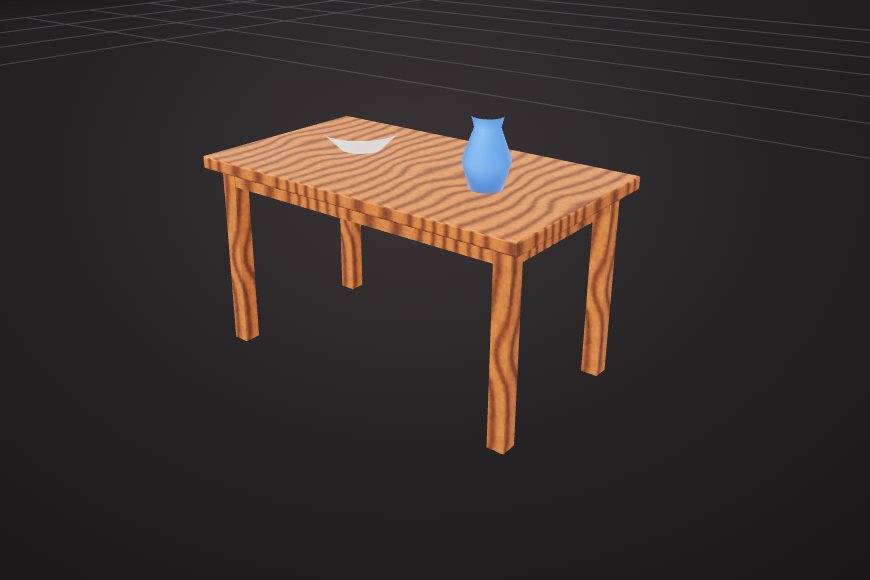
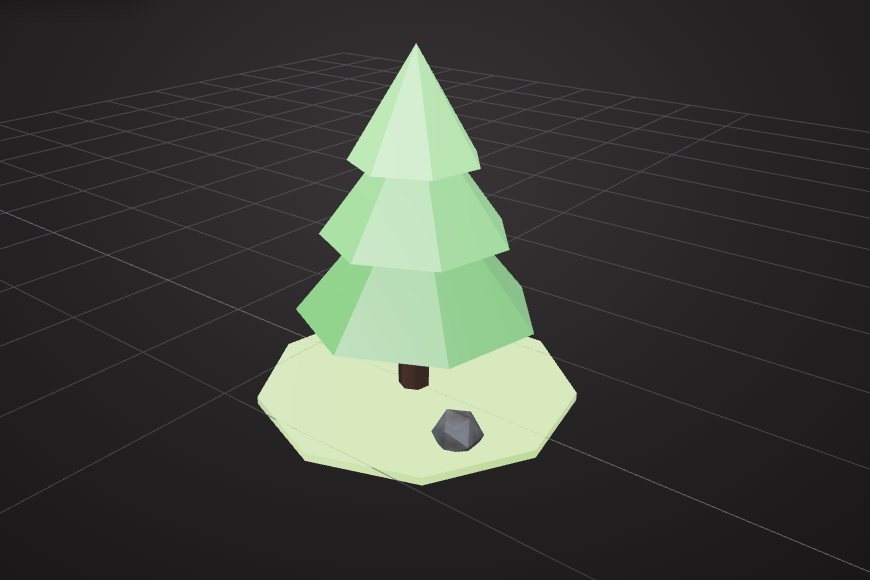
Object and edit modes
Select whole objects, or switch to vertex and face selection to change the mesh itself. G, R and S work like they do in Blender.
The VIZON 3D Model Creator is a mesh editor in your browser: open an STL, GLB, glTF or FBX file, edit its geometry, materials and UVs, and save it back to your library.
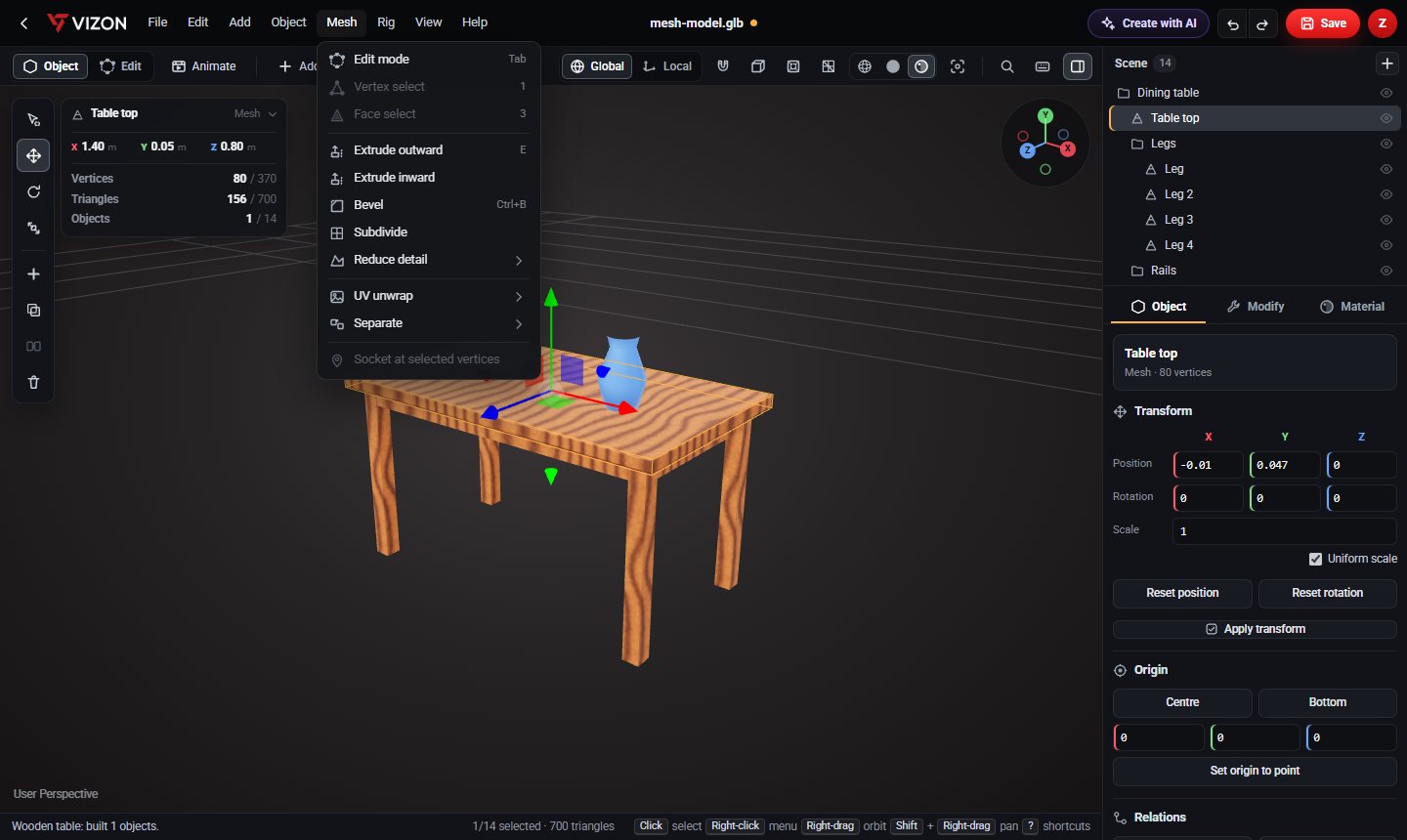
Select whole objects, or switch to vertex and face selection to change the mesh itself. G, R and S work like they do in Blender.
Extrude, bevel (Ctrl+B, with a live panel), subdivide, join, separate by selection, material or loose parts, and shade smooth.
Union, subtract and intersect two meshes, for example to cut a hole or merge two parts into one solid shape.
Decimate a heavy mesh to 50% or 20% of its triangles to make it lighter for the web or for games.
Material slots per face, PBR texture maps (base, normal, roughness, metalness, AO, emissive, height), box, planar, cylindrical, spherical and Smart UV unwraps, and a UV editor.
Key object transforms and bone poses on a simple timeline, preview them, and export the actions as GLB animations.
Blender is the better tool for sculpting, complex rigging, simulation and film-quality rendering. VIZON is built for the faster everyday jobs: opening a model in a browser tab, fixing or combining parts, changing materials, reducing polygons and passing the file on, without installing anything.
Real models built with these tools. Each one is free to download.
STL, GLB, glTF and FBX meshes. STEP CAD files open in the CAD editor instead, and can be converted to an editable mesh.
Many of them: G, R and S for transforms, E to extrude, Ctrl+B to bevel, Ctrl+J to join, P to separate, and F3 to search commands. Press ? in the editor to see the full list.
Yes. You can assign PBR texture maps, unwrap with several projection methods including Smart UV, and adjust the layout in the UV editor.
Download it as GLB from the editor, or export glTF or STL from Studio after saving.
VIZON runs in your browser. Create an account and open the tool in seconds.