
Smart UV
Joins connected flat areas into islands and packs them at one shared scale, so texture density stays even.
Textures look stretched when a model has bad UVs. VIZON unwraps meshes with Smart UV or simple projections and lets you adjust the layout in a UV editor.
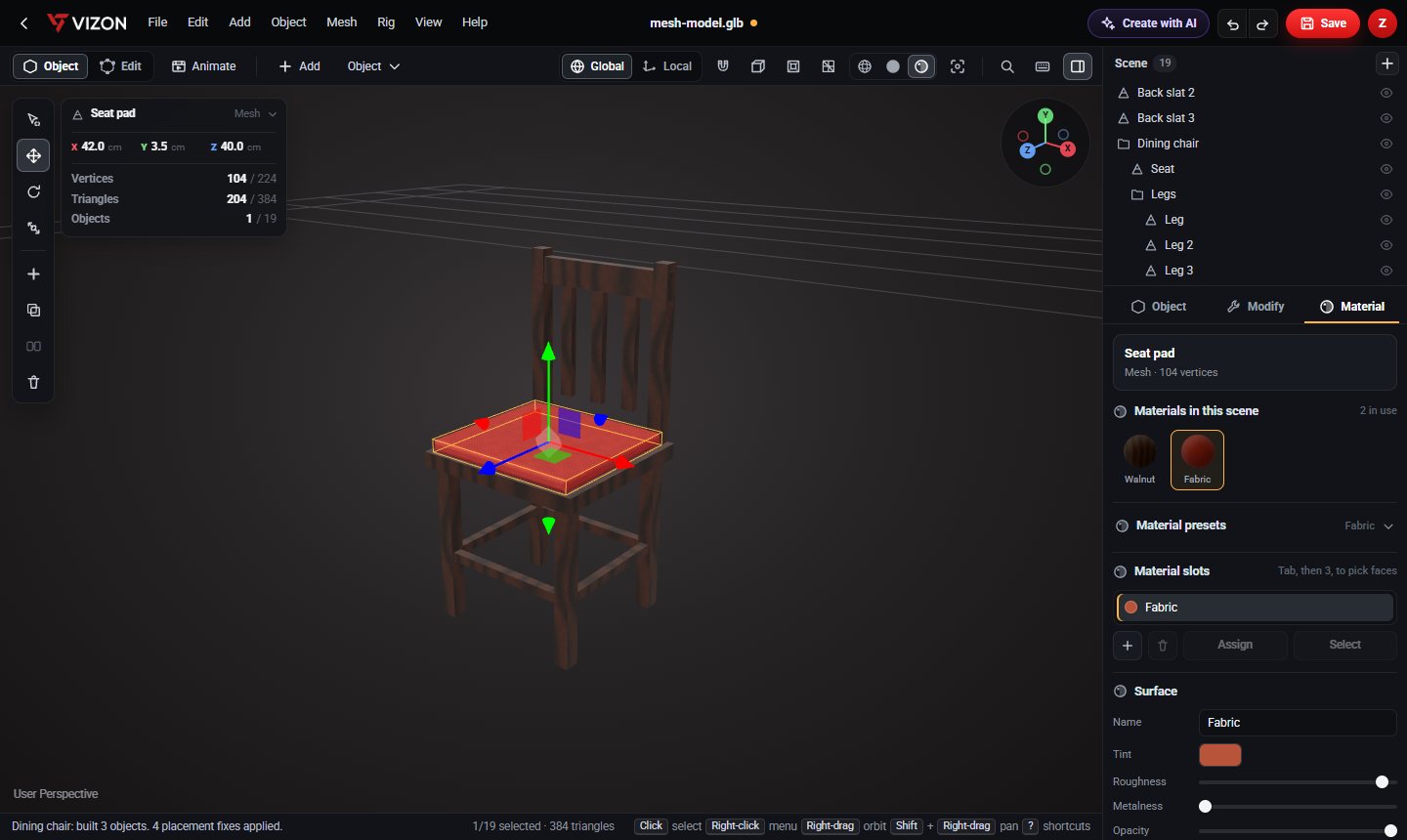
Joins connected flat areas into islands and packs them at one shared scale, so texture density stays even.
Fast, even mapping for boxes, walls and furniture.
For bottles, pillars, balls and other round shapes.
Project straight down an axis for floors and flat panels.
Move, rotate and scale UVs to fine-tune the layout.
Unwrapping preserves per-face materials and the model structure.
It flattens the surface of a 3D model into 2D coordinates, so a 2D texture image knows where to go on the model.
For anything that is not a simple box or cylinder, such as furniture with many parts or imported models.
VIZON runs in your browser. Create an account and open the tool in seconds.