Parts list
See every part in the file, select them, hide them and show them again.
Upload a STEP or STP file and VIZON converts it for viewing in your browser, with every part listed, plus tools to measure, section, explode, present and share.
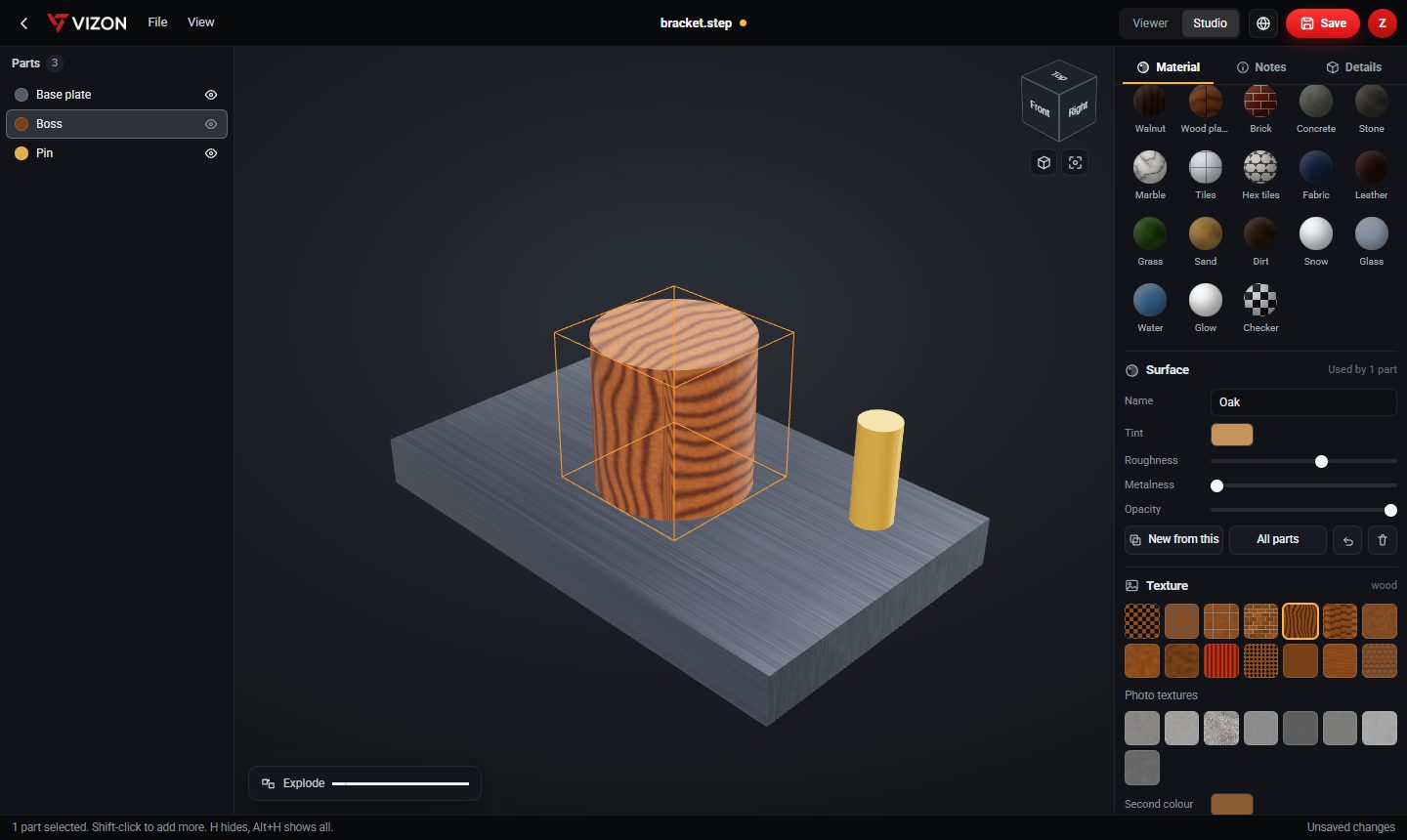
See every part in the file, select them, hide them and show them again.
Check dimensions and cut a section plane through the assembly.
Spread the parts apart to understand how the assembly goes together.
In Studio, give each part a material and pin notes to explain features.
Export the model as STL for printing, or GLB and glTF for the web and game engines.
Open the STEP file in the CAD editor and add new features on top of it.
Real models built with these tools. Each one is free to download.
Yes. Upload it to VIZON and open it in any modern browser.
Yes. Open the STEP file in Studio, or in the CAD editor, and choose Export, STL. Both export millimetres.
You can open it in the VIZON CAD editor and add features to it, such as new holes or cuts. The original imported geometry is kept as one base body.
Yes. .step and .stp are two extensions for the same ISO 10303 format, and VIZON opens both.
VIZON runs in your browser. Create an account and open the tool in seconds.