
STEP and STP
Both extensions are the same format and both are accepted.
Upload a STEP or STP file to VIZON, check every part in the viewer, then export it as STL in millimetres for your slicer.
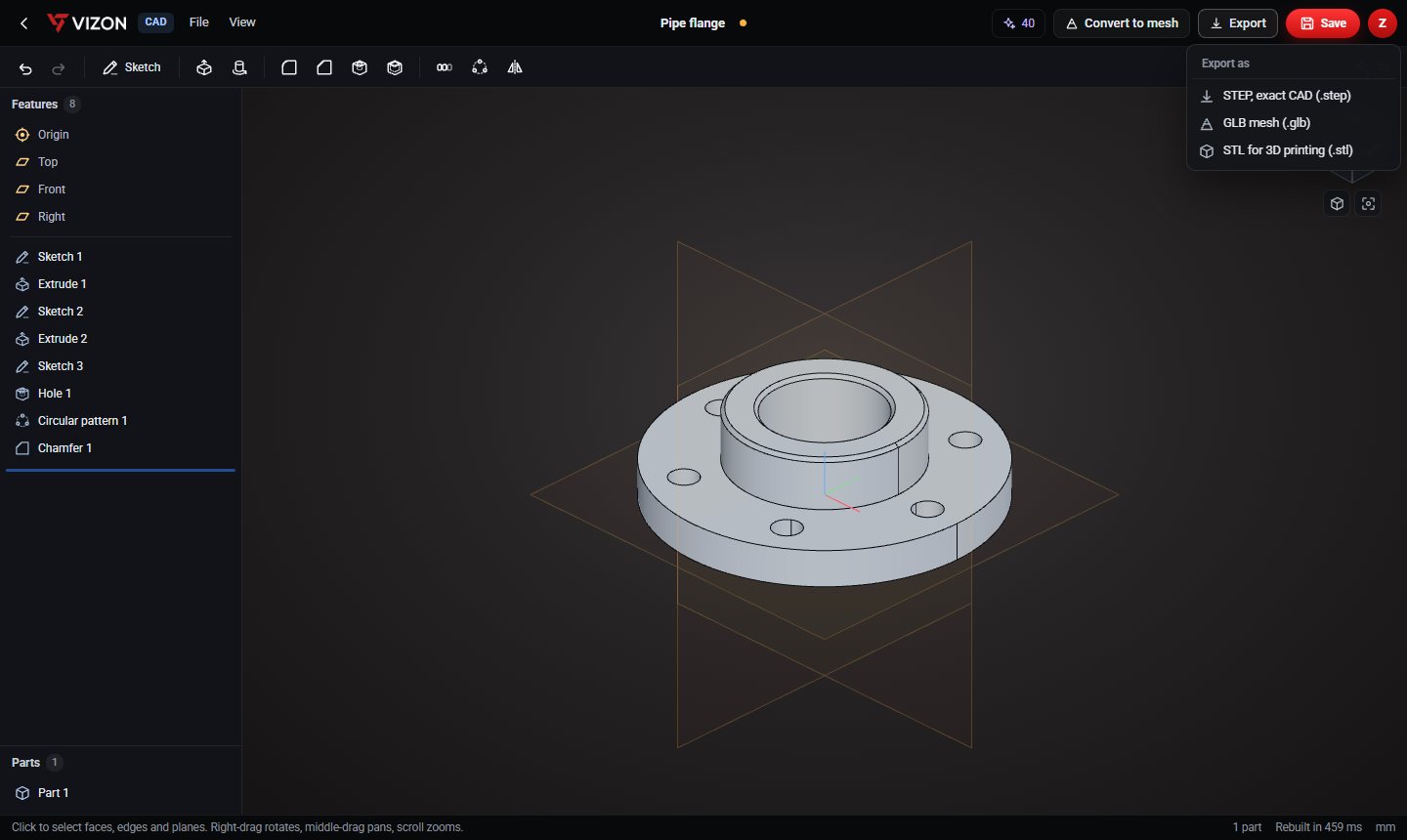
Both extensions are the same format and both are accepted.
Inspect parts, measure and section the model in the viewer first.
STL exported from Studio or the CAD editor is in millimetres with Z up, ready for slicers.
Open the STEP in the CAD editor, add a hole or cut, then export STL.
The original stays in your library with its exact geometry.
Need it for the web instead? Export GLB from the same menu.
Want more detail? Read the guide: STL vs STEP.
STL replaces exact curves with triangles, so curved surfaces become faceted. That is fine for printing; keep the STEP for engineering changes.
Not in a useful way. An STL has no exact surfaces, so a STEP made from it is still just triangles. Rebuild the part in CAD instead.
VIZON runs in your browser. Create an account and open the tool in seconds.