
Turned parts
Shafts, pins and pulleys come from one revolved profile.
VIZON CAD covers the features most single mechanical parts need: extrudes, revolves, holes, fillets, chamfers, shells and patterns, all editable and exportable as STEP.
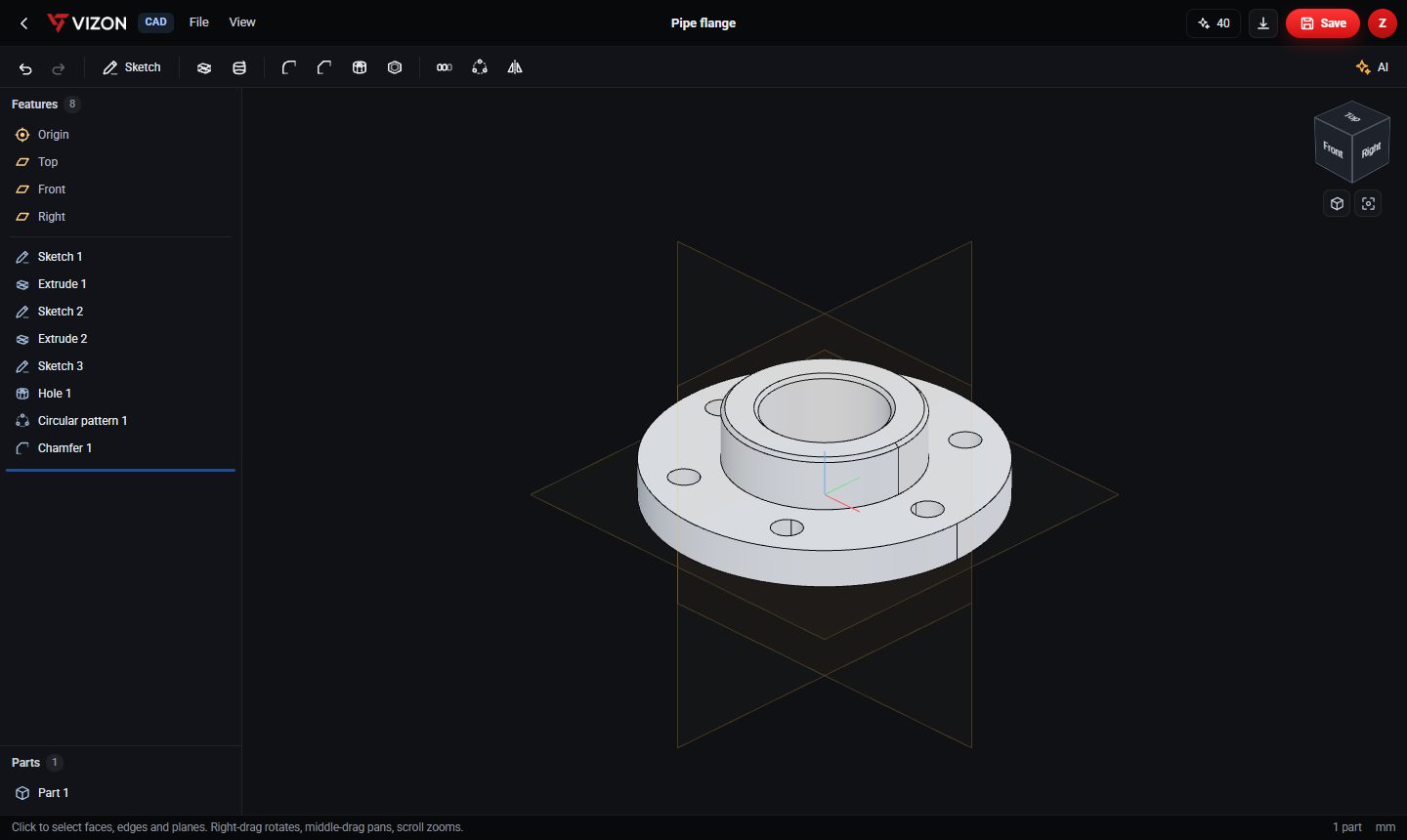
Shafts, pins and pulleys come from one revolved profile.
One hole plus a circular pattern gives evenly spaced holes you can recount any time.
Linear patterns repeat fins, ribs and slots at a set pitch.
Extruded profiles with slots, holes and inside fillets.
Use standard clearance and tap-drill sizes for metric screws.
Export STEP to send to machine shops or open in other CAD tools.
Real models built with these tools. Each one is free to download.
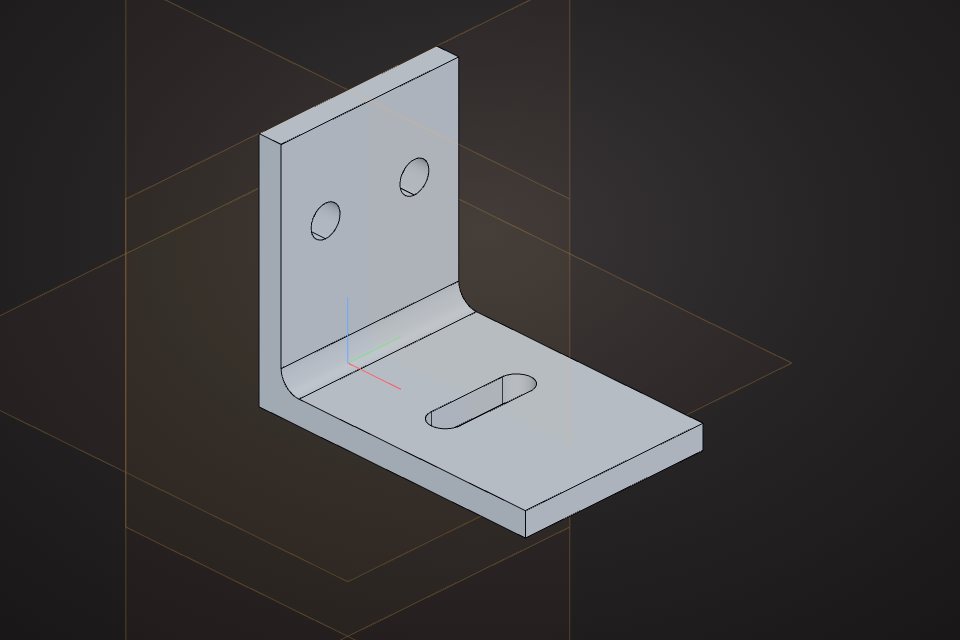 Angle bracketL profile with slots and a filletCAD part · free STEP, STL
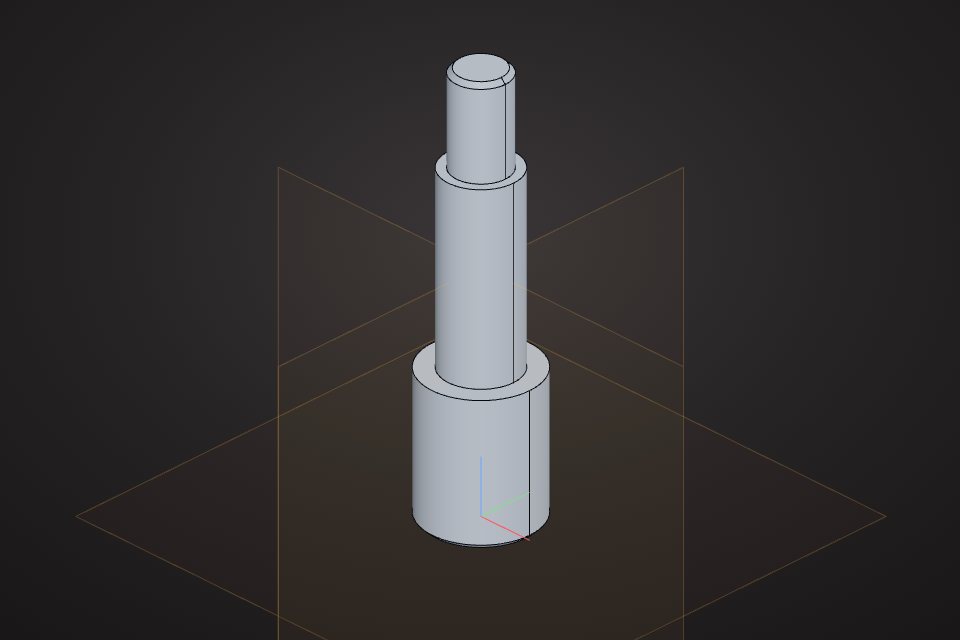 Stepped shaftRevolved profile with chamfered endsCAD part · free STEP, STL
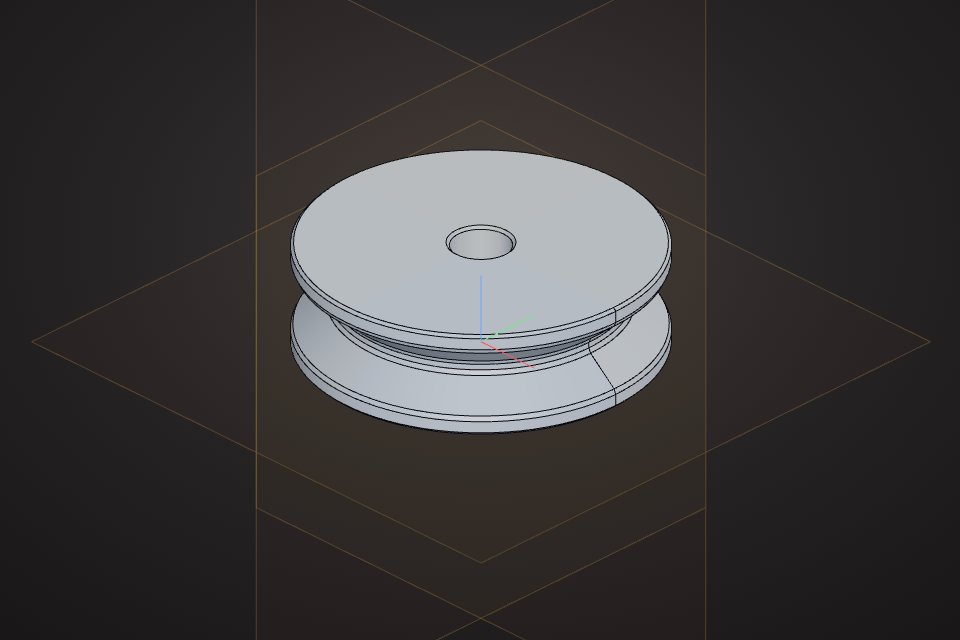 V-belt pulley60 mm pulley with a V groove and a 10 mm boreCAD part · free STEP, STL
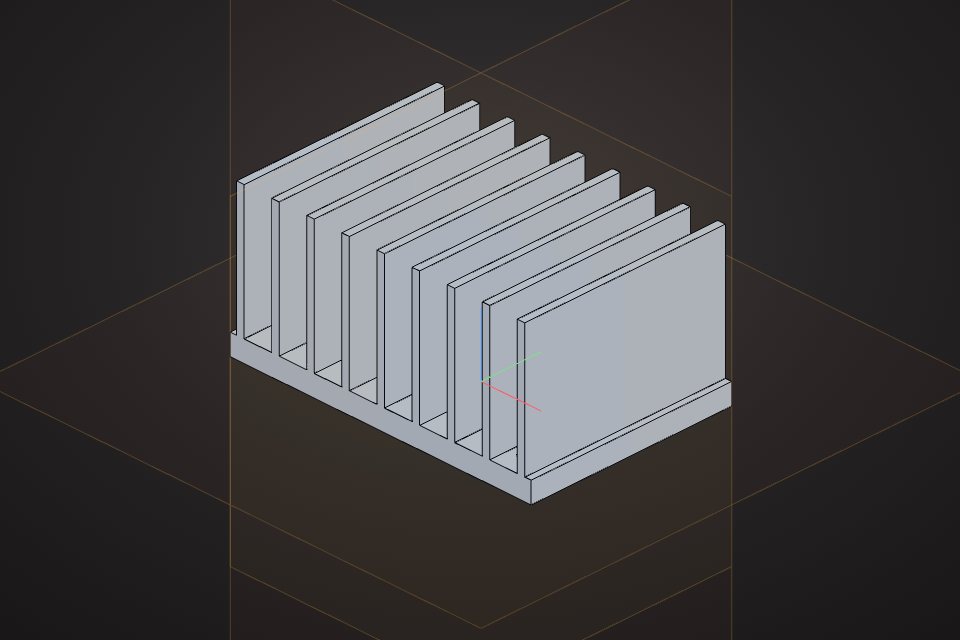 Finned heatsink60 x 40 mm base with nine 25 mm cooling finsCAD part · free STEP, STL
VIZON focuses on single parts. For assemblies with mates and 2D drawings, export STEP to a full CAD suite.
Yes. Export STEP, which keeps exact geometry, rather than STL.
VIZON runs in your browser. Create an account and open the tool in seconds.