
Check the size
GLB is in metres; the preview shows the real size before you convert.
Upload a GLB or glTF model to VIZON, check its size and parts, and export it as STL from Studio to print it.
Drop a GLB file here
The preview runs in your browser. Your file is not uploaded.
GLB is in metres; the preview shows the real size before you convert.
Scale by 1000 in the 3D Model Creator if your slicer reads millimetres.
Delete thin decorative parts, planes and glass before export.
Boolean union parts that should print as one solid.
STL stores geometry only, so colours and textures do not carry over.
STL is a single static shape at the current pose.
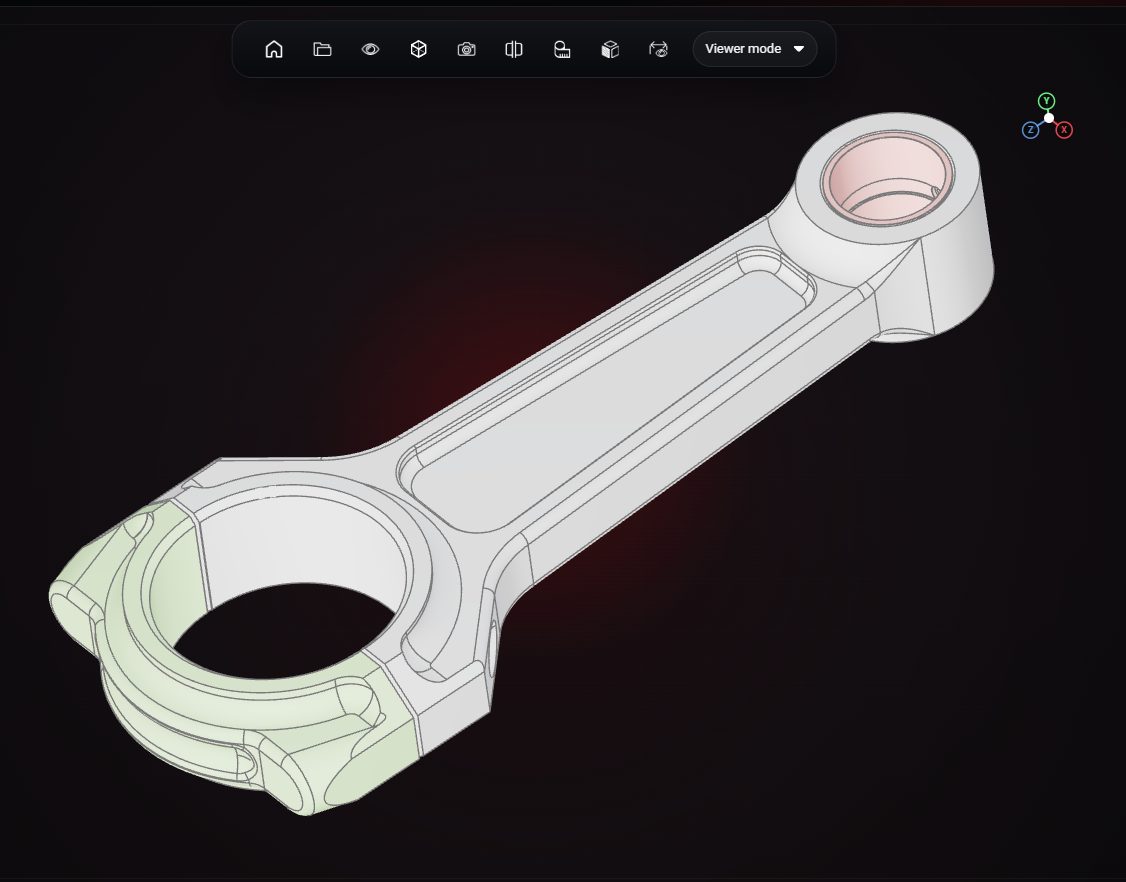
GLB uses metres and most slicers read STL as millimetres. Scale by 1000.
Models made for screens often have open or paper-thin surfaces. Thicken or remove those parts first.
VIZON runs in your browser. Create an account and open the tool in seconds.