Way 1: model a mesh
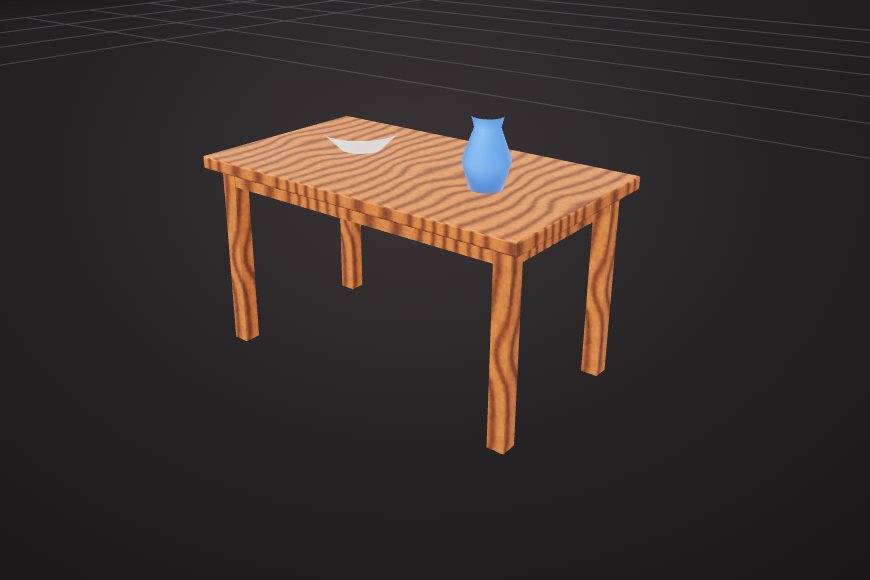
Best for visual models. Start from shapes in the 3D Model Creator and shape them freely with extrude, bevel and booleans.
There are three ways to create a 3D model in VIZON, and you can mix them: model a mesh by hand, build a precise CAD part from sketches, or describe the model and let the AI create it.
Best for visual models. Start from shapes in the 3D Model Creator and shape them freely with extrude, bevel and booleans.
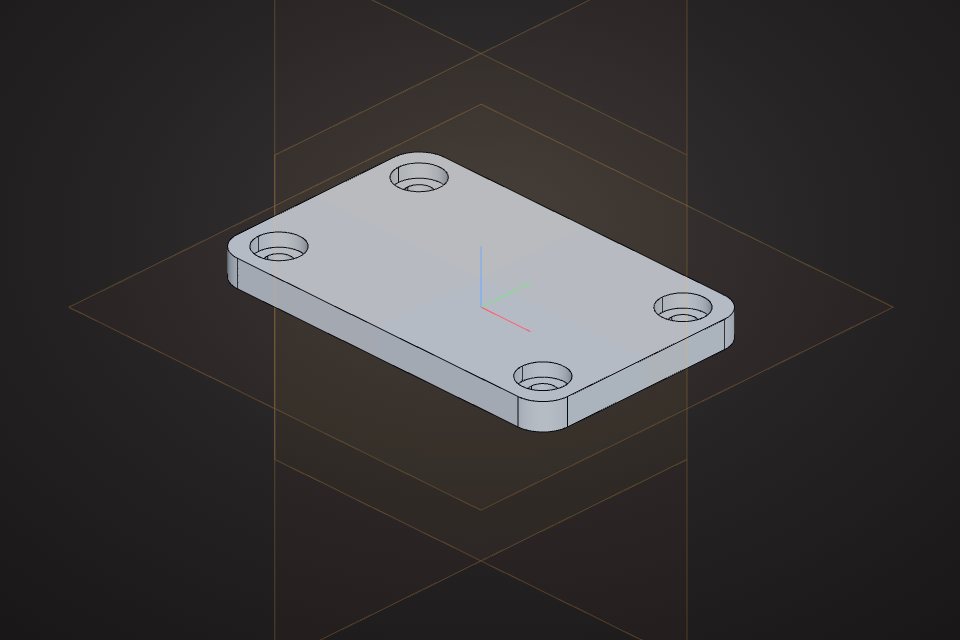
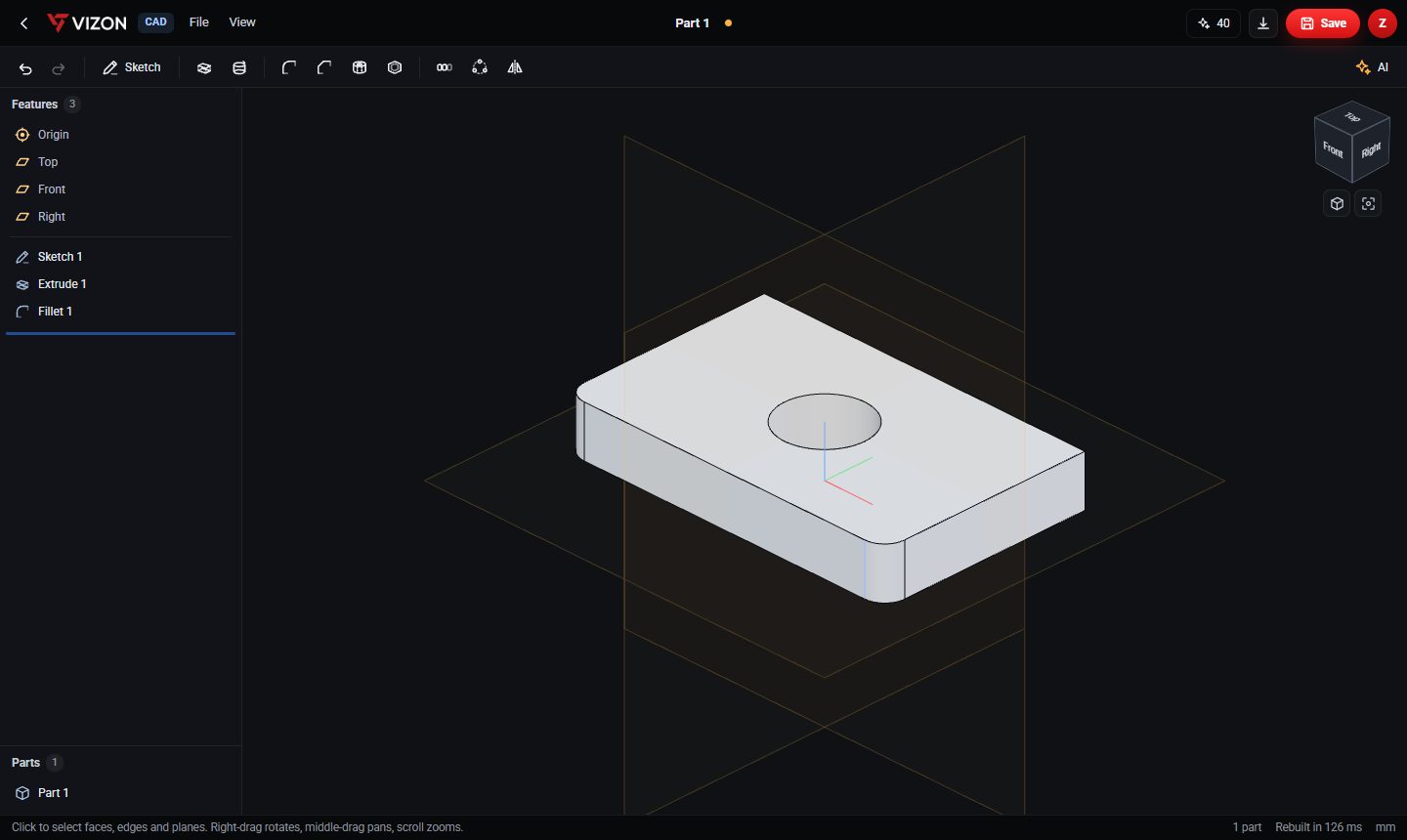
Best for exact sizes. Draw a sketch on a plane, extrude it into a solid, then add holes, fillets and patterns.
Best for a fast start. Write what you need with its sizes; the AI creates editable CAD features or mesh shapes.
Want more detail? Read the guide: How to Create a 3D Model Online.
Real models built with these tools. Each one is free to download.
Describe it to the AI, or start from a ready shape in the 3D Model Creator. Both give you a model you can keep editing by hand.
Yes. Build it in the CAD editor so the sizes are exact, then export STL for your slicer. CAD parts use millimetres.
No dedicated workstation is needed. A recent laptop with a modern browser is enough for typical parts and models.
VIZON runs in your browser. Create an account and open the tool in seconds.