
Add materials
STL has no colour. Pick presets or set colour, roughness and metalness before export.
Open an STL in the VIZON 3D Model Creator, give it the colours and materials STL cannot store, and download it as a GLB for the web, AR or games.
Drop a STL file here
The preview runs in your browser. Your file is not uploaded.
STL has no colour. Pick presets or set colour, roughness and metalness before export.
GLB is in metres. Scale a millimetre STL by 0.001 if your viewer expects real size.
Decimate dense scans so the GLB loads fast.
Switch between smooth and flat shading for the look you want.
Separate loose parts so each can have its own material.
Everything, including textures, is packed into one file.
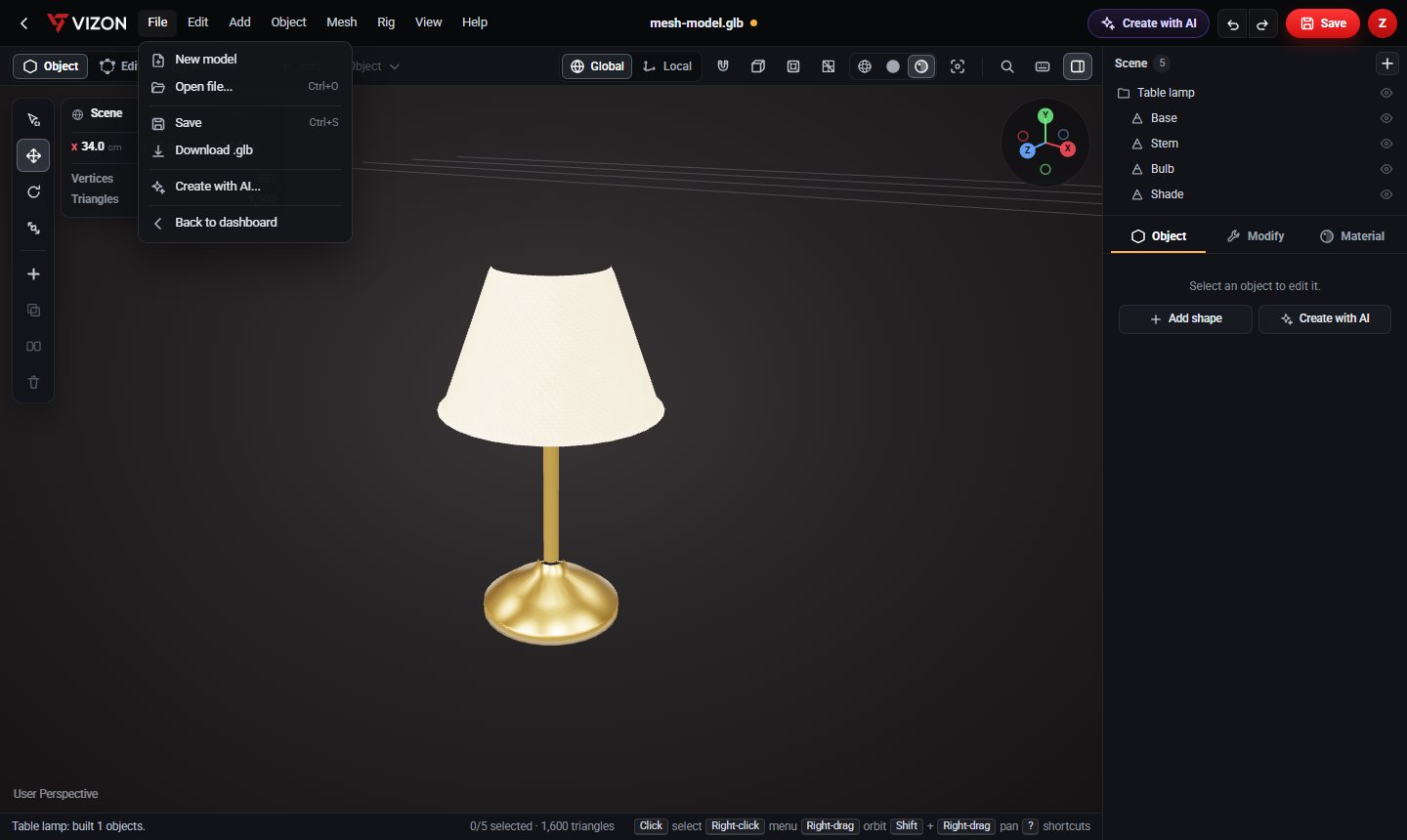
GLB loads natively in web 3D viewers, AR and game engines, and it can carry materials, which STL cannot.
GLB uses metres. A 40 mm STL part opens as 40 units, so scale by 0.001 if you need real-world size.
VIZON runs in your browser. Create an account and open the tool in seconds.