Choose the segment count
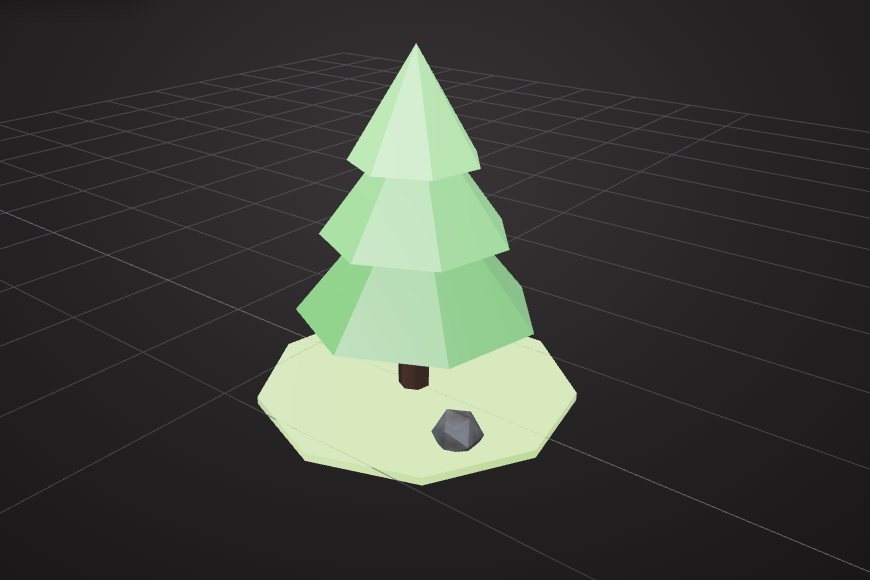
Set cylinders, cones and spheres to 5 to 8 segments for the classic faceted look.
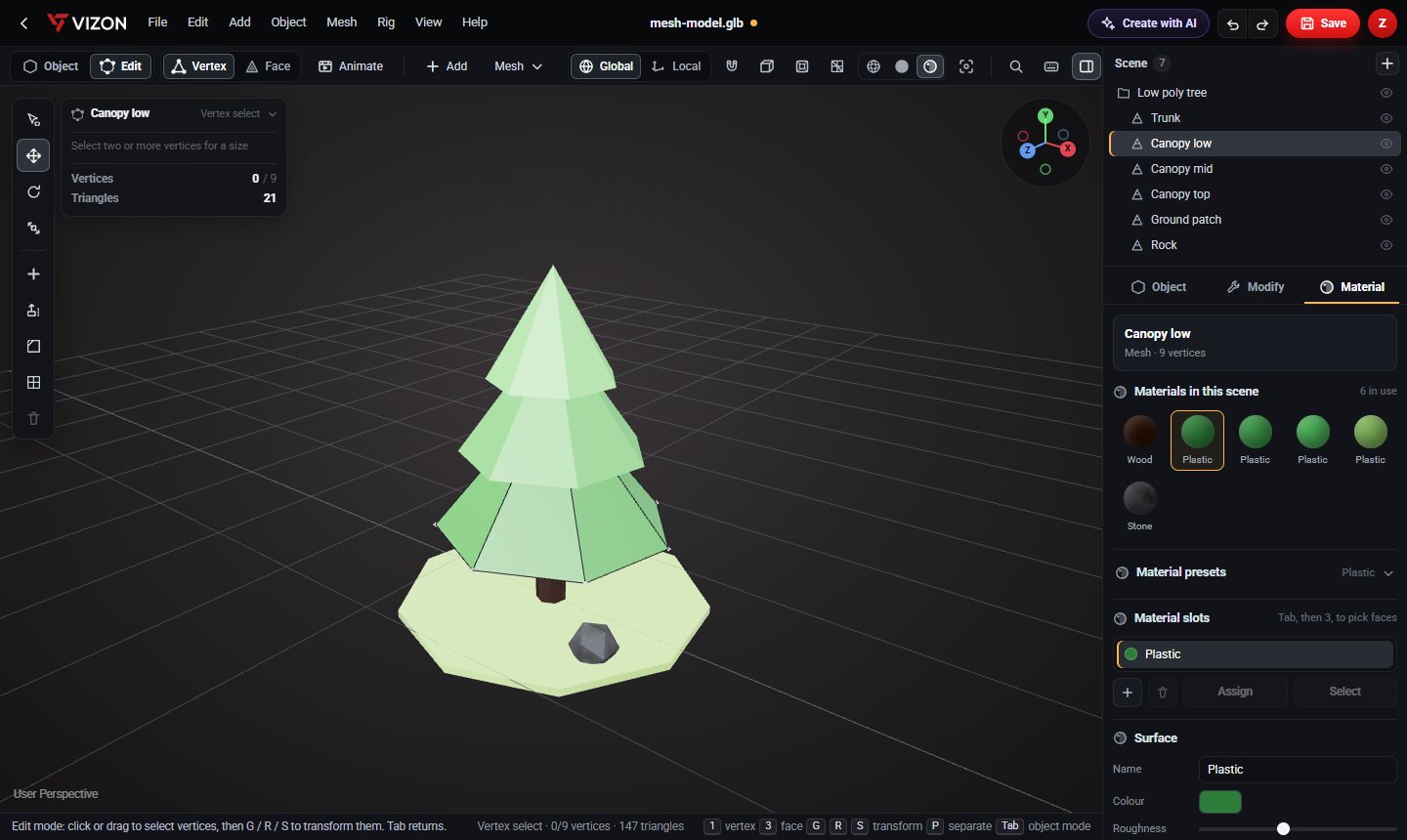
Build stylised, lightweight game assets in the VIZON 3D Model Creator from few-sided shapes with flat shading, then export them as GLB.
Set cylinders, cones and spheres to 5 to 8 segments for the classic faceted look.
Shade flat to show every facet, or smooth for softer forms.
Reduce heavy models to 50% or 20% to fit a low poly style.
Low poly art usually uses flat colours rather than textures.
Fill a scene with fences, posts or petals in one step.
A full tree in the gallery is a few hundred triangles.
Want more detail? Read the guide: Making Low Poly 3D Assets for Games.
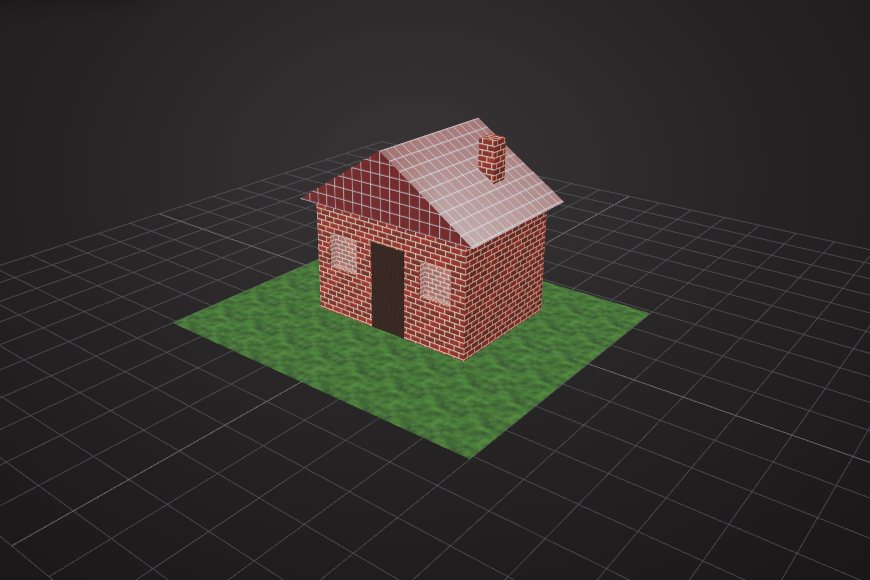
Real models built with these tools. Each one is free to download.
There is no fixed limit, but low poly props are usually a few hundred to a few thousand triangles, with visible facets.
GLB works in Godot and Unreal directly, and in Unity with a glTF importer package.
VIZON runs in your browser. Create an account and open the tool in seconds.