
CAD and mesh formats
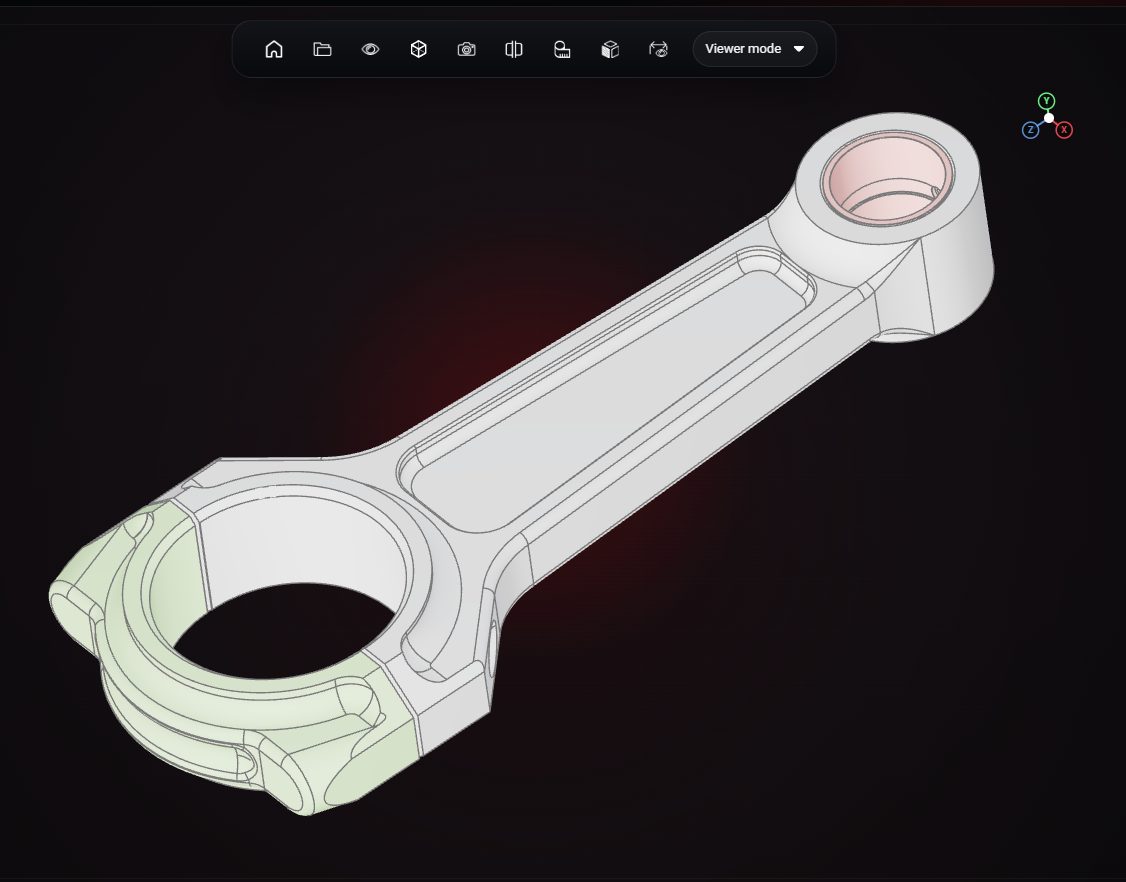
STEP and STP CAD files, plus STL, GLB, glTF and FBX meshes, all in the same viewer.
Open CAD and mesh files in your browser, inspect them with measuring, section and explode tools, and share a view with anyone through a link.
Drop a STL or GLB file here
The preview runs in your browser. Your file is not uploaded.
STEP and STP CAD files, plus STL, GLB, glTF and FBX meshes, all in the same viewer.
Measure distances on the model to check sizes without opening a CAD tool.
Cut the model with a section plane to look inside housings and assemblies.
Pull multi-part models apart to see how the parts fit together.
Play the animations stored in GLB and FBX files.
Send a public link, or embed the viewer on your own website.
STEP, STP, STL, GLB, glTF and FBX.
Yes. Share a public link, or embed the viewer on a web page.
Yes. The preview reads the file inside your browser and does not upload it anywhere.
VIZON runs in your browser. Create an account and open the tool in seconds.