
Instant preview
Drop a binary or ASCII STL on this page and orbit it immediately.
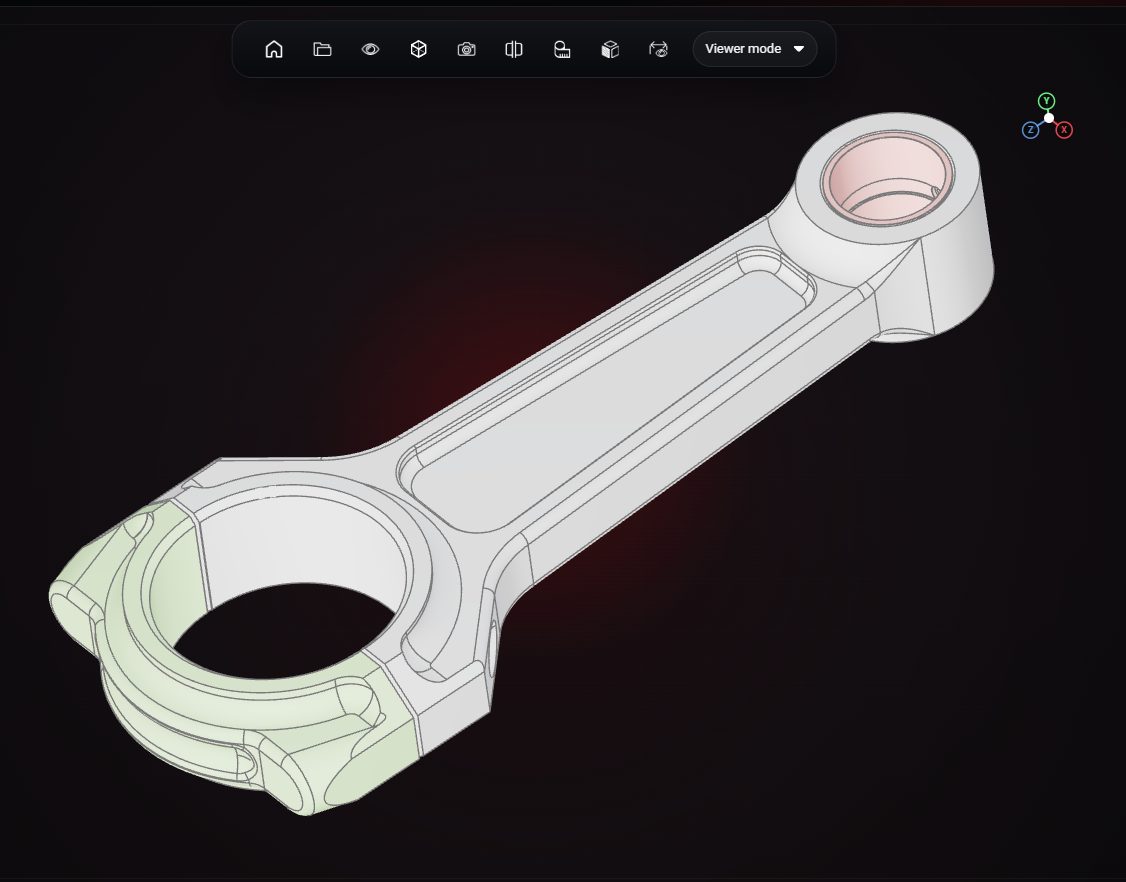
Drop an STL file into the preview to see it in 3D with its bounding size, triangle count and volume. The file never leaves your browser.
Drop a STL file here
The preview runs in your browser. Your file is not uploaded.
Drop a binary or ASCII STL on this page and orbit it immediately.
See the bounding box in the file units and the enclosed volume, useful before printing.
Check how heavy the mesh is before you send it to a slicer or upload it.
In the full viewer, measure distances and cut a section through the model.
Upload once and send a link that opens in any browser.
Open the same file in the 3D Model Creator to fix or change it.
No. The preview reads the file locally in your browser. Nothing is uploaded unless you add it to VIZON yourself.
Yes, both.
From the closed triangle surface. It is accurate for watertight meshes and only approximate for meshes with holes.
VIZON runs in your browser. Create an account and open the tool in seconds.