Dimension-driven
Every sketch entity and feature has numeric fields. Type a new value and the part rebuilds.
In VIZON, a part is a list of features driven by numbers. Change a dimension anywhere in the list and everything after it rebuilds to match.
Every sketch entity and feature has numeric fields. Type a new value and the part rebuilds.
Editing feature N rebuilds from feature N onward, so changes stay fast on long histories.
Drag the bar up the feature list to insert new features earlier in the history.
Switch a feature off without deleting it, to compare variants or isolate a problem.
Fillets and chamfers remember edges by position, so they survive most upstream edits.
A feature that cannot build is marked with the reason, and the rest of the part still builds.
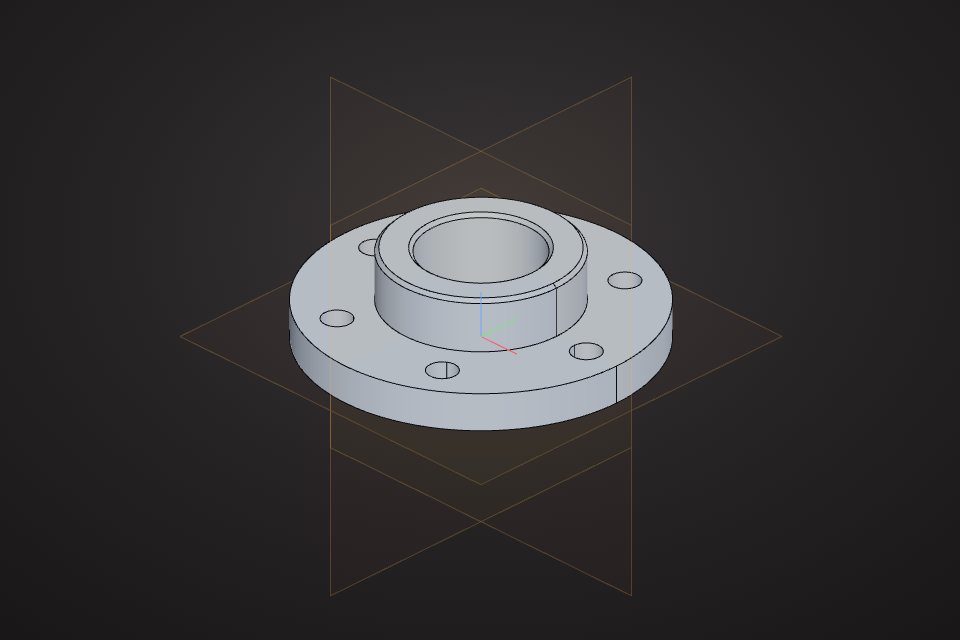
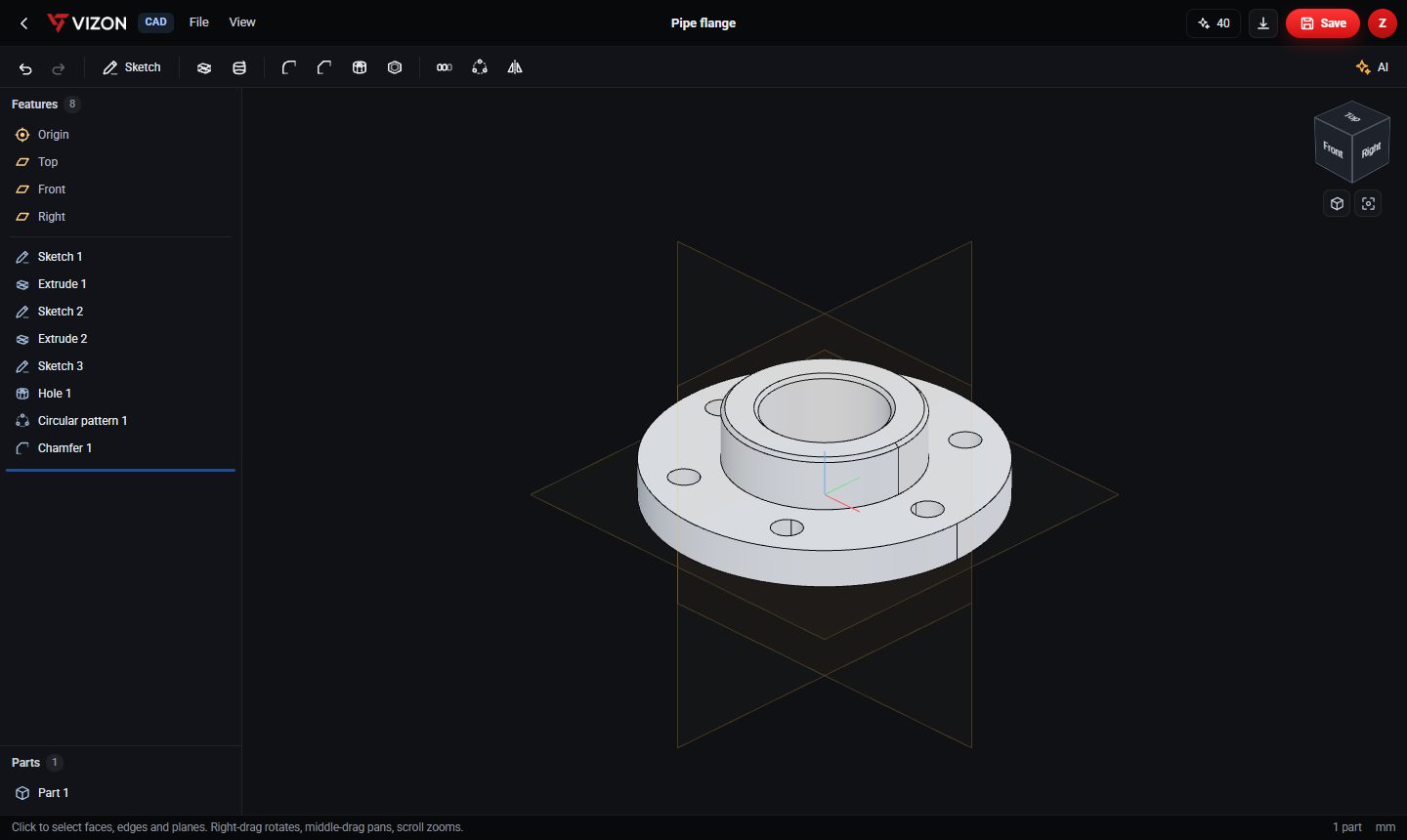
The flange in the screenshot is built from this feature list. Changing the bolt-circle sketch or the pattern count updates every bolt hole at once.
| Feature | What it makes |
|---|---|
| Sketch 1 and Extrude 1 | The flange disc |
| Sketch 2 and Extrude 2 | The raised hub |
| Sketch 3 and Hole 1 | One bolt hole |
| Circular pattern 1 | Repeats the bolt hole around the axis |
| Chamfer 1 | Breaks the hub edge |
Want more detail? Read the guide: Parametric CAD Explained.
A mesh is a surface of triangles: you push and pull it directly, and it has no memory of how it was made. A parametric part stores its design intent, so a 40 mm hole stays a 40 mm hole when the plate around it gets thicker. Use parametric CAD for anything that has to fit, print or be manufactured.
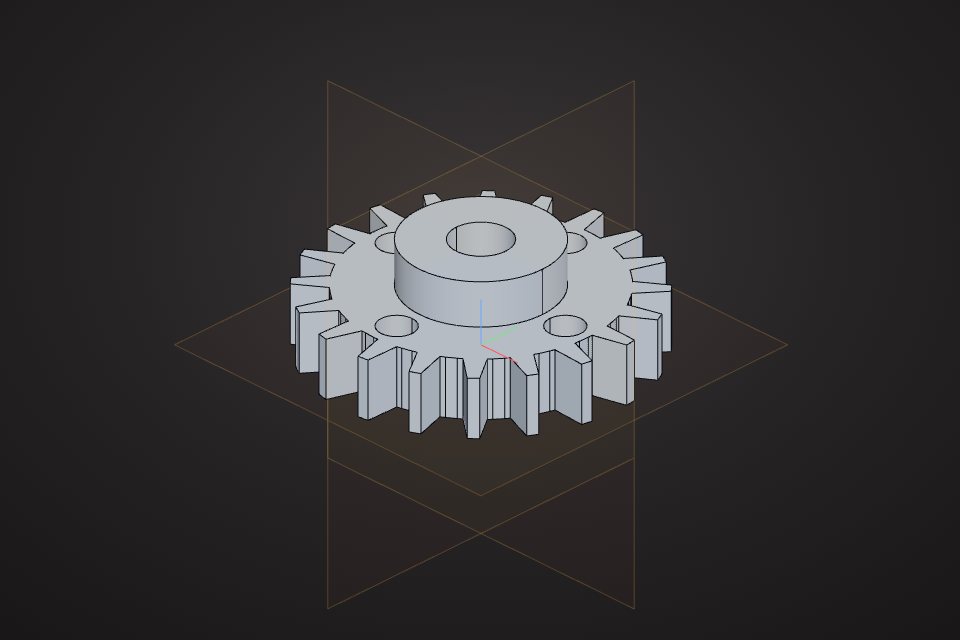
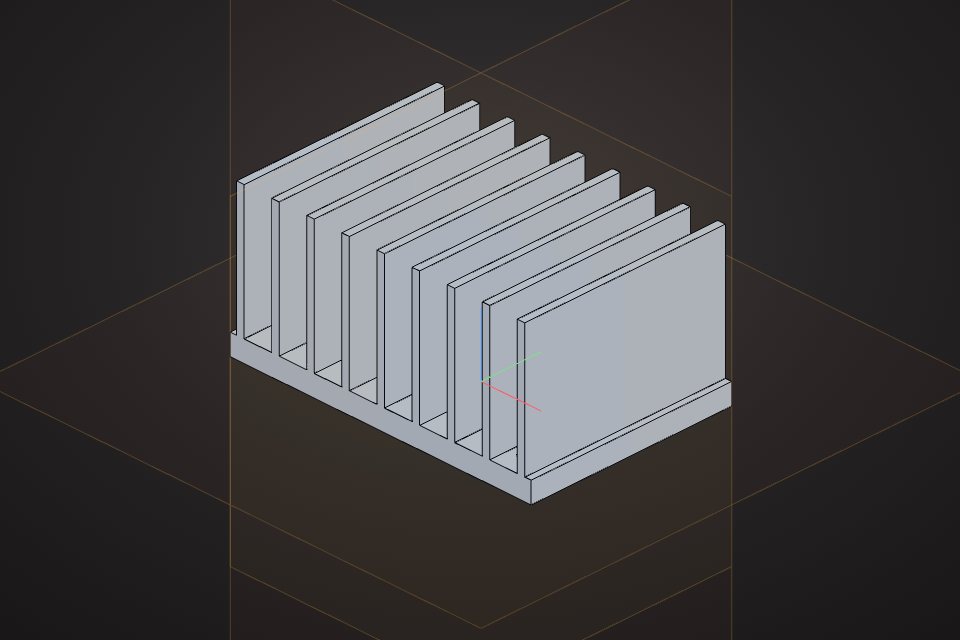
Real models built with these tools. Each one is free to download.
The model is defined by parameters such as lengths, diameters and counts. Changing a parameter regenerates the geometry instead of you editing the shape by hand.
Yes. Ctrl+Z undoes edits in a session, and every save adds an entry to Version history that you can restore.
Yes. Ask for a change in the AI bar, for example "make the plate 10 mm thicker", and it edits the feature list rather than replacing the model.
VIZON runs in your browser. Create an account and open the tool in seconds.