Good for
- Prototype gear trains and mechanism mock-ups
- 3D printed toys, models and demonstrators
- A starting point for your own gear in VIZON CAD
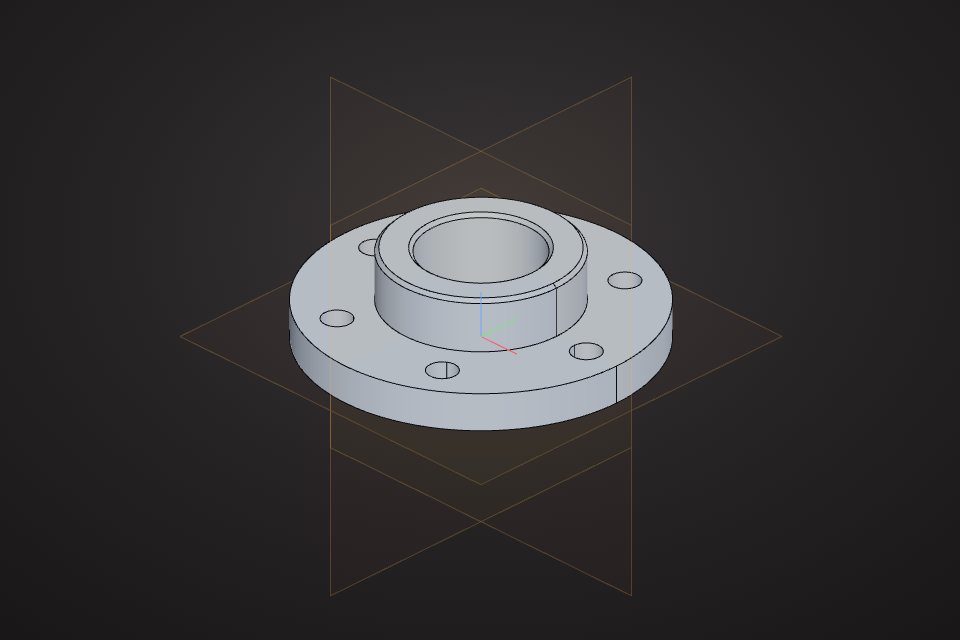
A parametric spur gear with 20 teeth at module 2, giving a 40 mm pitch diameter and a 44 mm outside diameter. The 8 mm thick gear body carries a raised hub with an 8 mm bore and four lightening holes, repeated with a circular pattern so the count is one number to change.
Free to use under CC BY 4.0. Made in VIZON CAD.
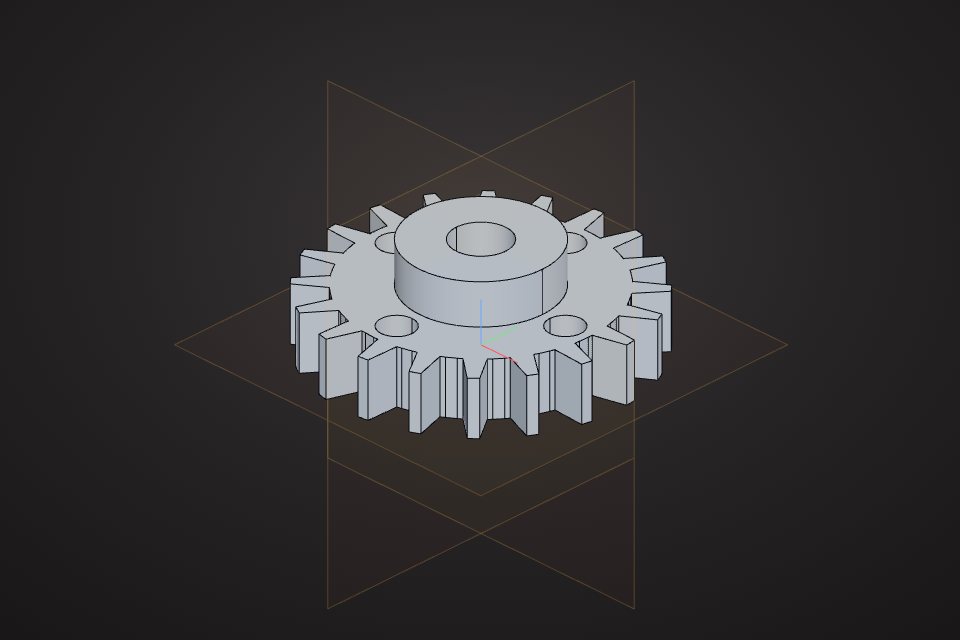
Solid volume: 9,776 mm³, measured by the VIZON CAD kernel.
Teeth are a straight-flank approximation, fine for prototypes and visuals. For a working gear train, replace the profile with an involute curve.
| Teeth | 20 |
|---|---|
| Module | 2 mm |
| Pitch diameter | 40 mm |
| Outside diameter | 44 mm |
| Face width | 8 mm |
| Bore | 8 mm |
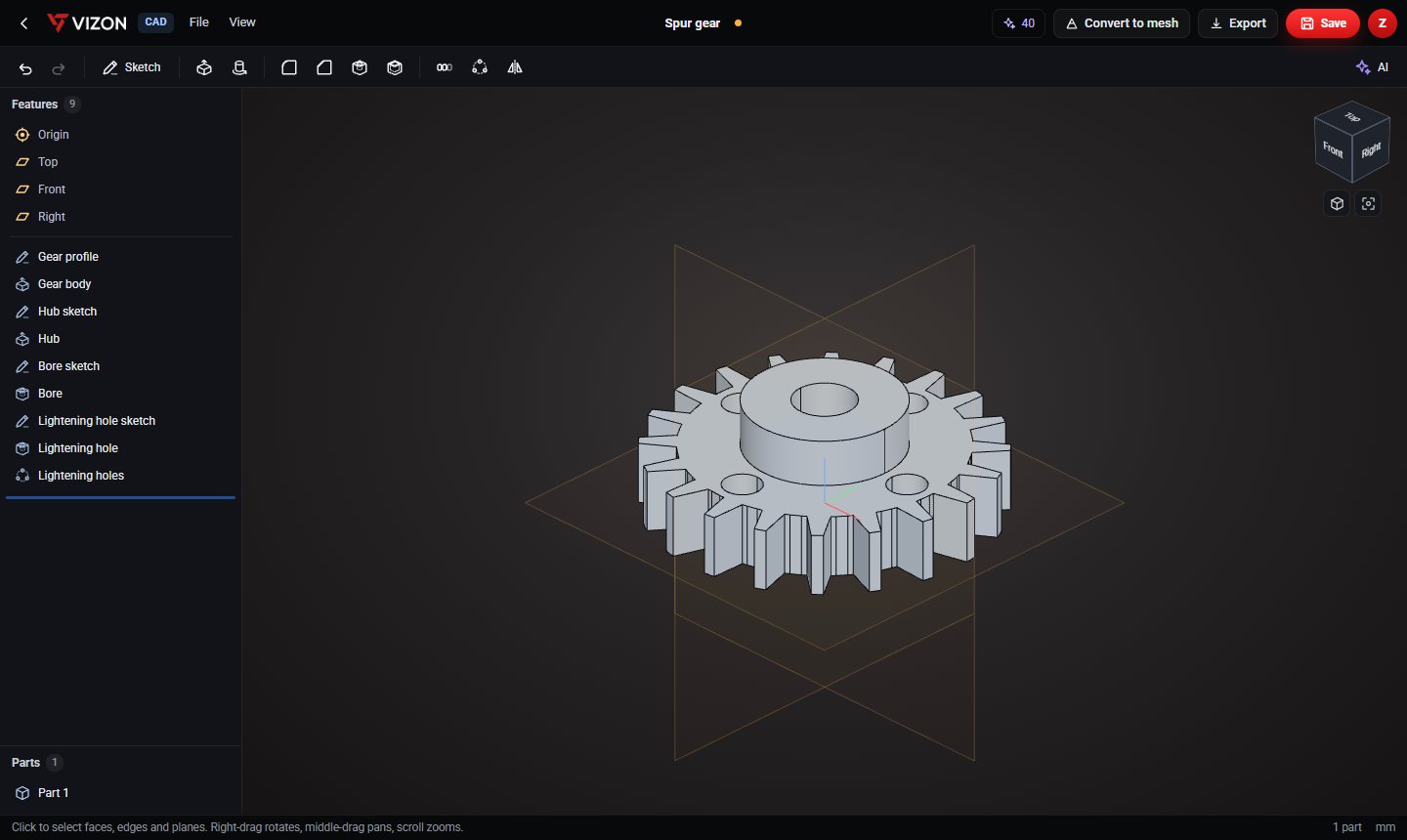
This part is 9 parametric features in the VIZON CAD editor. Each line below is one feature in its feature list, so every size can be changed and the part rebuilds.
| Feature | Type | Settings |
|---|---|---|
| Gear profile | Sketch | Top plane · 1 item |
| Gear body | Extrude | New · 8 mm |
| Hub sketch | Sketch | Top + 8 mm · 1 item |
| Hub | Extrude | Add · 6 mm |
| Bore sketch | Sketch | Top + 14 mm · 1 item |
| Bore | Hole | Ø8 · through |
| Lightening hole sketch | Sketch | Top + 8 mm · 1 item |
| Lightening hole | Hole | Ø5 · through |
| Lightening holes | Circular pattern | 4 × over 360° about Z |
Yes. Download it as STEP or STL and use it under CC BY 4.0: free for any purpose, including commercial use, with credit to VIZON.
Yes. Open the STEP file in the VIZON CAD editor to add features, or rebuild it from the feature list on this page and change any number.
The STL. It is exported in millimetres with Z up, ready for any slicer. Use STEP if you want to keep editing in CAD.
Sketch it, or describe it with sizes and let the AI write the features.