
Good for
- Shelf and panel brackets
- Sensor and camera mounts
- Adjustable mounting where a slot helps alignment
A 5 mm thick L bracket, 40 mm wide, with legs of 60 and 50 mm. An inside fillet strengthens the bend, an adjustment slot runs through the base, and two 6.5 mm holes in the upright take M6 bolts.
Free to use under CC BY 4.0. Made in VIZON CAD.
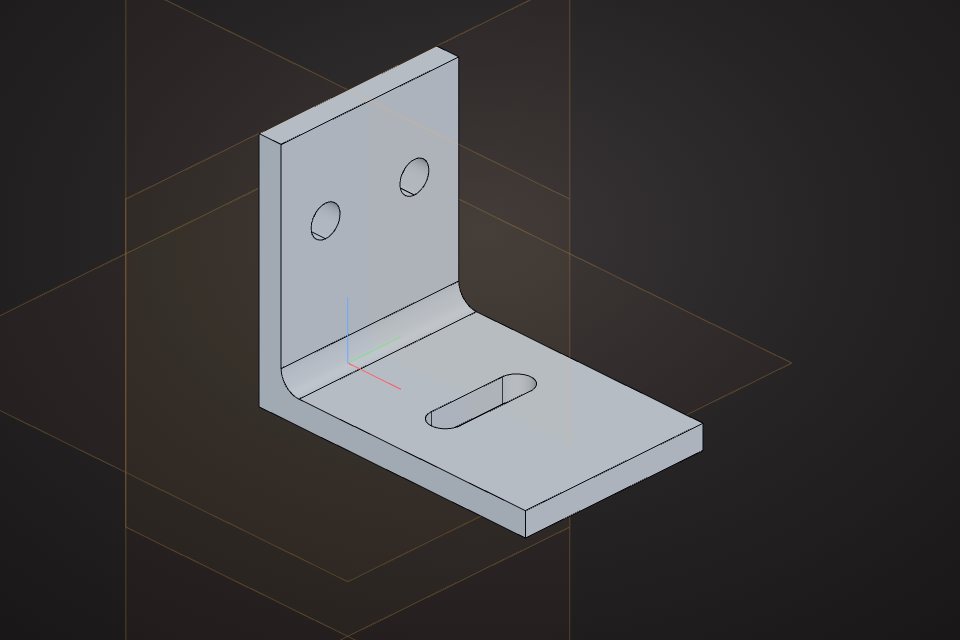
Solid volume: 20,133 mm³, measured by the VIZON CAD kernel.
| Legs | 60 x 50 mm |
|---|---|
| Thickness | 5 mm |
| Width | 40 mm |
| Slot | 6.4 mm wide |
| Holes | 2 x 6.5 mm |
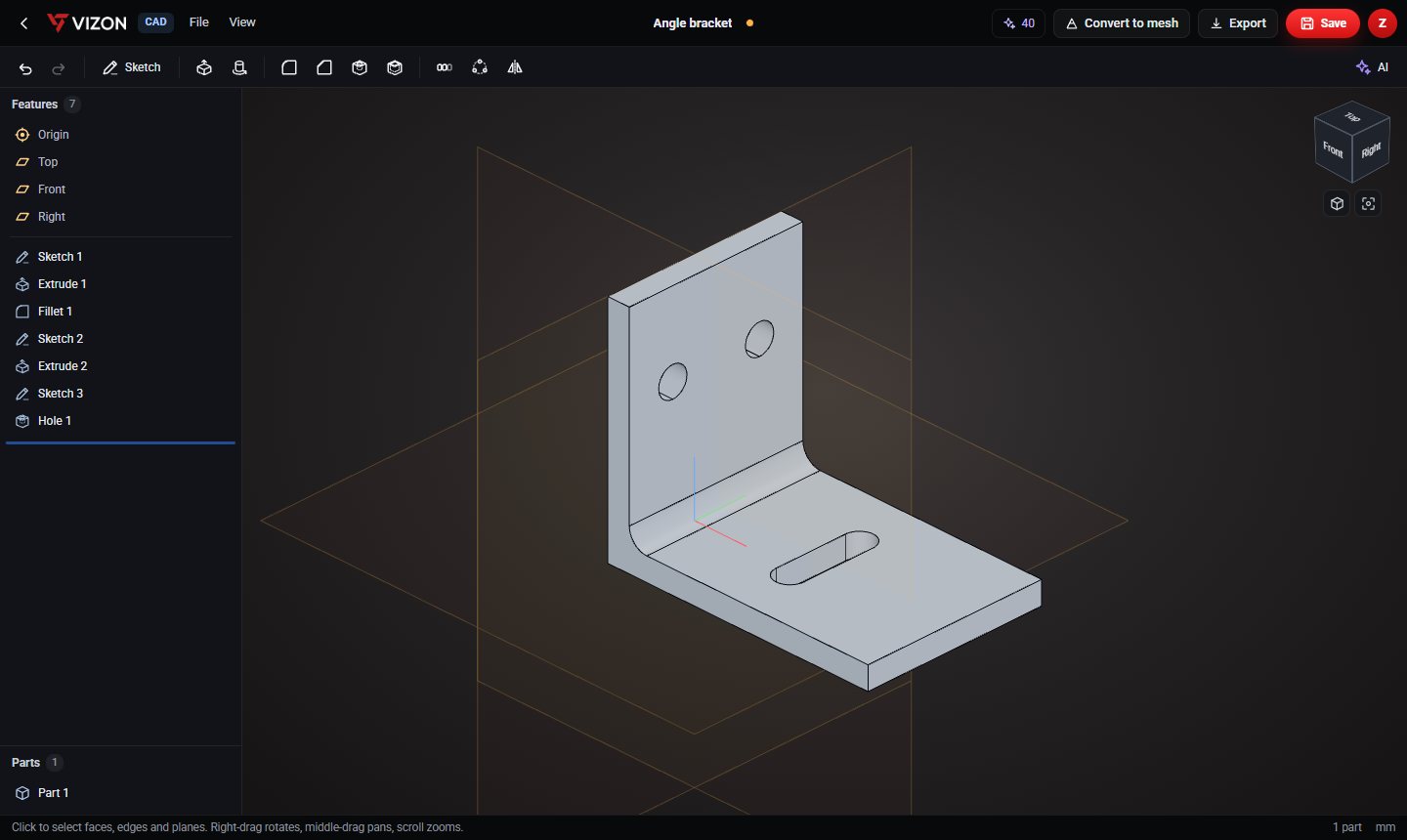
This part is 7 parametric features in the VIZON CAD editor. Each line below is one feature in its feature list, so every size can be changed and the part rebuilds.
| Feature | Type | Settings |
|---|---|---|
| Sketch 1 | Sketch | Front plane · 1 item |
| Extrude 1 | Extrude | New · 40 mm symmetric |
| Fillet 1 | Fillet | r 4 mm · 1 picked |
| Sketch 2 | Sketch | Top + 5 mm · 1 item |
| Extrude 2 | Extrude | Remove · through all |
| Sketch 3 | Sketch | Right + 5 mm · 2 items |
| Hole 1 | Hole | Ø6.5 · through |
Yes. Download it as STEP or STL and use it under CC BY 4.0: free for any purpose, including commercial use, with credit to VIZON.
Yes. Open the STEP file in the VIZON CAD editor to add features, or rebuild it from the feature list on this page and change any number.
The STL. It is exported in millimetres with Z up, ready for any slicer. Use STEP if you want to keep editing in CAD.
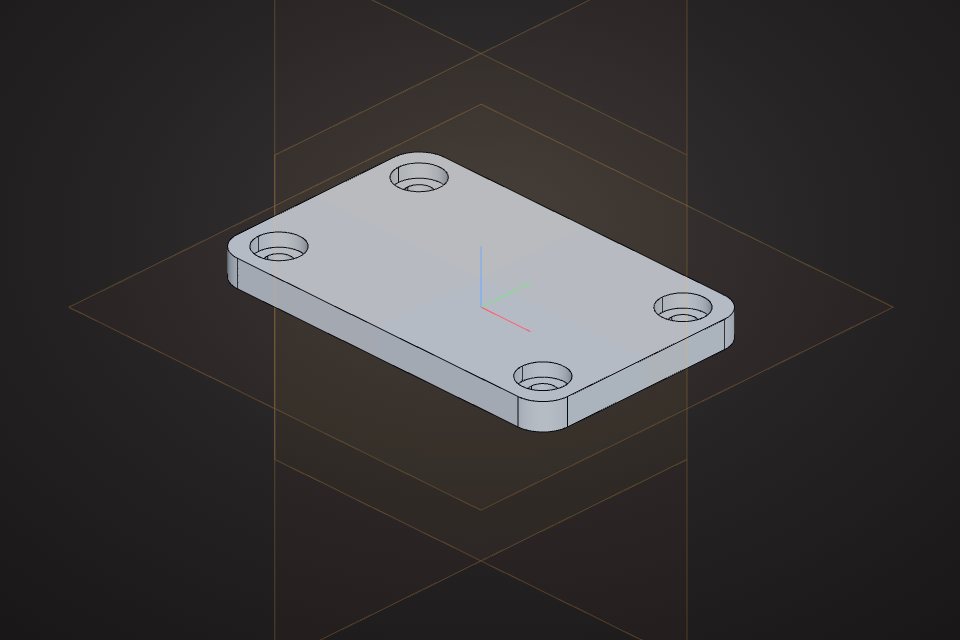 Mounting platePlate with four holes and rounded cornersCAD part · free STEP, STL
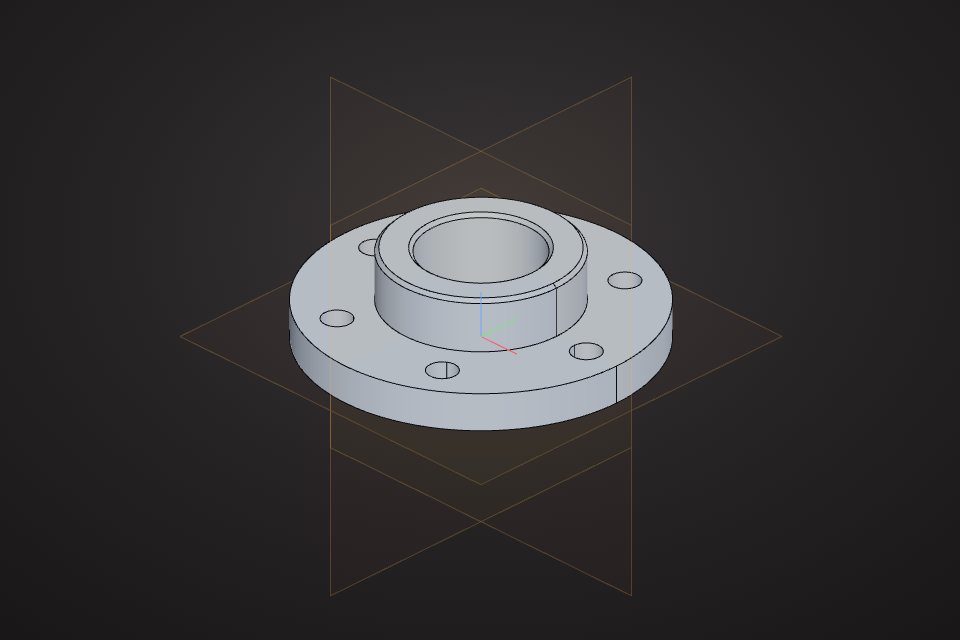 Pipe flangeHub, bore and a ring of bolt holesCAD part · free STEP, STL
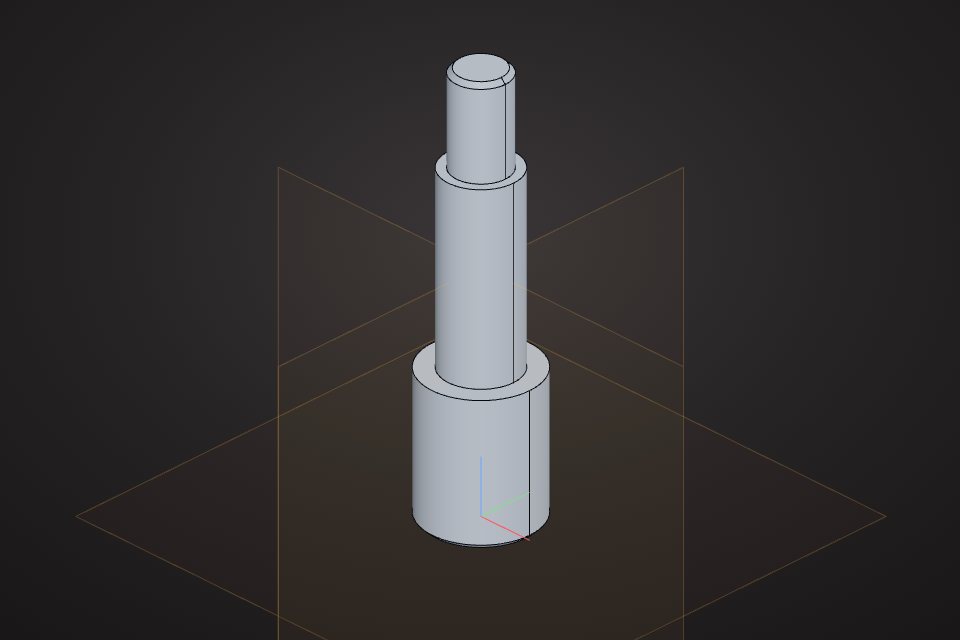 Stepped shaftRevolved profile with chamfered endsCAD part · free STEP, STL
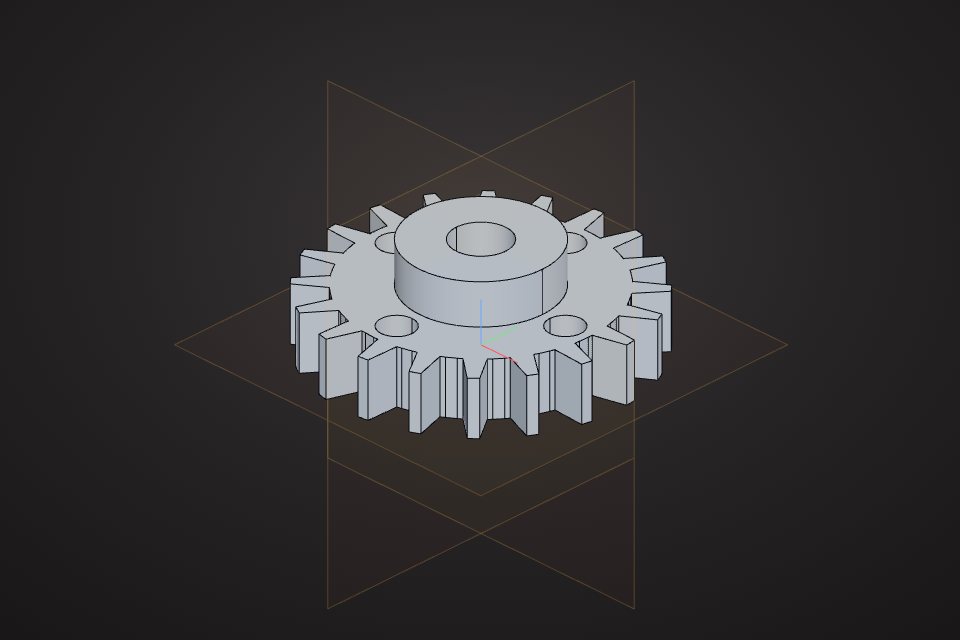 Spur gear20 teeth, module 2, with a raised hub and an 8 mm boreCAD part · free STEP, STL
Sketch it, or describe it with sizes and let the AI write the features.