Create and Edit 3D Models Online

Create 3D models directly in your browser with VIZON. Build and edit mesh models using intuitive 3D modeling tools, create precise parametric CAD designs, or generate editable CAD models with AI. No heavy software installation required.

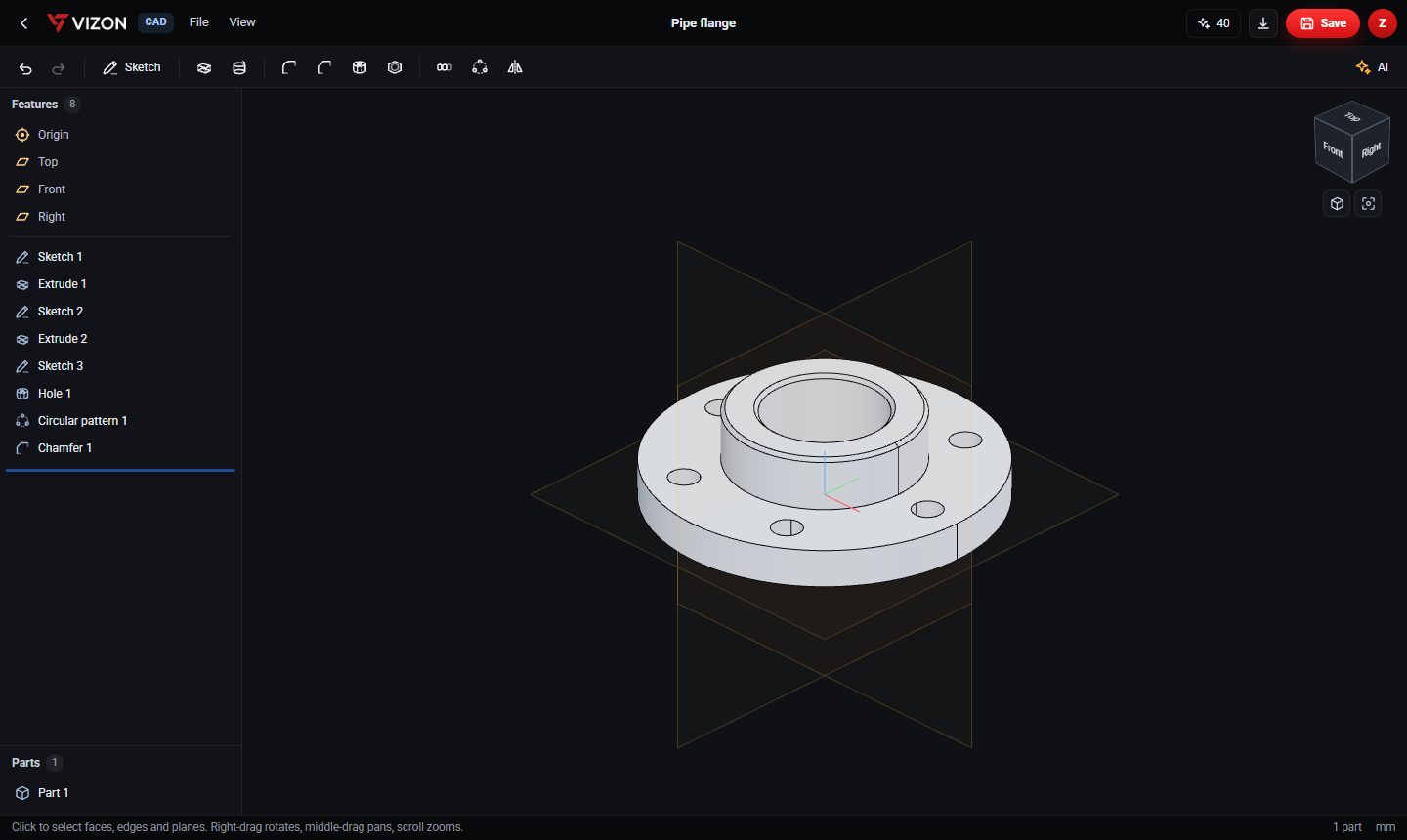
VIZON parametric CAD editor showing a pipe flange with its feature list: sketches, extrudes, a hole, a circular pattern and a chamfer

Four tools, one library.

Every file you make or upload lives in the same library and opens in the right tool.

Parametric CAD editor

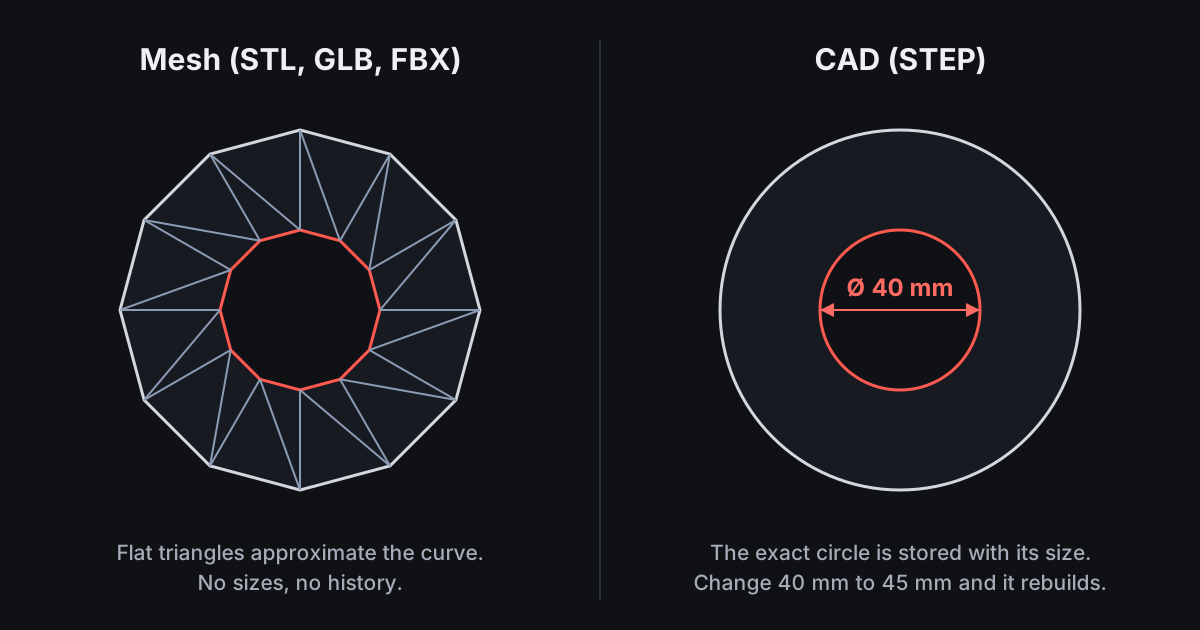
Sketch on a plane or any flat face, then extrude, revolve, fillet, chamfer, drill holes, shell and pattern. Every feature stays editable: change a value and the part rebuilds.

  • Feature list with rollback and suppress
  • Version history on every save
  • Opens STEP files from your library
  • Exports STEP, STL and GLB
Explore online CAD
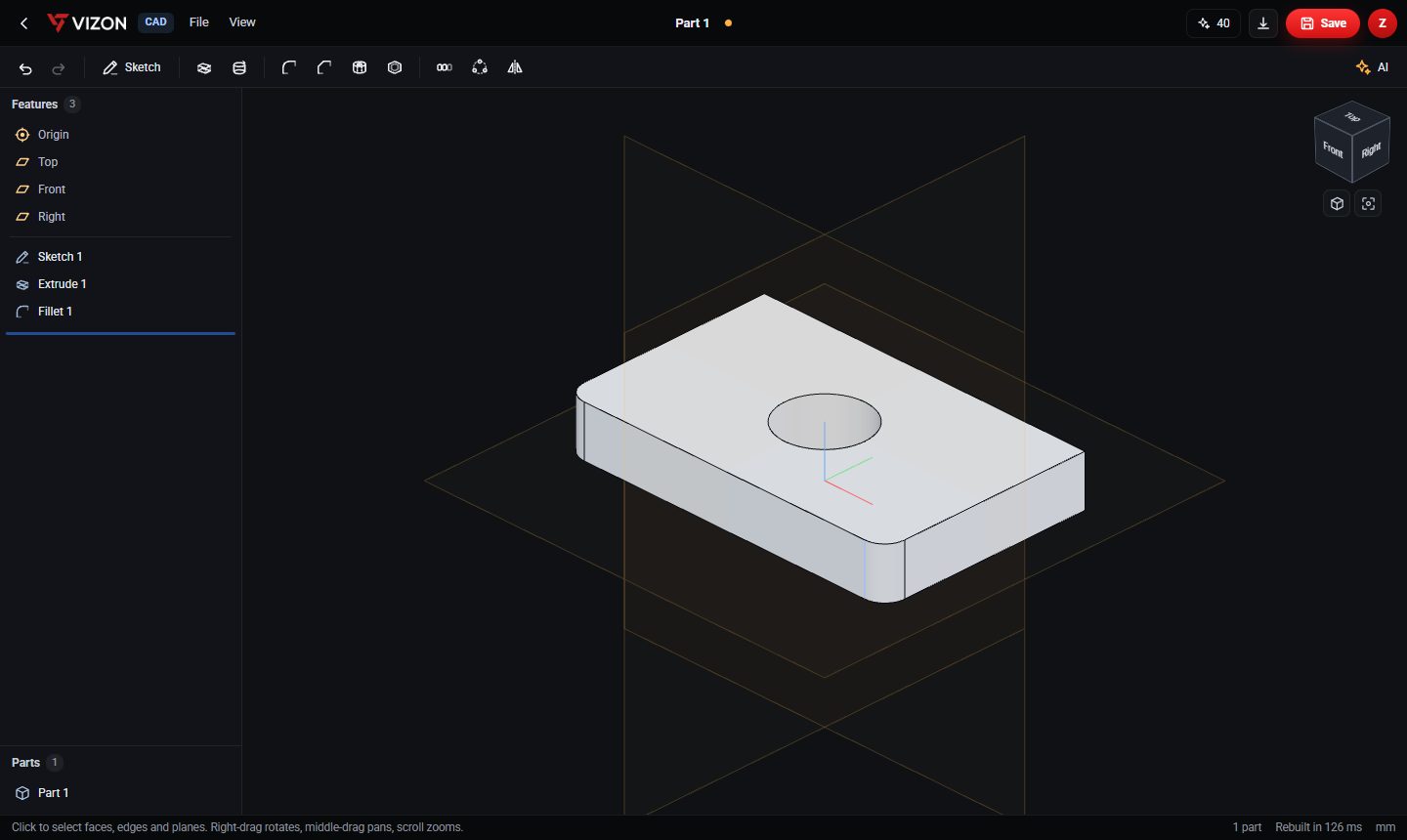
A plate with a hole and rounded corners built in VIZON online CAD from a sketch, an extrude and a fillet

AI that writes real CAD features

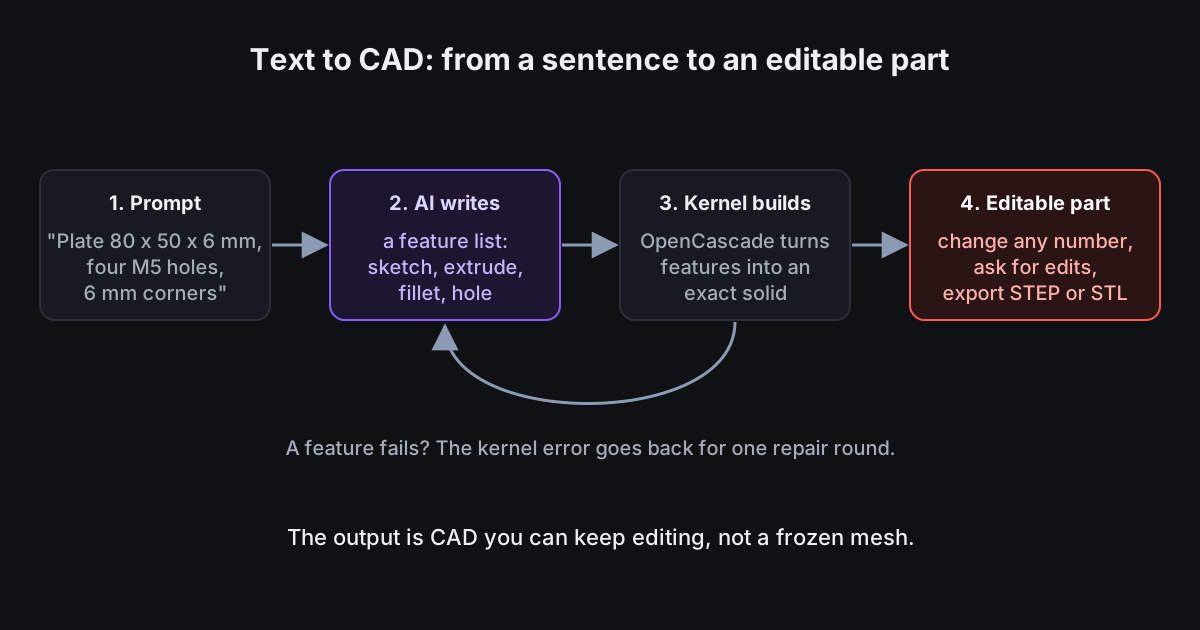
Describe a part with its sizes and the AI builds it as ordinary sketches and features you can edit. Ask for a change and it edits the feature list, using a picture of your view.

  • Fast and Detailed modes
  • Reference images for new parts
  • Fixes features that fail to build
See the AI CAD generator
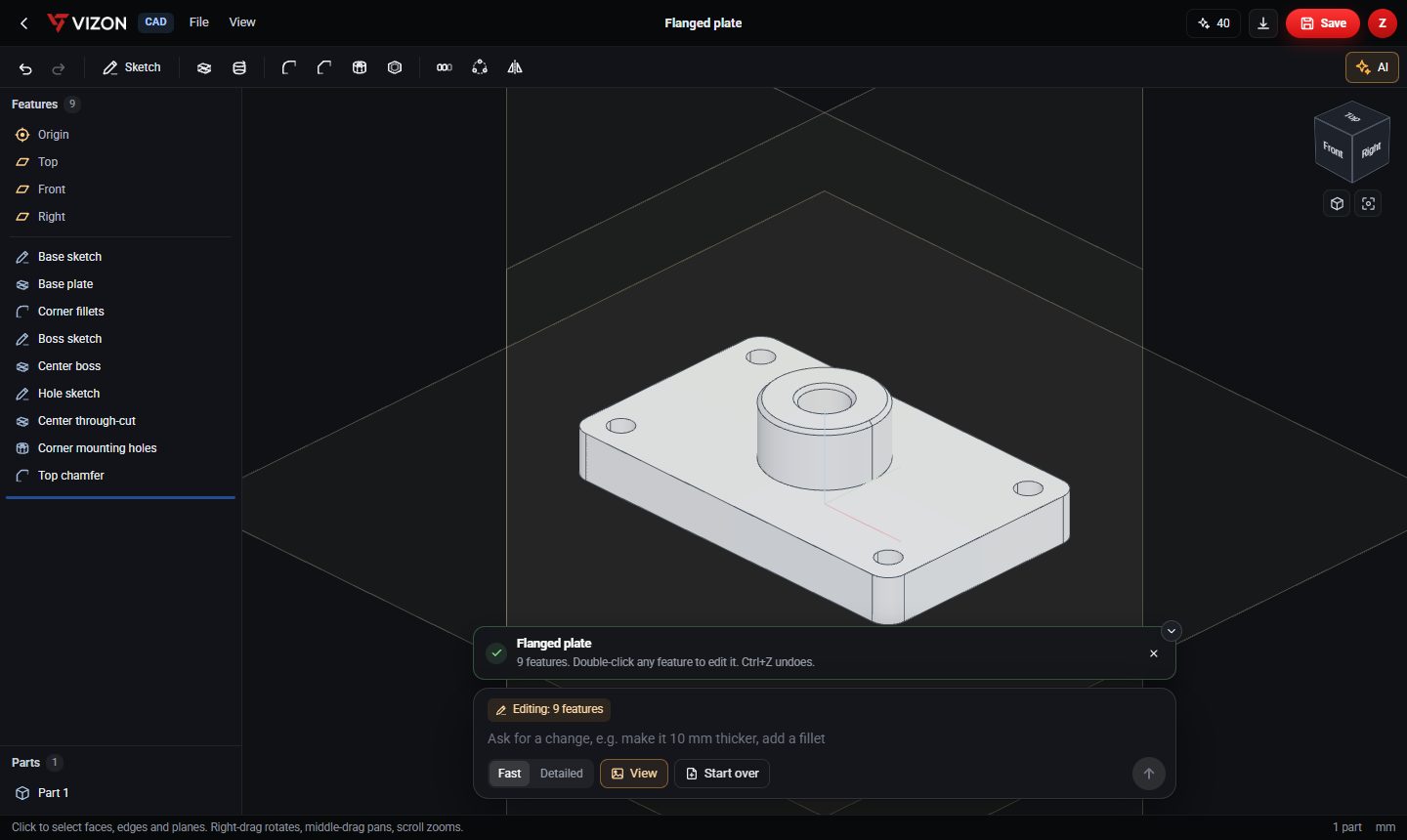
VIZON AI CAD generator result: a flanged plate built as nine named, editable CAD features

3D Model Creator

A mesh modeler with Blender-style shortcuts. Edit vertices and faces, run booleans, assign materials to faces, map textures and edit UVs, or describe an object and let the AI build it.

  • Object and edit modes, G / R / S transforms
  • Material presets, PBR maps and procedural textures
  • UV unwrapping, animation and rigs
Explore the 3D model editor
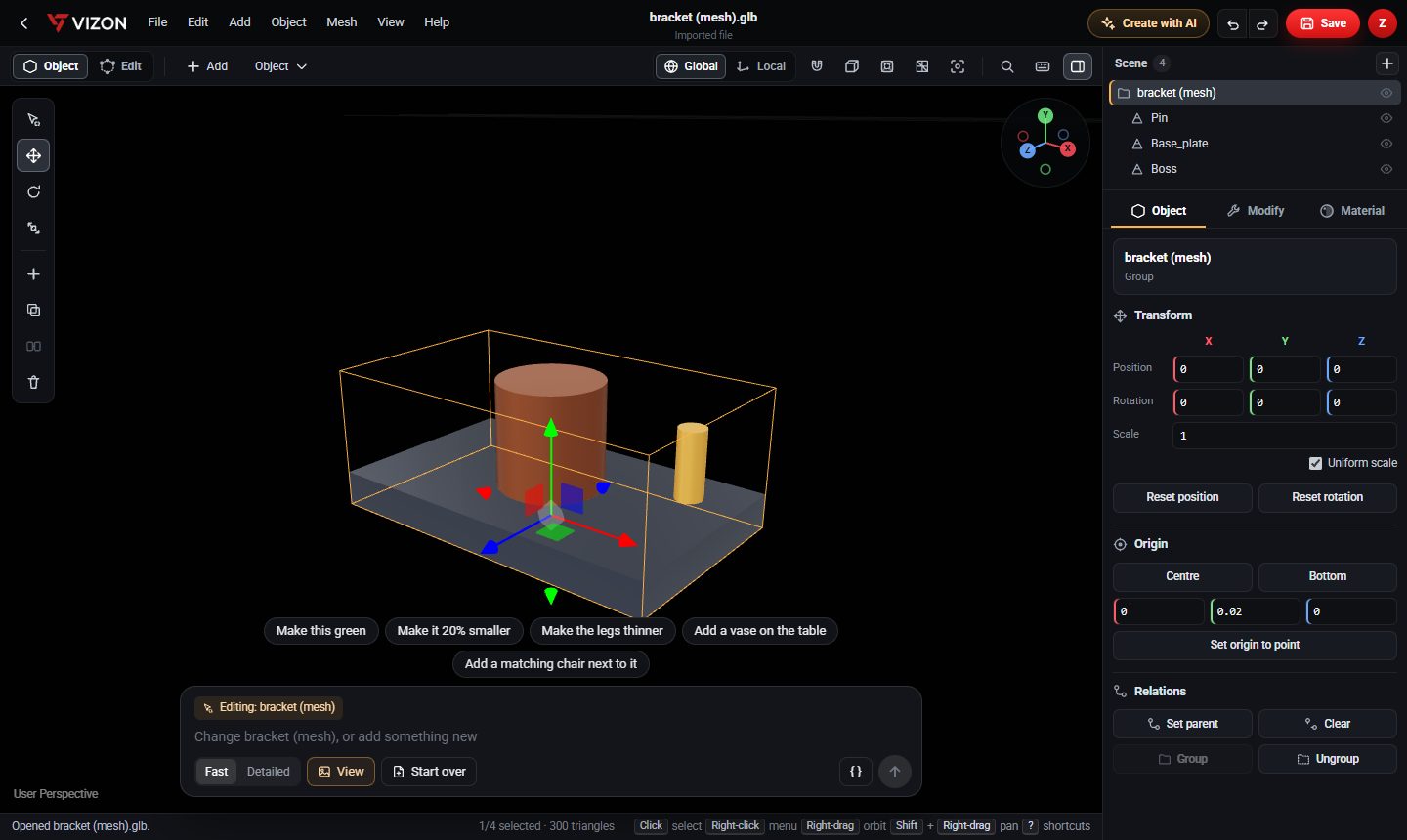
VIZON 3D Model Creator editing a bracket mesh with the transform gizmo, scene outline and AI edit bar

Studio and Viewer

Present any model: give each part a material, pin notes, explode assemblies and share a link or an embed. Turn a CAD part into an editable mesh in one step.

  • Measure, section and explode
  • Materials saved with the file
  • Public links and embeds
Explore the 3D model viewer
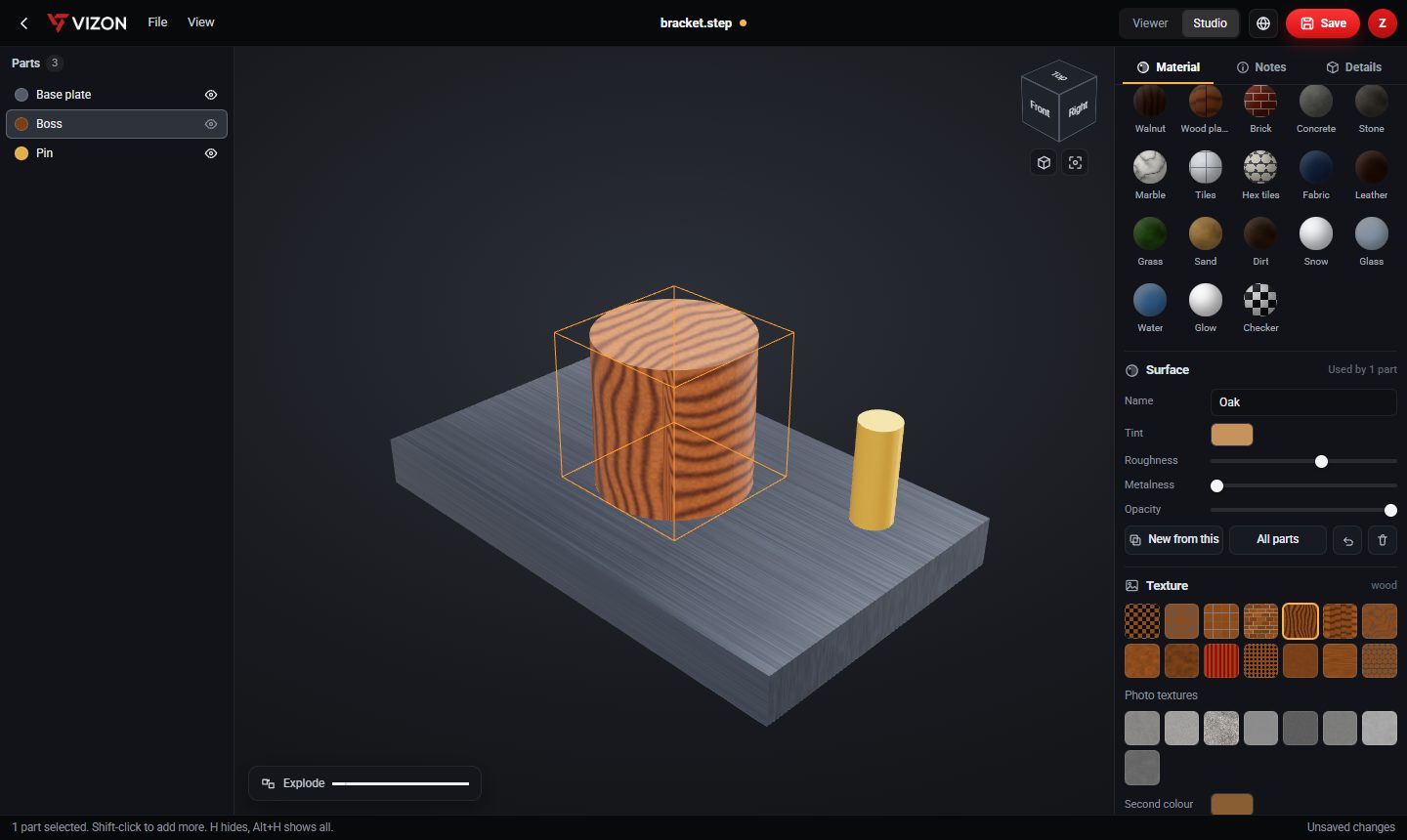
VIZON Studio assigning wood and metal materials to the parts of a STEP file
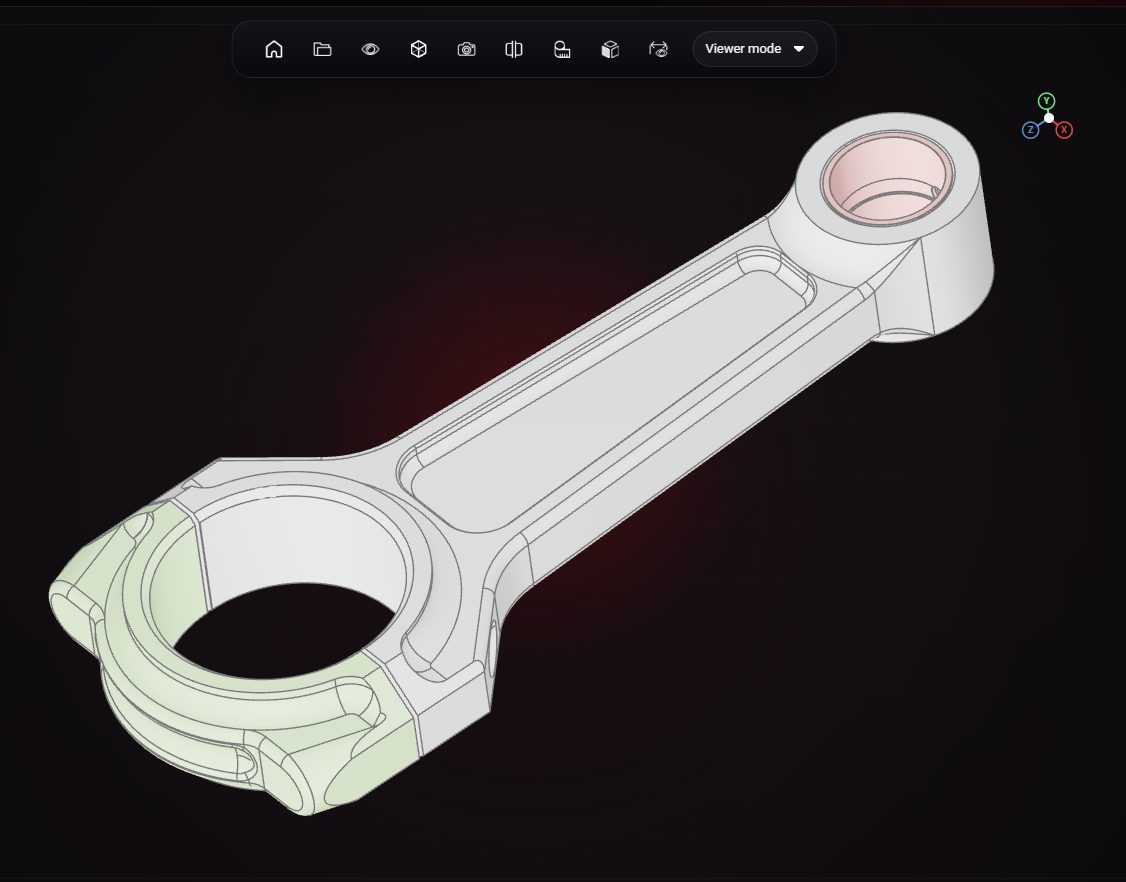
A connecting rod CAD model open in the VIZON online 3D model viewer

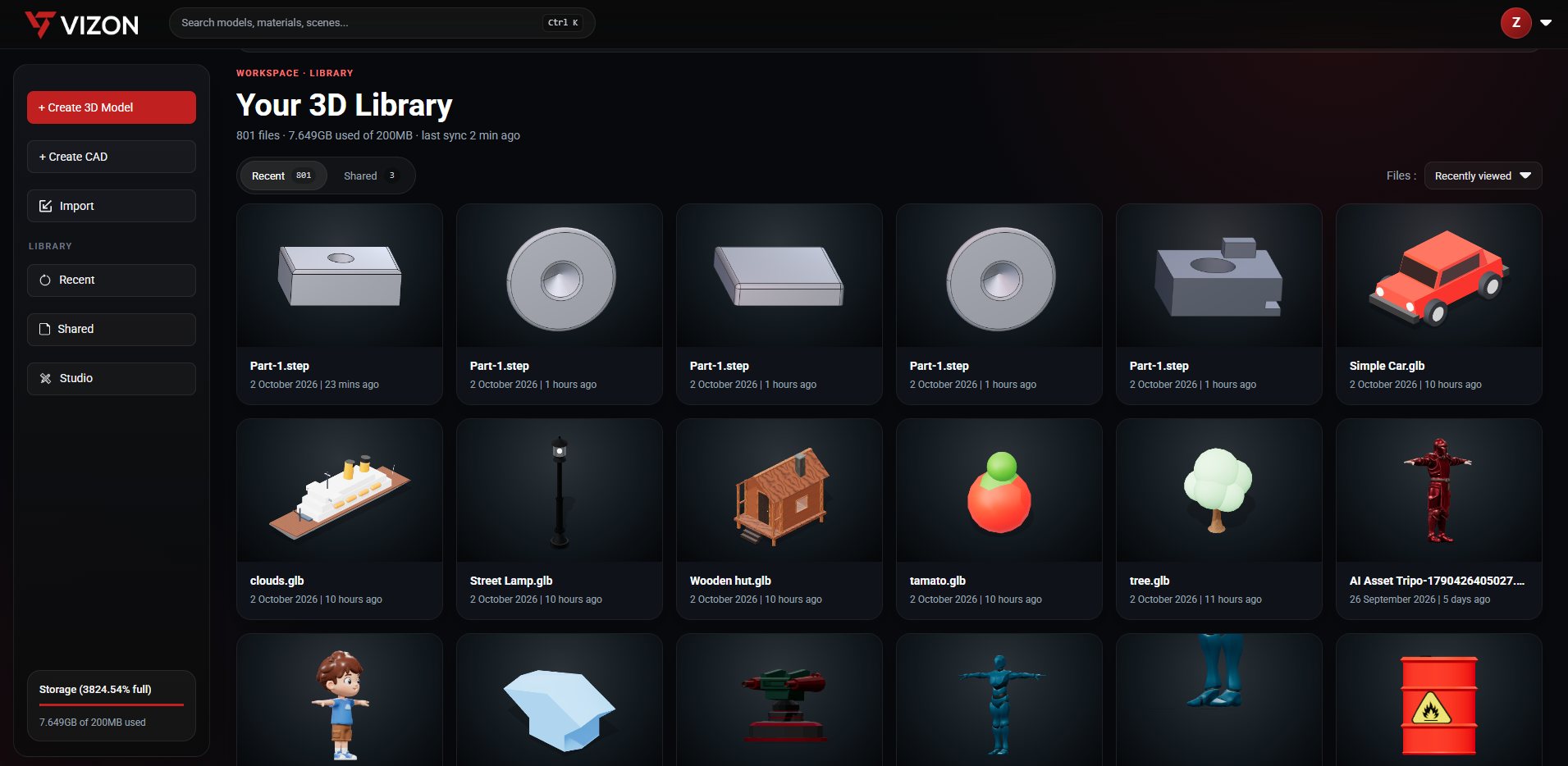
Your files, organised.

Upload STEP or mesh files, or save from any tool. CAD files open in the CAD editor with their full history, meshes in the 3D Model Creator, and anything can be styled in Studio or shared from the Viewer.

The VIZON file library with CAD and mesh files in one place

What is VIZON?

VIZON is a browser-based 3D modeling and parametric CAD application developed by Zimension.

VIZON lets users create and edit 3D models without installing desktop modeling software.

VIZON includes AI-assisted parametric CAD generation.

It brings mesh modeling, parametric CAD and AI CAD into one library, alongside a viewer for sharing and Studio for presentation. Parts made in VIZON can move straight into Zimension 3D worlds and games.

Included with Zimension

VIZON comes with your Zimension subscription. There is no separate plan to buy.

Frequently asked questions

What is VIZON?

VIZON is a browser-based 3D modeling and parametric CAD application developed by Zimension. VIZON lets users create and edit 3D models without installing desktop modeling software. VIZON includes AI-assisted parametric CAD generation.

Do I need to install software to use VIZON?

No. VIZON runs in a modern web browser with WebGL. Your files are stored in your online VIZON library.

Can VIZON open STEP and STL files?

Yes. VIZON opens STEP and STP CAD files and STL, GLB, glTF and FBX meshes. CAD parts export as STEP, STL and GLB.

How much does VIZON cost?

VIZON is included with Zimension plans; there is no separate VIZON subscription. You can create an account and start free. AI generation uses credits.