The core difference
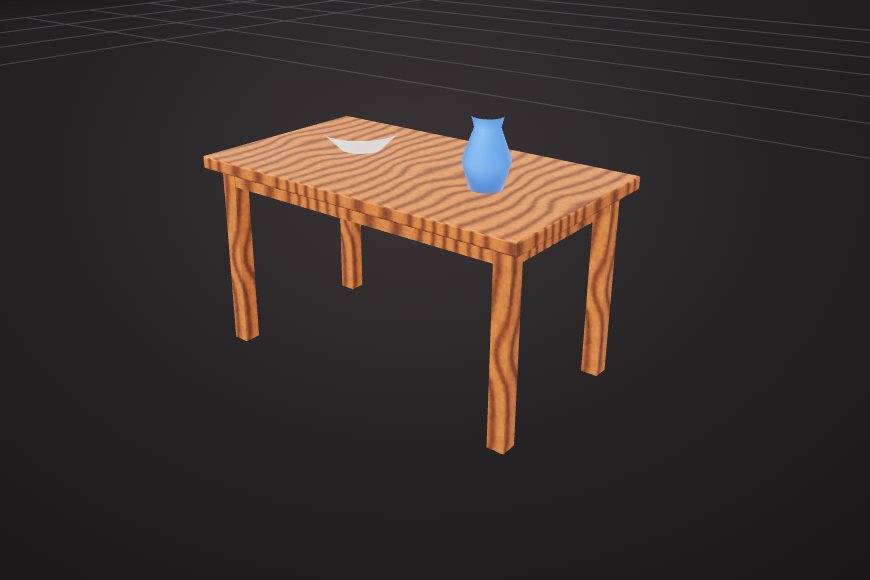
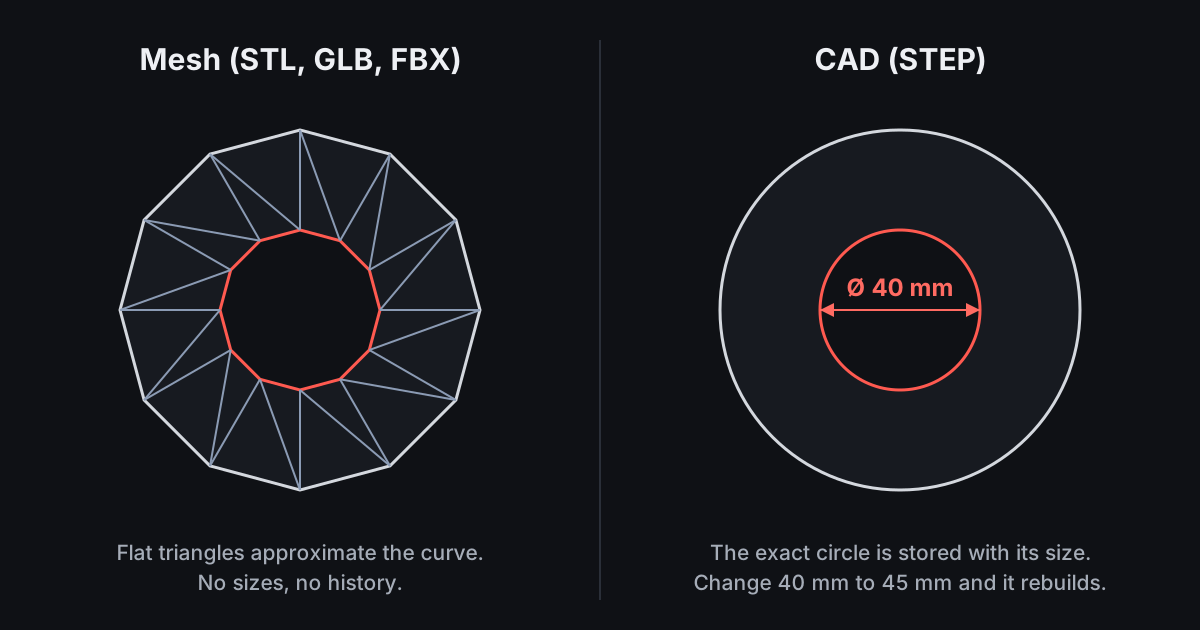
A mesh is a surface made of many flat triangles. It describes how something looks. You shape it by moving vertices, extruding faces and cutting with booleans.
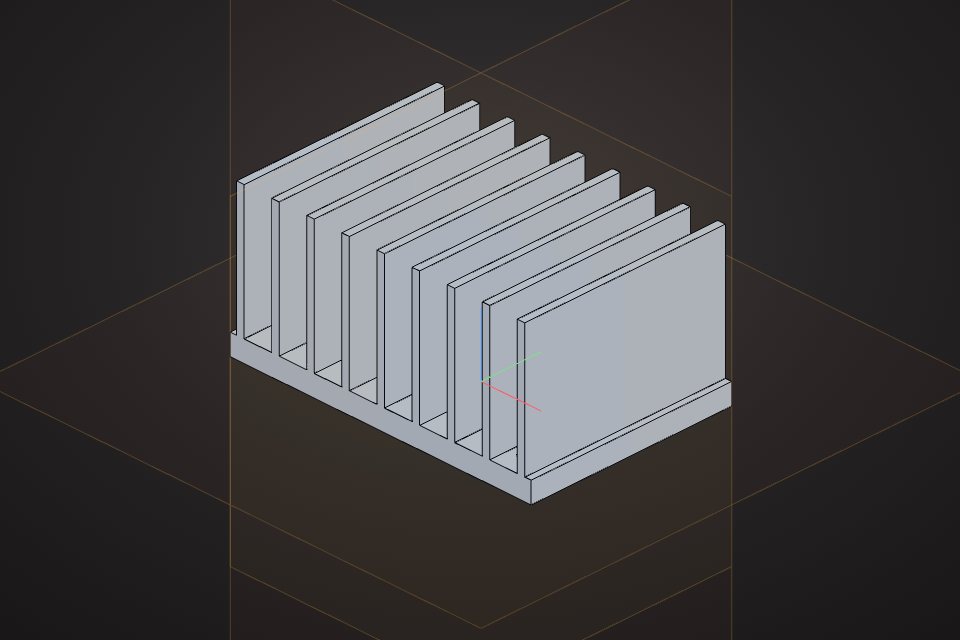
A CAD model is a solid built from exact geometry: true planes, cylinders and curves. Parametric CAD also stores how it was made, as a list of features driven by dimensions.
Choose mesh modeling when
- Looks matter more than exact sizes: games, film, AR, product mock-ups.
- You need materials, textures, UVs and animation.
- You are editing scans or downloaded models, which are almost always meshes.
- You want organic or stylised shapes.
Choose CAD when
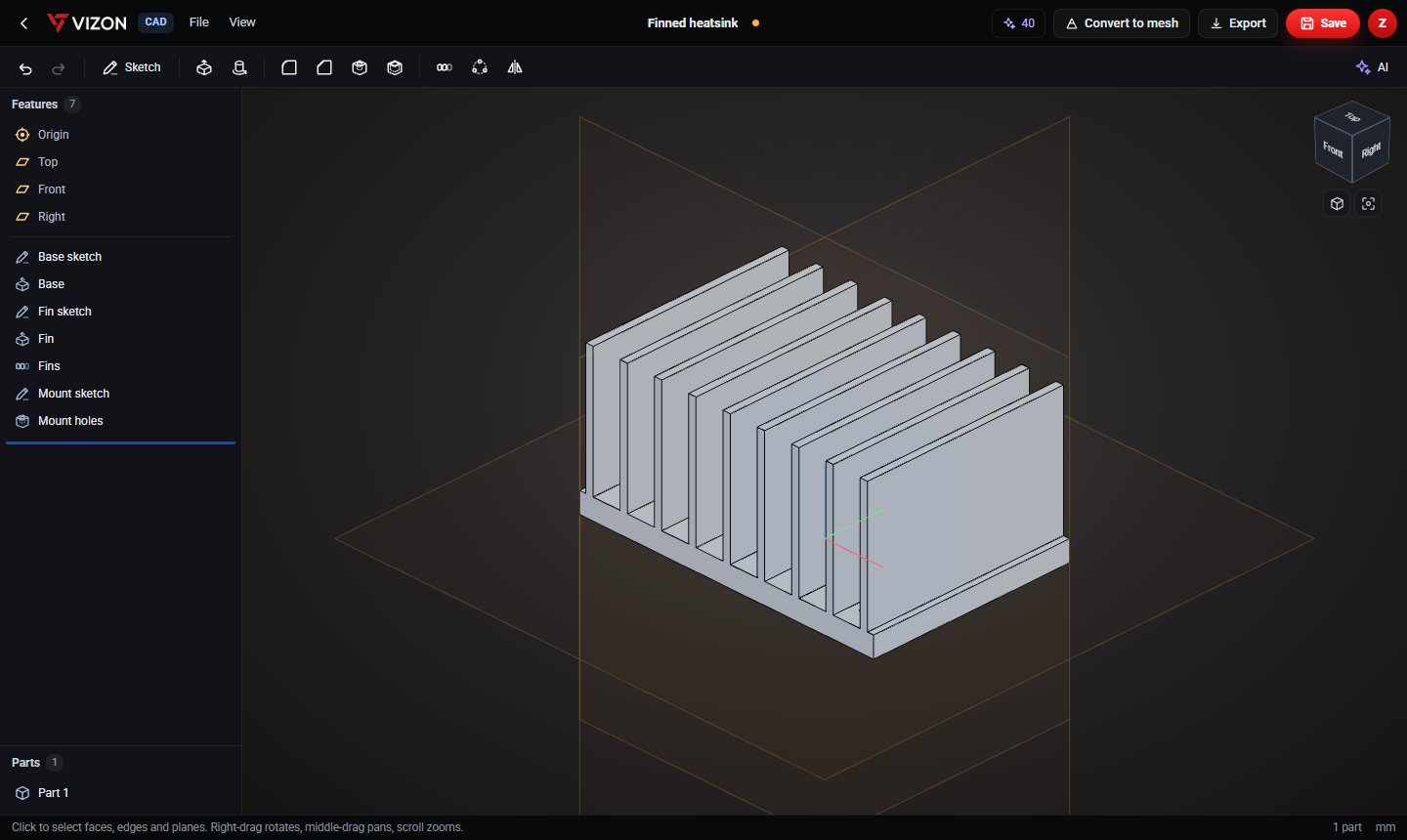
- The part has to fit something: a screw, a shaft, a board, another part.
- You will 3D print it to size or have it machined.
- You expect to change dimensions later, or make the part in several sizes.
- You need to send exact geometry to someone else as STEP.
File formats follow the approach
| Mesh | CAD | |
|---|---|---|
| Typical formats | STL, OBJ, GLB, glTF, FBX | STEP, STP, IGES, native CAD files |
| Stores | Triangles, materials, animation | Exact solids, often with units |
| Edit by | Moving vertices and faces | Changing feature dimensions |
| Best for | Games, web, AR, visuals | Engineering, printing to size, manufacturing |
You can use both
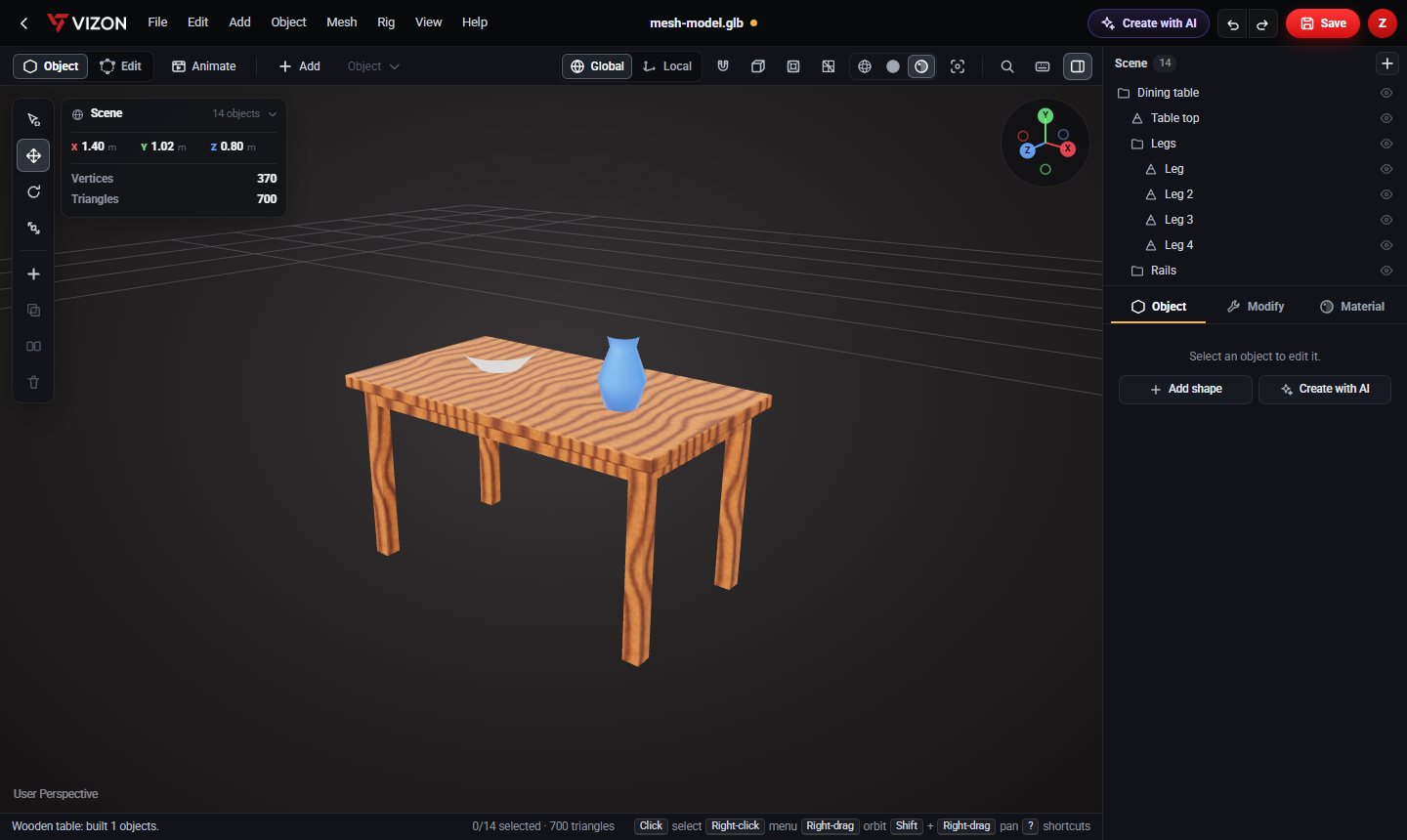
Many projects start in CAD and finish as a mesh: design the part precisely, then convert it to a mesh to add materials and use it in a scene. VIZON keeps both in one library. A CAD part converts to an editable mesh in one step, and the CAD original is never changed.