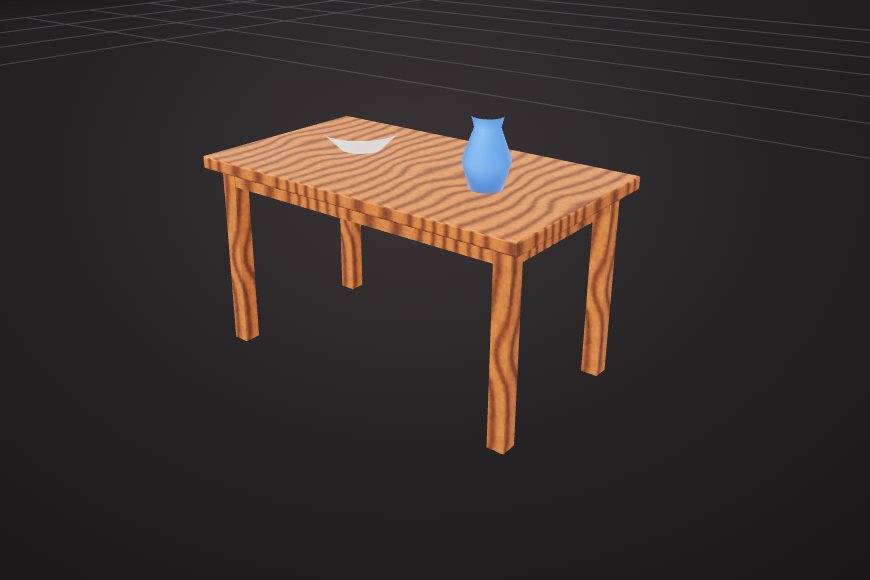
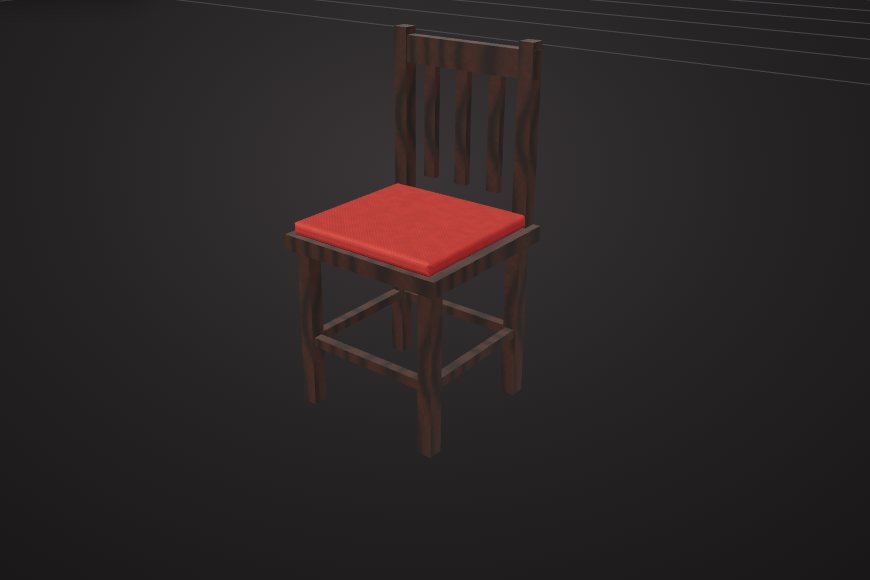
Start from shapes
Add cubes, cylinders, spheres and other primitives, then move, rotate and scale them with Blender-style G, R and S shortcuts.
VIZON is a 3D model maker that runs in your browser: start from shapes, sketch a precise CAD part, or describe what you want and let the AI build it, then keep editing.
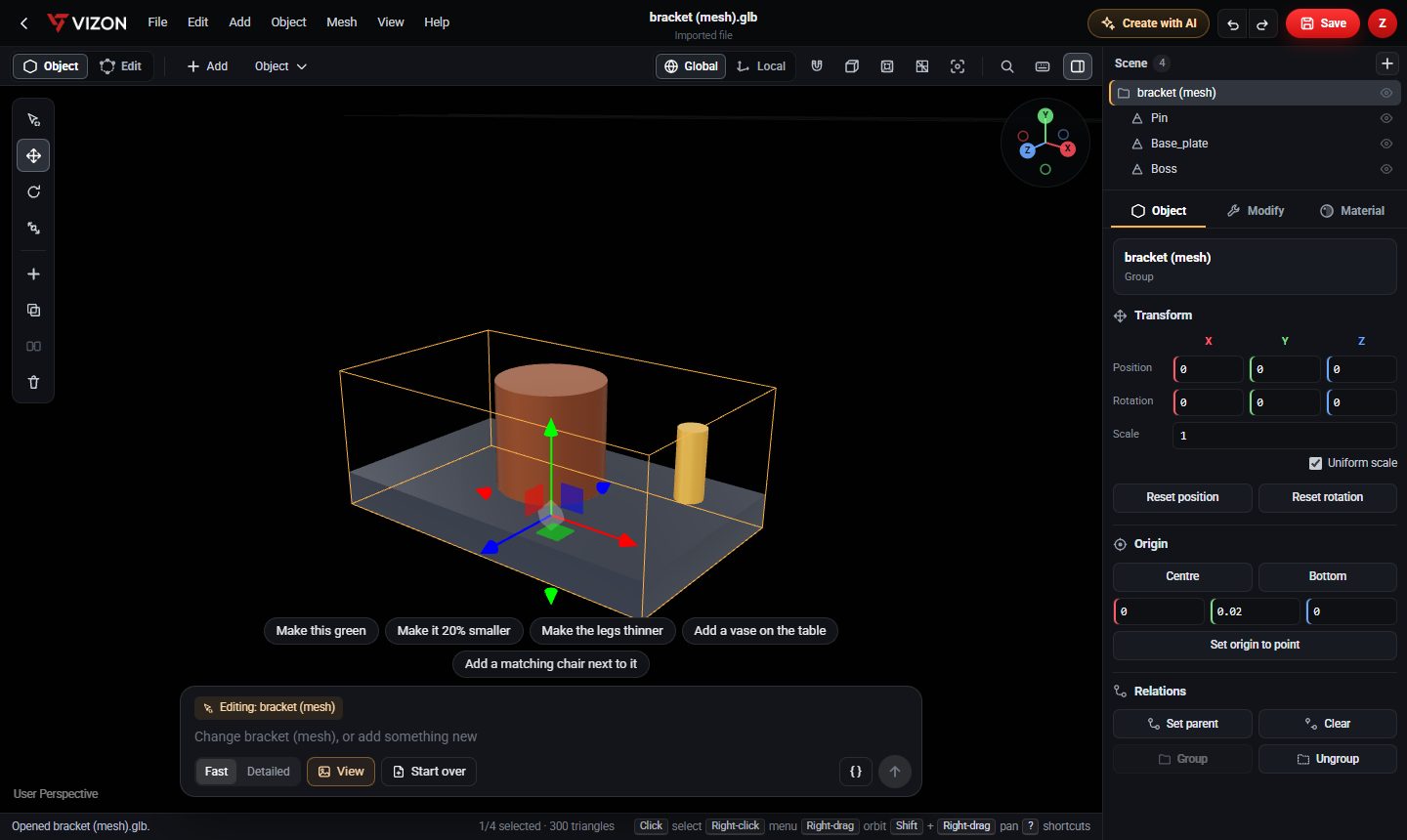
Add cubes, cylinders, spheres and other primitives, then move, rotate and scale them with Blender-style G, R and S shortcuts.
Switch to edit mode to extrude faces, bevel edges, subdivide, and cut one shape out of another with boolean subtract.
Pick from material presets such as wood, metal, stone and glass, or apply procedural and photo textures to whole objects or single faces.
Type a description like "a small side table with four legs" and the AI places editable shapes and materials for you.
For parts that need real dimensions, the CAD editor builds the model from sketches and features measured in millimetres.
Every model you make is saved to your VIZON library and can be shared with a link or downloaded.
Use the 3D Model Creator when the look matters most: props, furniture, product mockups, game assets and anything you want to paint with materials. Meshes are quick to shape freely.
Use the CAD editor when sizes matter: brackets, enclosures, spacers, flanges and parts you will 3D print or machine. CAD parts are built from dimensions, so changing a size rebuilds the part correctly. Both live in the same library, and a CAD part can be converted into a mesh in one step.
Real models built with these tools. Each one is free to download.
No. VIZON runs in a modern web browser with WebGL, on Windows, macOS, Linux and tablets. Your models are saved to your online library.
Yes. You can start from ready shapes or describe a model to the AI, then learn the editing tools as you go. People who know Blender will recognise the shortcuts.
Models from the 3D Model Creator download as GLB. Saved models can also be exported as glTF or STL from Studio, and CAD parts export as STEP, GLB or STL.
You can create an account and start without buying anything. VIZON is included with Zimension plans; there is no separate VIZON subscription. AI generation uses credits.
VIZON runs in your browser. Create an account and open the tool in seconds.