
Count triangles
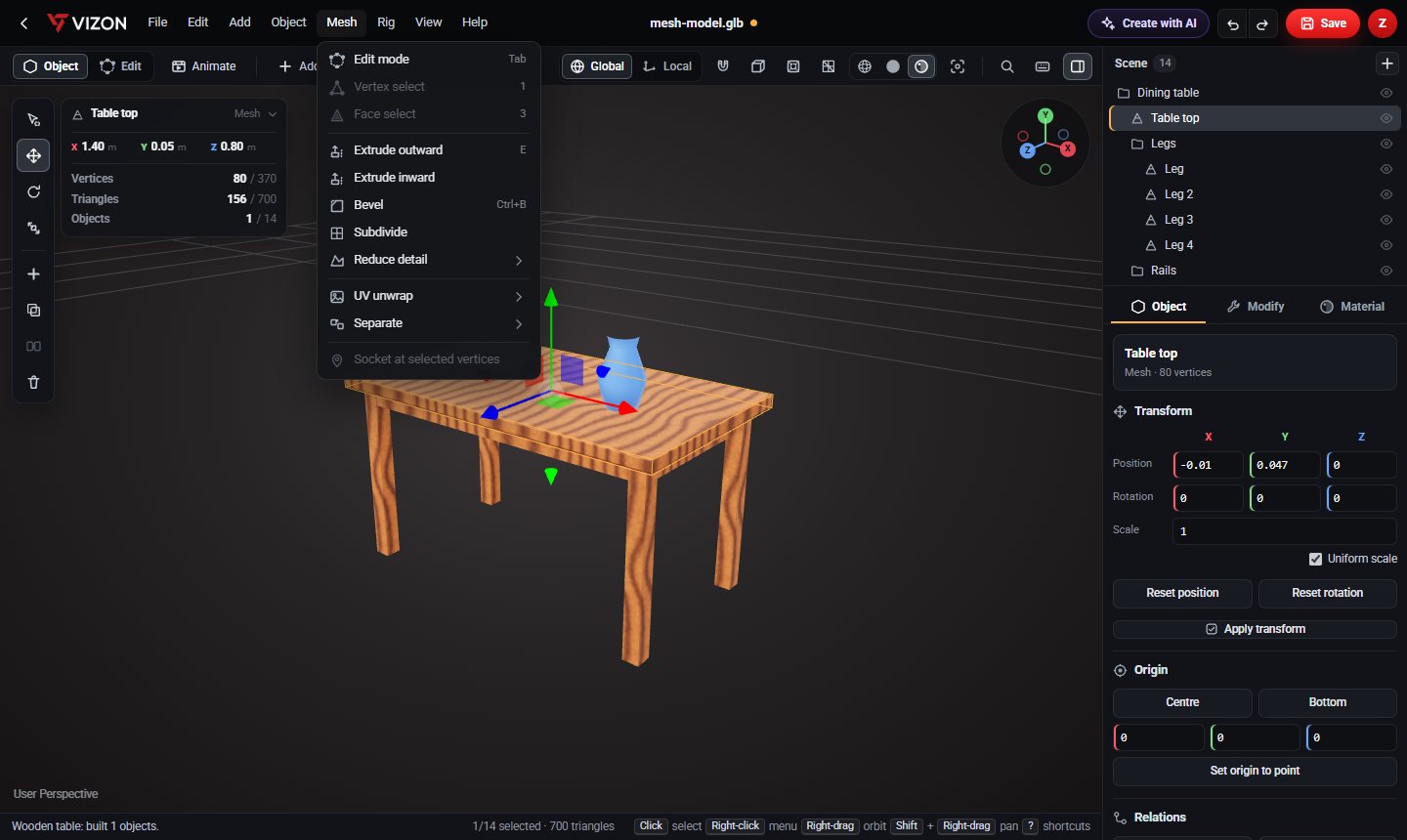
The preview above and the scene panel in the editor both show the triangle count, so you know where you start.
Heavy scans and CAD exports slow down web pages and games. VIZON shows the triangle count and decimates meshes to 50% or 20% in one step.
Drop a STL or GLB file here
The preview runs in your browser. Your file is not uploaded.
The preview above and the scene panel in the editor both show the triangle count, so you know where you start.
Halves the triangles while keeping the overall shape, a good first step for most models.
A much lighter mesh for backgrounds, mobile games and quick previews.
Reduce only the heavy parts and keep detail where it matters.
Delete hidden or internal parts, often the quickest saving of all.
Download the result as GLB for web viewers, AR and game engines.
Want more detail? Read the guide: How to Reduce Polygon Count Without Ruining a Model.
Large flat areas lose triangles first and look the same. Small curved details soften as you reduce further, so check after each step.
It depends on the device, but a few tens of thousands of triangles per object keeps most web pages smooth on phones.
Ctrl+Z undoes it in the session. Keep a copy of the original file for later.
VIZON runs in your browser. Create an account and open the tool in seconds.