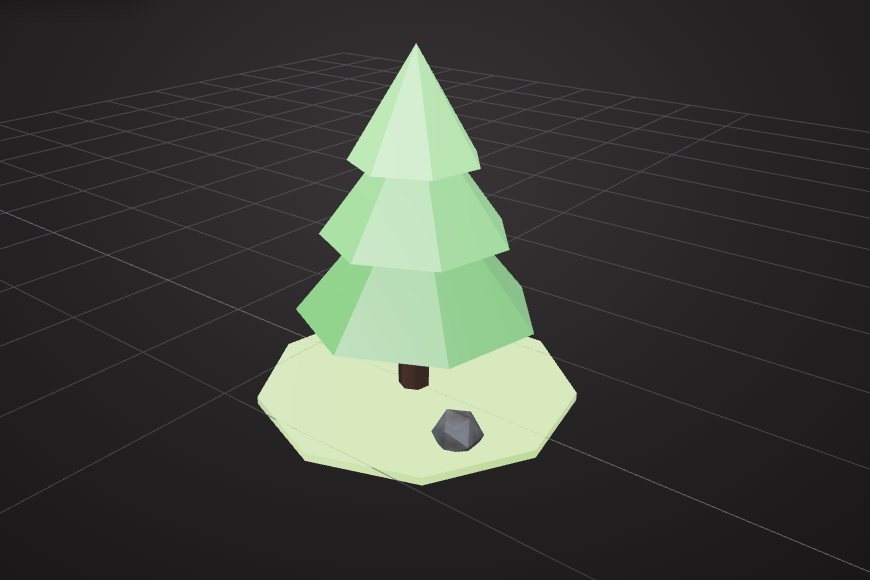
Why polygon count matters
Every triangle has to be downloaded, stored and drawn. On a phone, a single model with millions of triangles can make a web page stutter or crash. A lighter model loads faster, runs smoother and costs less to host.
Step 1: find where the triangles are
Check the total, then each part. In VIZON the scene panel and the status bar show the triangle count. Often one detailed part, such as a screw thread or a logo, holds most of the triangles.
Step 2: delete what nobody sees
Internal parts, the back of a model that sits against a wall, and tiny hidden fasteners are free savings. Removing them costs nothing visually.
Step 3: decimate in steps
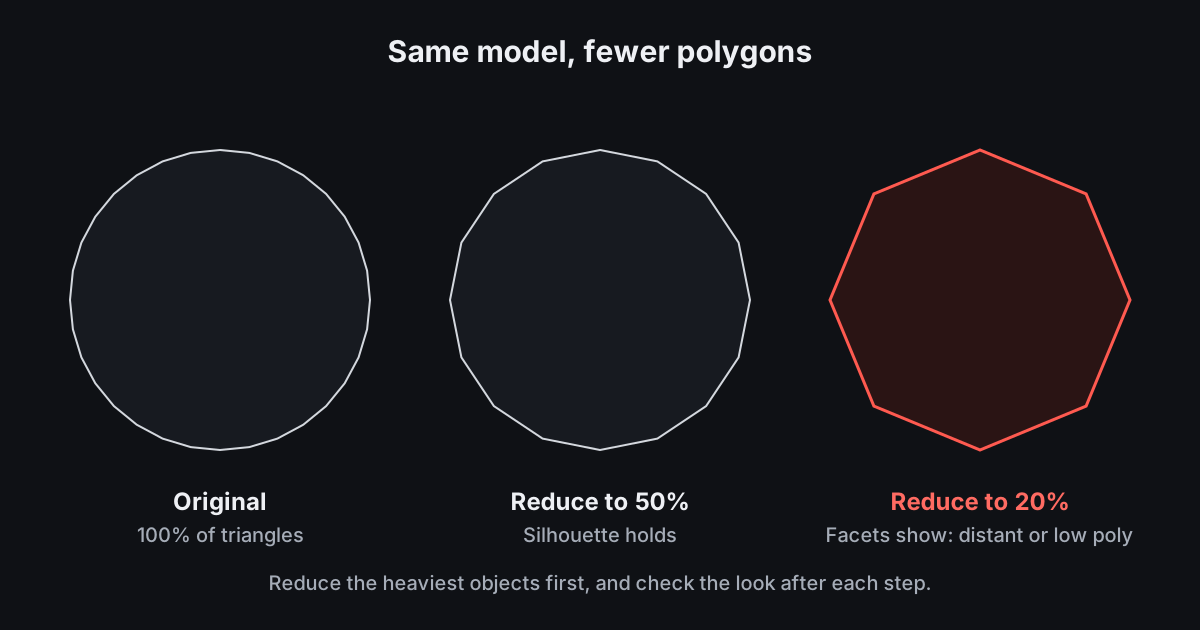
Decimation removes triangles where the surface is flat first, so large plain areas lose almost nothing. Reduce the heaviest object to 50%, look at it, and only then go further. Distant or background objects can usually go to 20%.
Step 4: keep the look with materials
Colour and material carry a lot of the visual detail. A well-chosen material on a lighter mesh often looks better than a heavy mesh with a plain grey material.
Doing it in VIZON
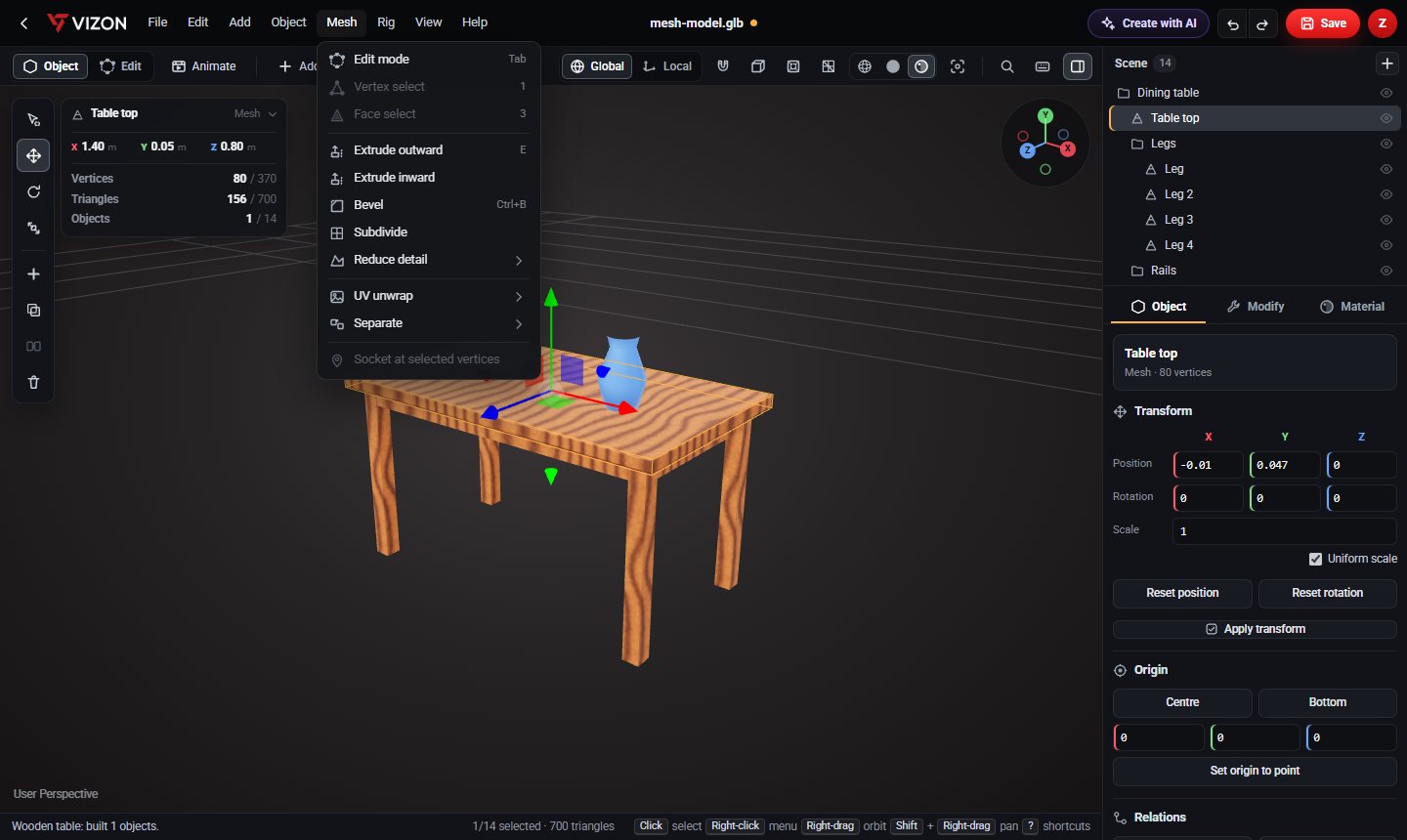
- Open the model in the 3D Model Creator.
- Select the heaviest object.
- Choose Mesh, Reduce to 50%, and check the result.
- Repeat or use Reduce to 20% for background parts.
- Download as GLB.