Real features, not a mesh
The AI writes the same sketches and features you would. Open any of them and change the numbers.
VIZON's AI CAD generator turns a text description into an editable parametric 3D model. Specify dimensions and features, generate the CAD geometry, then continue editing the model using VIZON's browser-based CAD tools.
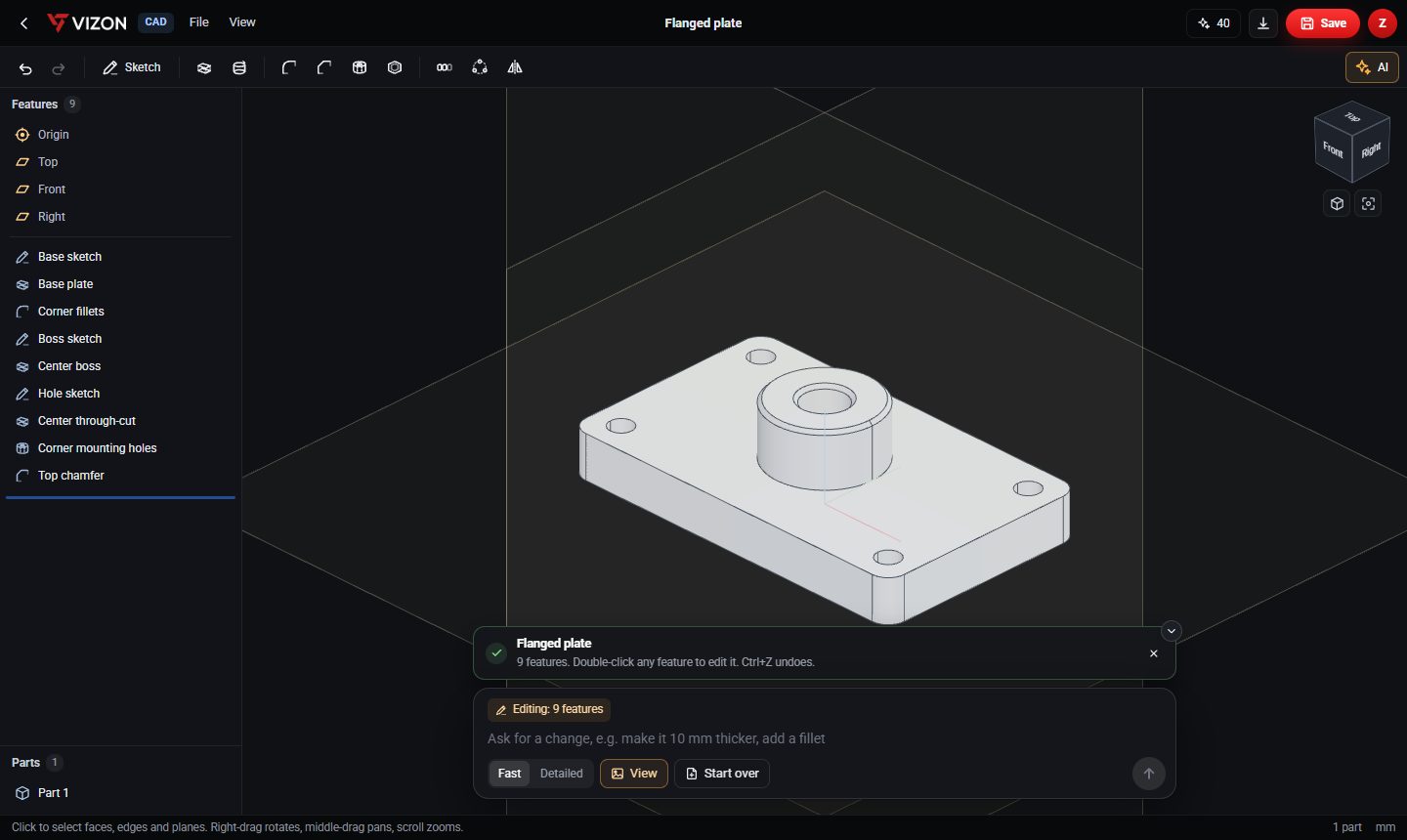
The AI writes the same sketches and features you would. Open any of them and change the numbers.
With a part open, ask for a change. The AI sees your current view and edits the existing feature list.
Fast for quick parts and edits, Detailed for more complex parts that need more careful planning.
Attach up to four reference images when creating a new part to show the shape you have in mind.
If a generated feature fails to build, VIZON sends the kernel error back for one automatic repair round.
Save the result to your library and export STEP for other CAD tools or STL for printing.
This is what the AI produced, exactly as it appears in the feature list. Nothing is baked into a mesh.
| Feature | What it makes |
|---|---|
| Base sketch, Base plate | Rectangular plate |
| Corner fillets | Rounded plate corners |
| Boss sketch, Center boss | Cylindrical boss on top |
| Hole sketch, Center through-cut | Bore through the boss and plate |
| Corner mounting holes | Four holes near the corners |
| Top chamfer | Edge break on the boss |
Want more detail? Read the guide: How to Create CAD with AI.
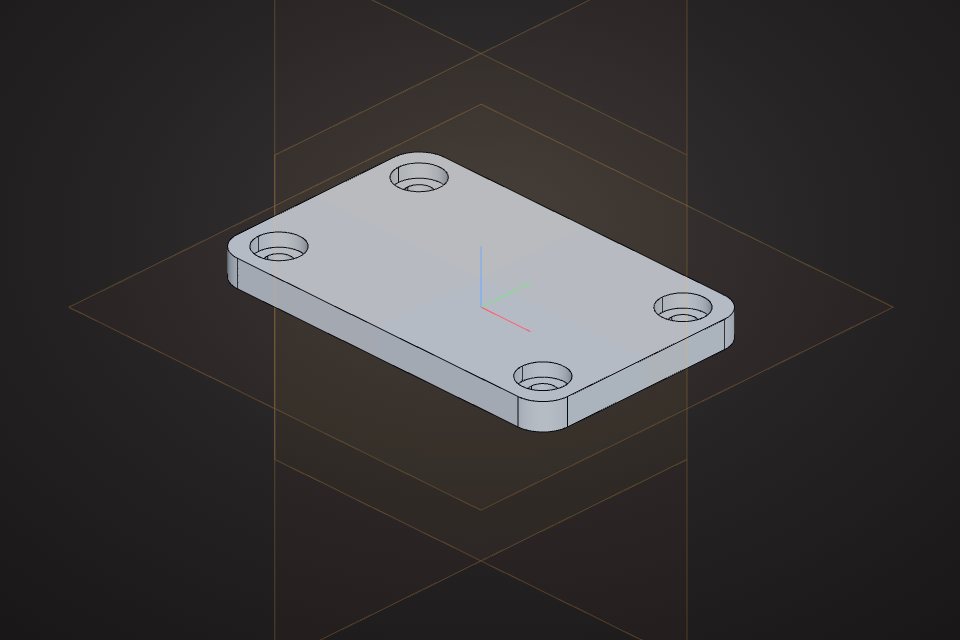
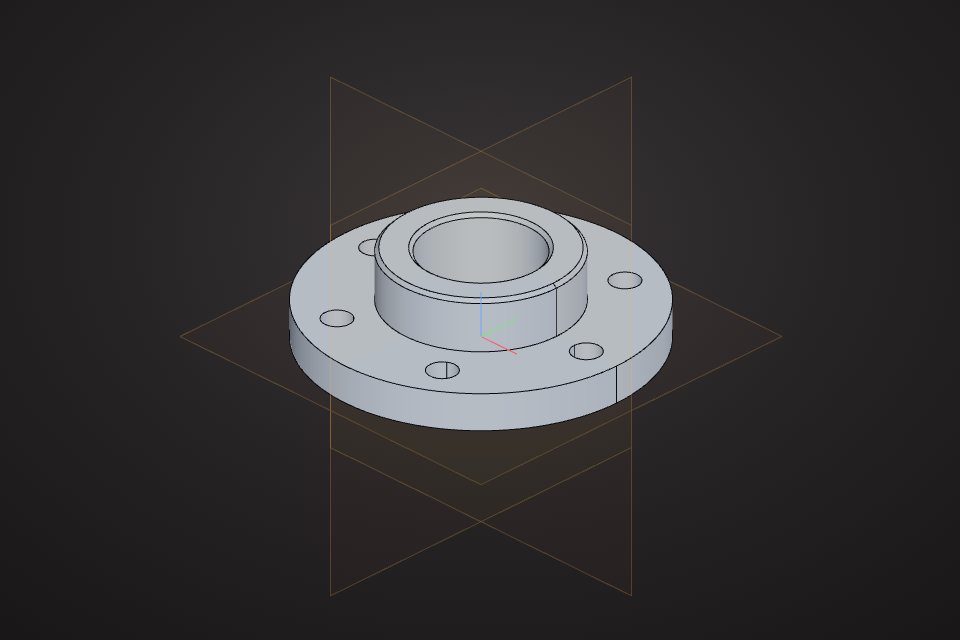
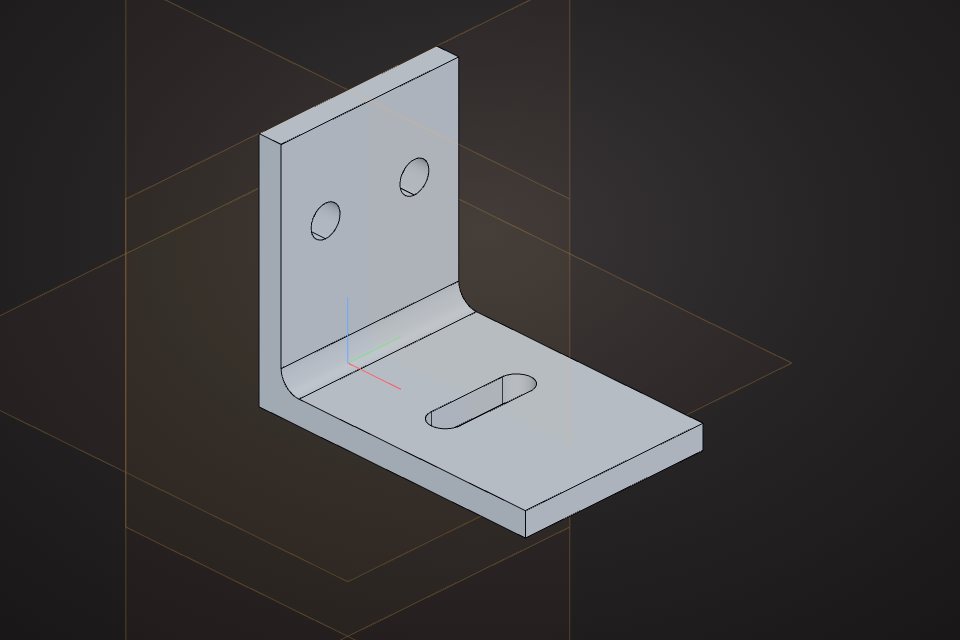
Real models built with these tools. Each one is free to download.
Yes. The AI writes a parametric feature list, so every sketch, extrude, hole and fillet can be edited like one you made yourself.
Mechanical parts made from sketches and standard features: plates, brackets, flanges, spacers, enclosures, mounts and similar prismatic or turned parts.
Yes, each generation or edit uses AI credits from your Zimension account. The current balance is shown in the editor header.
Yes. Open the AI bar on any part and describe the change. It works on the existing features.
VIZON runs in your browser. Create an account and open the tool in seconds.