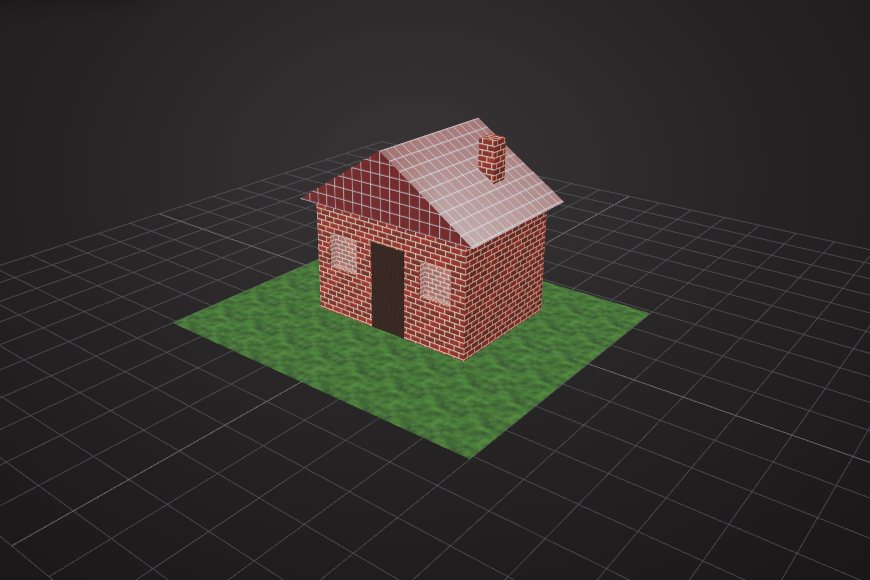
Subtract: cut holes
Place a cylinder where a hole should go and subtract it. The door and windows of the cottage in the model gallery were cut this way.
Select two meshes in the VIZON 3D Model Creator and combine them with union, cut one from the other with subtract, or keep only their overlap with intersect.
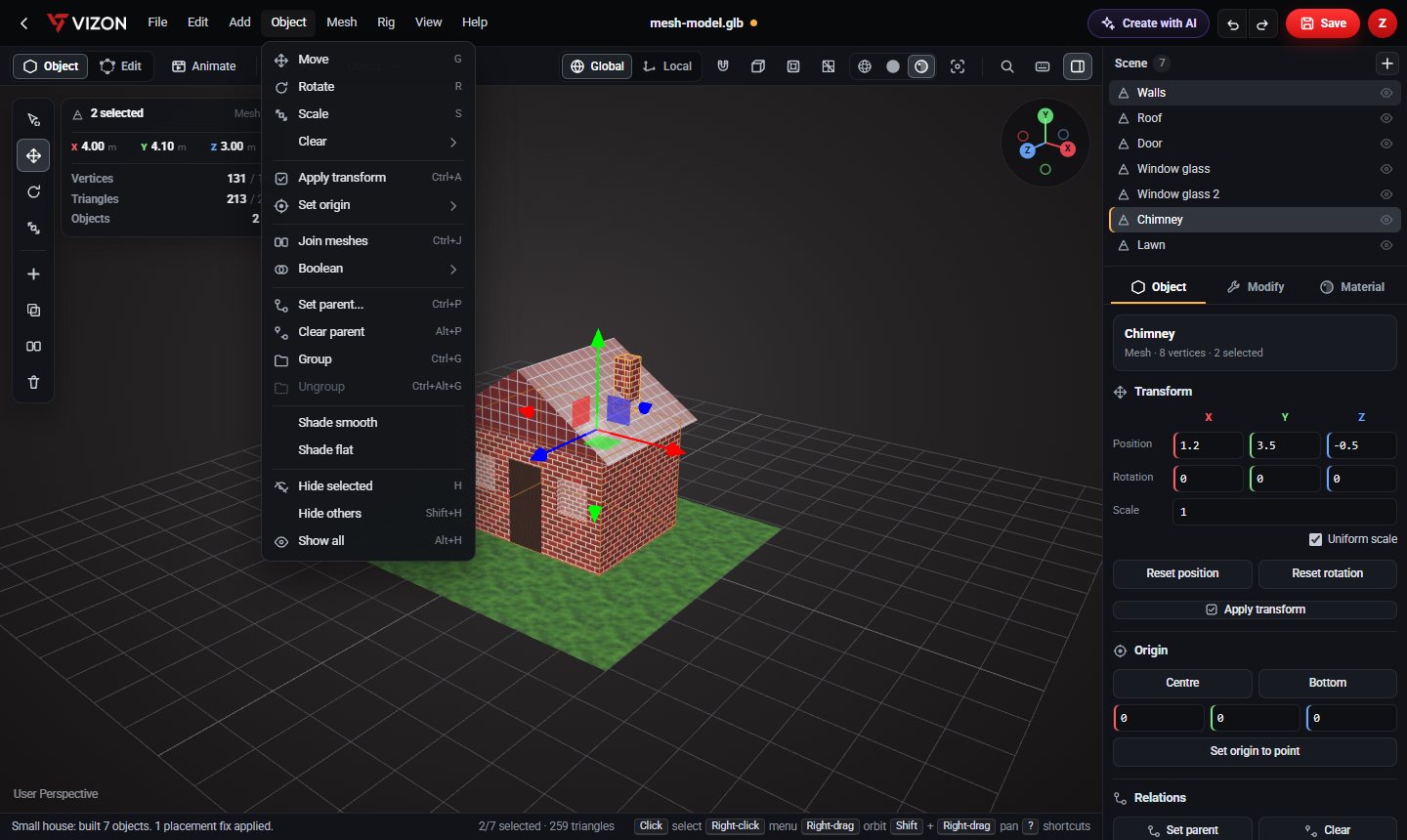
Place a cylinder where a hole should go and subtract it. The door and windows of the cottage in the model gallery were cut this way.
Combine overlapping parts into one solid mesh, for example a handle and a body before 3D printing.
Keep only the volume shared by two shapes, useful for rounded or trimmed forms.
Bevel the new edges, smooth the shading, or separate loose parts that the cut created.
Ask the AI for "a box with a round hole through it" and it uses booleans in its plan.
Every boolean is one undo step, so Ctrl+Z brings both parts back.
Mesh booleans work on any triangle model, which makes them ideal for imported STL and GLB files. For parts that need exact, editable holes, the VIZON CAD editor cuts with extrudes and Hole features instead, and those stay editable by number.
Real models built with these tools. Each one is free to download.
Each operation combines a pair. Select the part you keep first, then Shift-click the second.
Not yet. Opening a file replaces the scene, so both shapes must be in the same model. You can add primitive shapes to any model and use those as cutters.
Booleans need closed meshes. Press Ctrl+Z, check the parts overlap properly, and try again.
VIZON runs in your browser. Create an account and open the tool in seconds.