
Give the overall size first
Say the base shape and its sizes before details: "a rectangular plate 120 by 80 mm, 8 mm thick".
Write what the part is and how big it is. VIZON turns the text into a parametric CAD model you can edit feature by feature and export as STEP or STL.
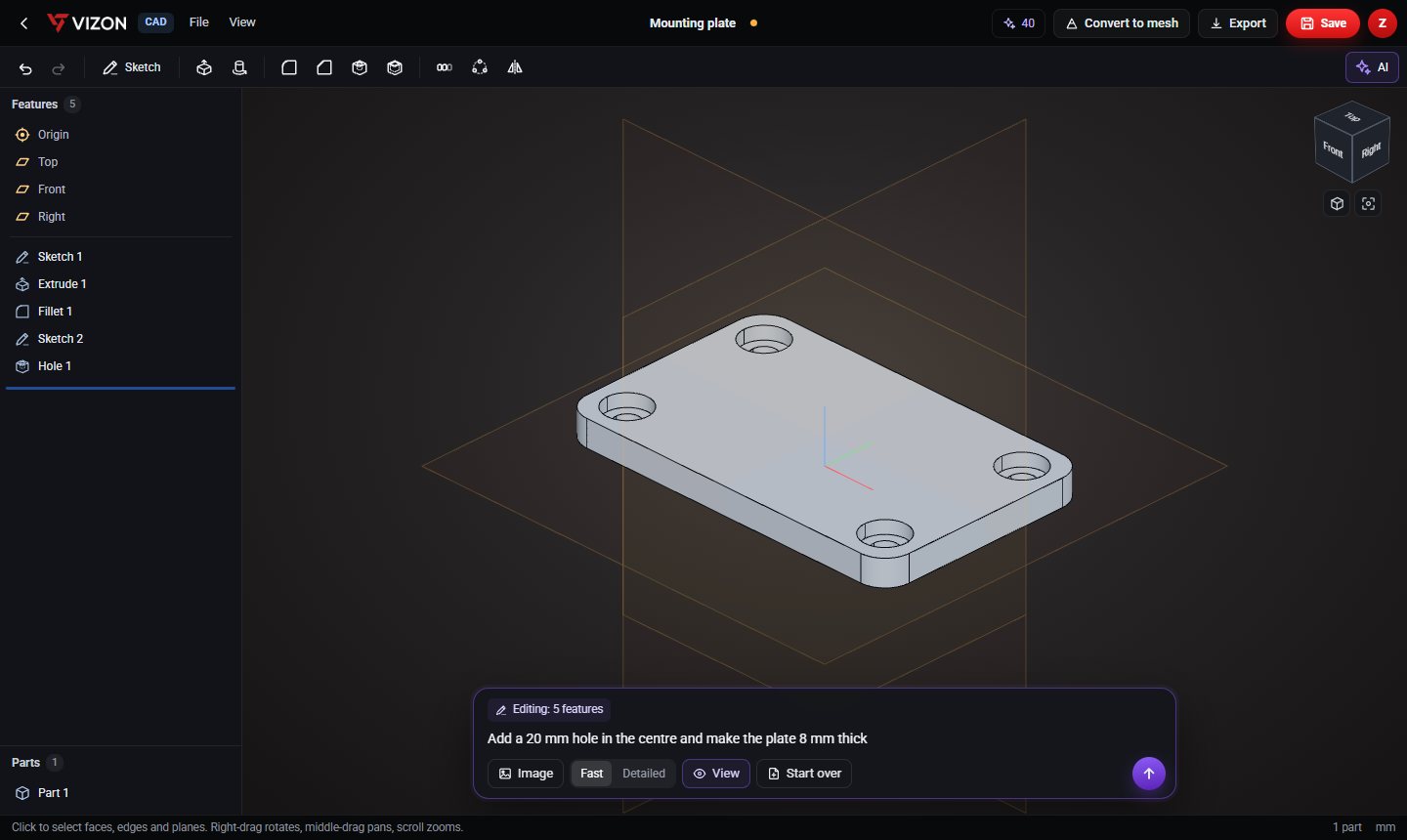
The AI works in millimetres and in CAD features, so the closer your words are to sizes and features, the better the result.
Say the base shape and its sizes before details: "a rectangular plate 120 by 80 mm, 8 mm thick".
Use words like hole, through hole, counterbore, fillet, chamfer, boss, rib, slot, pattern and shell.
Say where: "centred", "15 mm from each corner", "on the top face", "around the axis".
"Six M8 holes on a 100 mm bolt circle" builds one hole and a circular pattern, which stays editable.
After the first result, ask for one change at a time: "make the boss 5 mm taller".
Want more detail? Read the guide: How to Create CAD with AI.
Real models built with these tools. Each one is free to download.
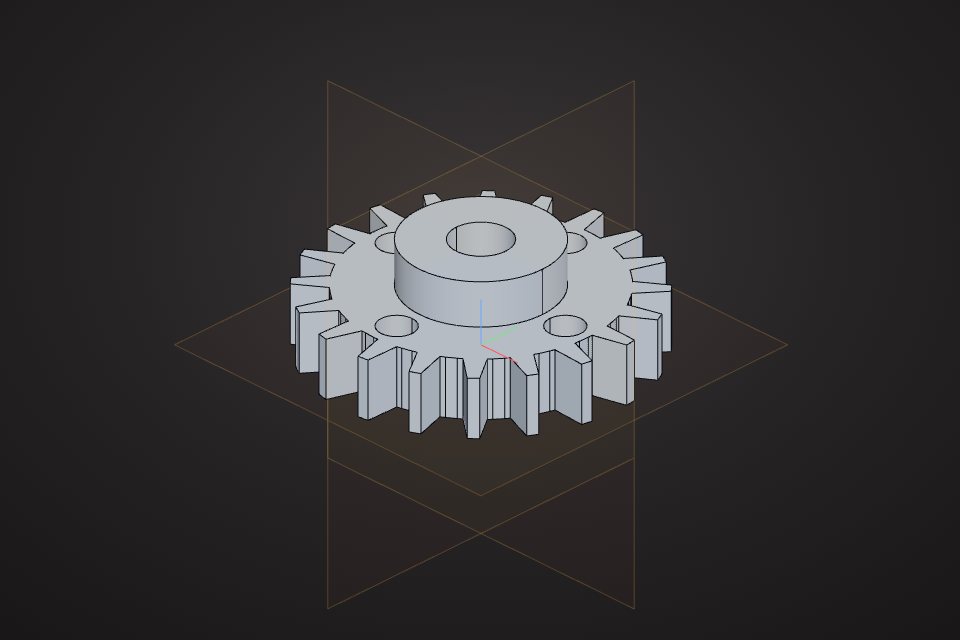 Spur gear20 teeth, module 2, with a raised hub and an 8 mm boreCAD part · free STEP, STL
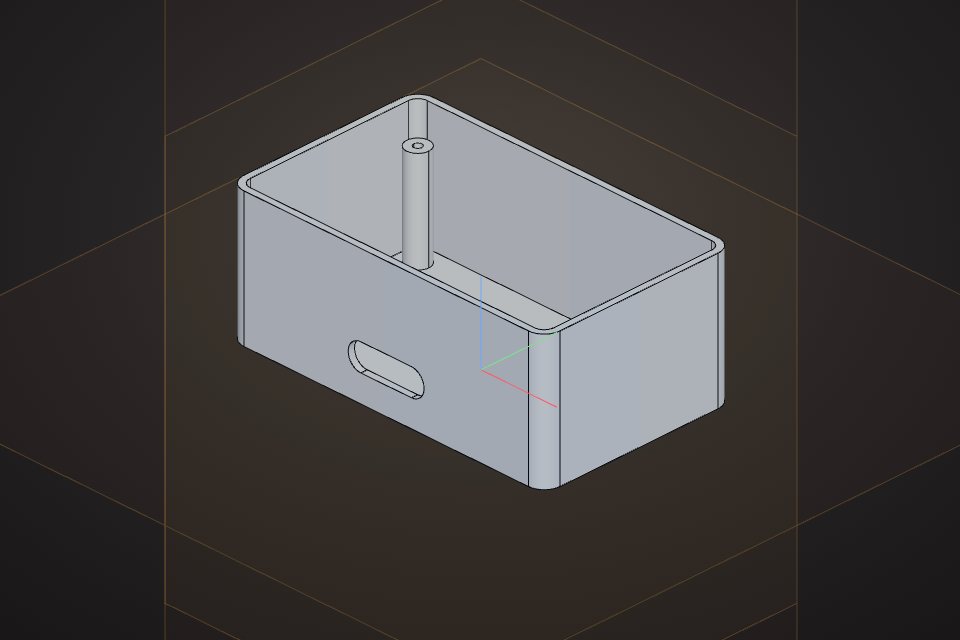 Electronics enclosure100 x 60 x 40 mm box, 2 mm walls, open top, four M3 screw bossesCAD part · free STEP, STL
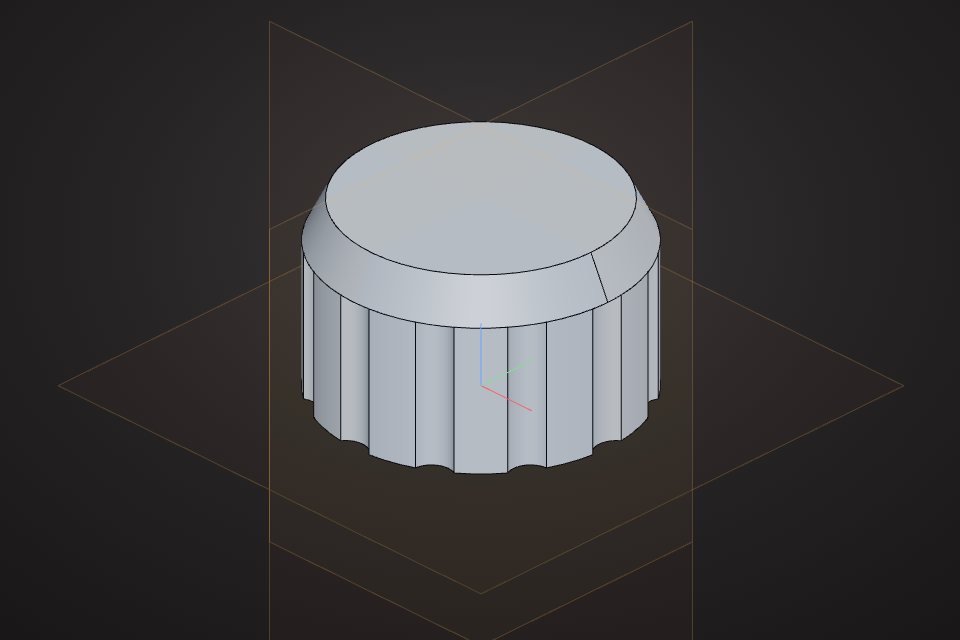 Control knob30 mm knob with a 6 mm shaft bore and 12 grip flutesCAD part · free STEP, STL
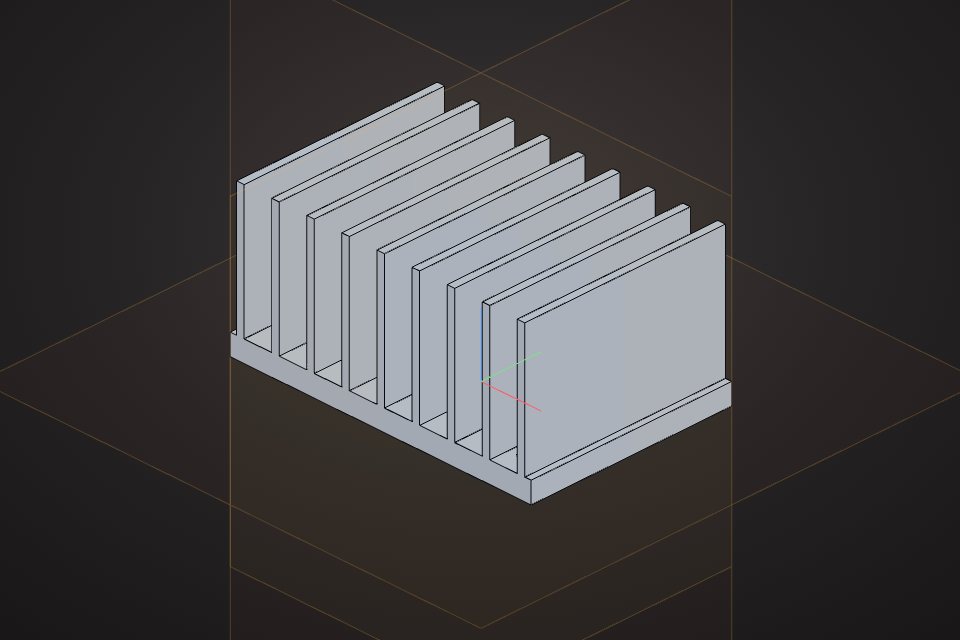 Finned heatsink60 x 40 mm base with nine 25 mm cooling finsCAD part · free STEP, STL
Generating a CAD model from a written description. In VIZON the output is a parametric feature list, so it stays editable like hand-made CAD.
VIZON CAD works in millimetres. Writing the units in your prompt avoids any ambiguity.
Ask for the change in plain words, or open the feature and change the number yourself. Both keep the rest of the part intact.
VIZON runs in your browser. Create an account and open the tool in seconds.