Sketch
Rectangles, circles, slots, polygons, polylines and points on the Top, Front or Right plane, or on any flat face of your part.
VIZON CAD is a parametric CAD editor that runs in a browser tab: sketch on a plane or any flat face, build features, change a value and the part rebuilds.
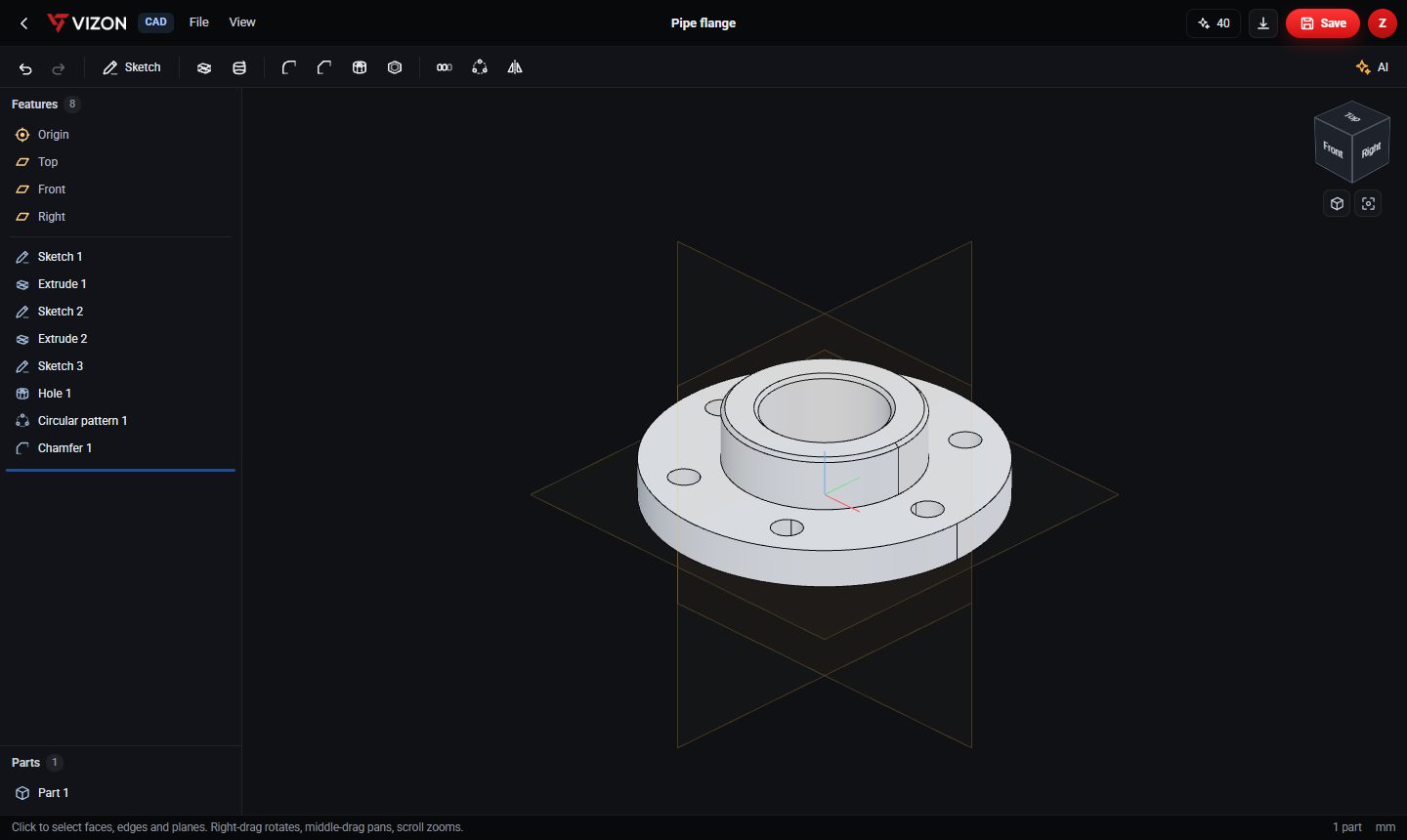
Rectangles, circles, slots, polygons, polylines and points on the Top, Front or Right plane, or on any flat face of your part.
Extrude, revolve, hole, fillet, chamfer, shell, linear pattern, circular pattern and mirror.
Double-click a feature to edit it. Drag the rollback bar to work earlier in the history, or suppress a feature to test without it.
Every save keeps the previous version. Open File, Version history to restore one.
Open STEP files from your library and keep building on them. Export STEP, STL or GLB.
Open the AI bar to generate a part from a description, or to change the current part by asking.
Desktop CAD suites go deeper on assemblies, drawings and simulation. VIZON focuses on fast single-part design that anyone can open from a link, with AI that writes real features instead of a frozen mesh, and a direct path into materials, presentation and Zimension 3D worlds.
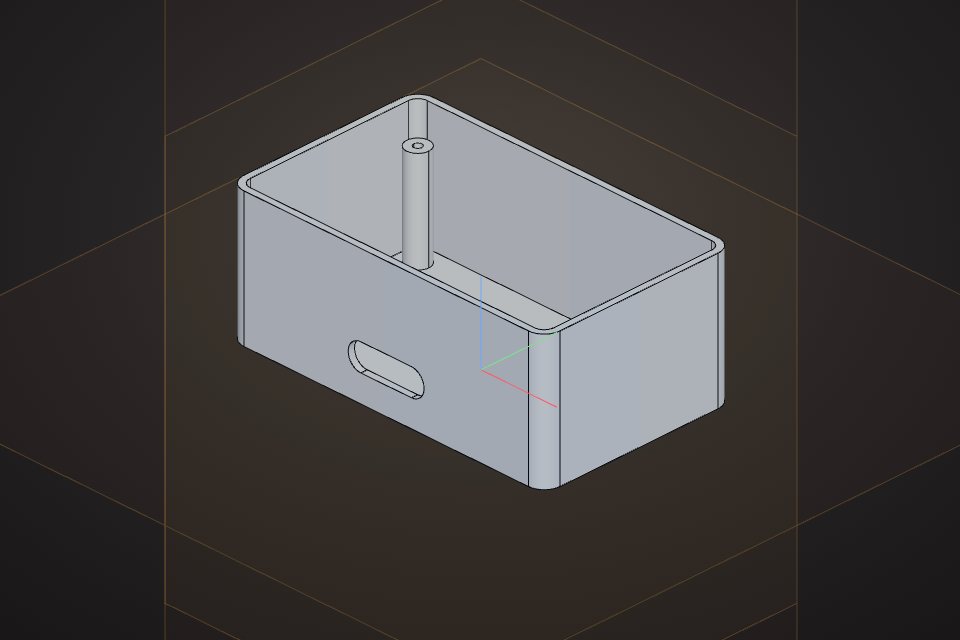
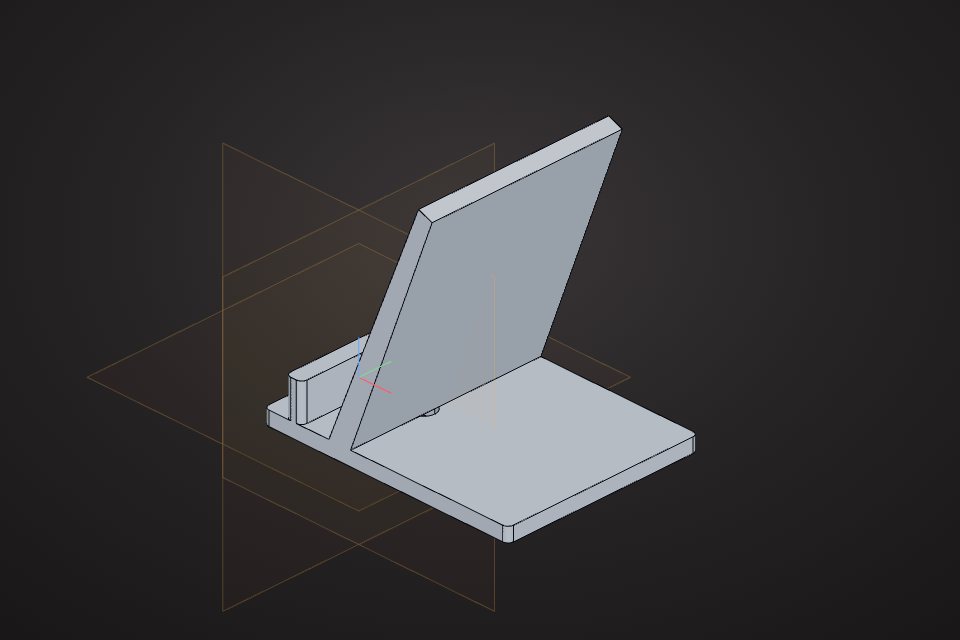
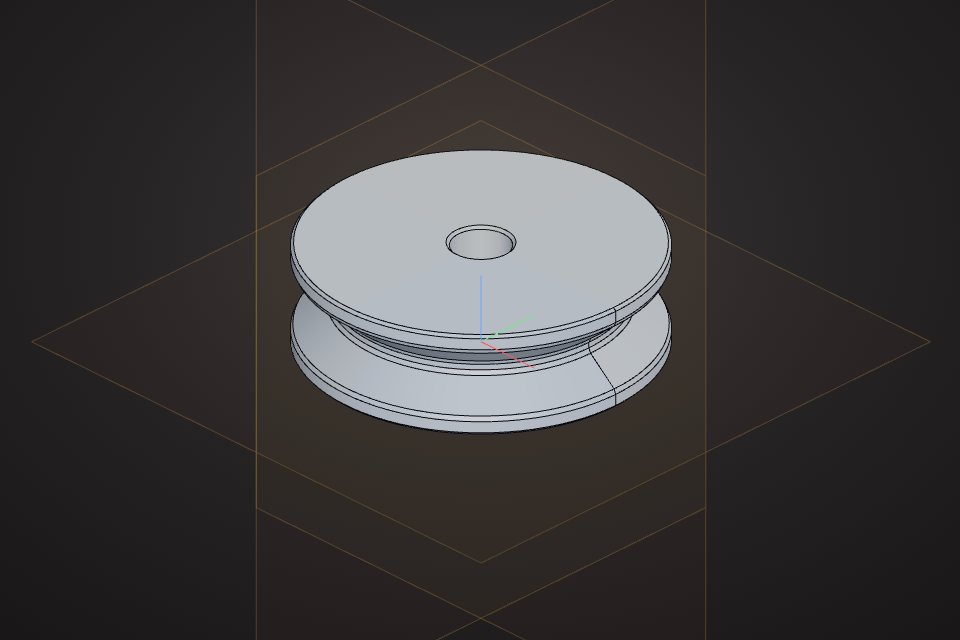
Real models built with these tools. Each one is free to download.
Real CAD. Parts are solid B-rep geometry built by the OpenCascade kernel from a parametric feature list, and they export as STEP.
Millimetres. STL exports are in millimetres with Z up, which is what most slicers expect.
Yes. A STEP file opens in the CAD editor as an imported body that you can add new features to.
The CAD viewport supports touch gestures, so you can review and edit parts on a tablet as well as with a mouse.
VIZON runs in your browser. Create an account and open the tool in seconds.