
Resize a model
Select it, press S and drag, or type an exact scale in the transform panel. Uniform scale is on by default.
Upload a model to VIZON and make the common edits in your browser: resize it, combine or split parts, cut holes, reduce polygons and change its materials.
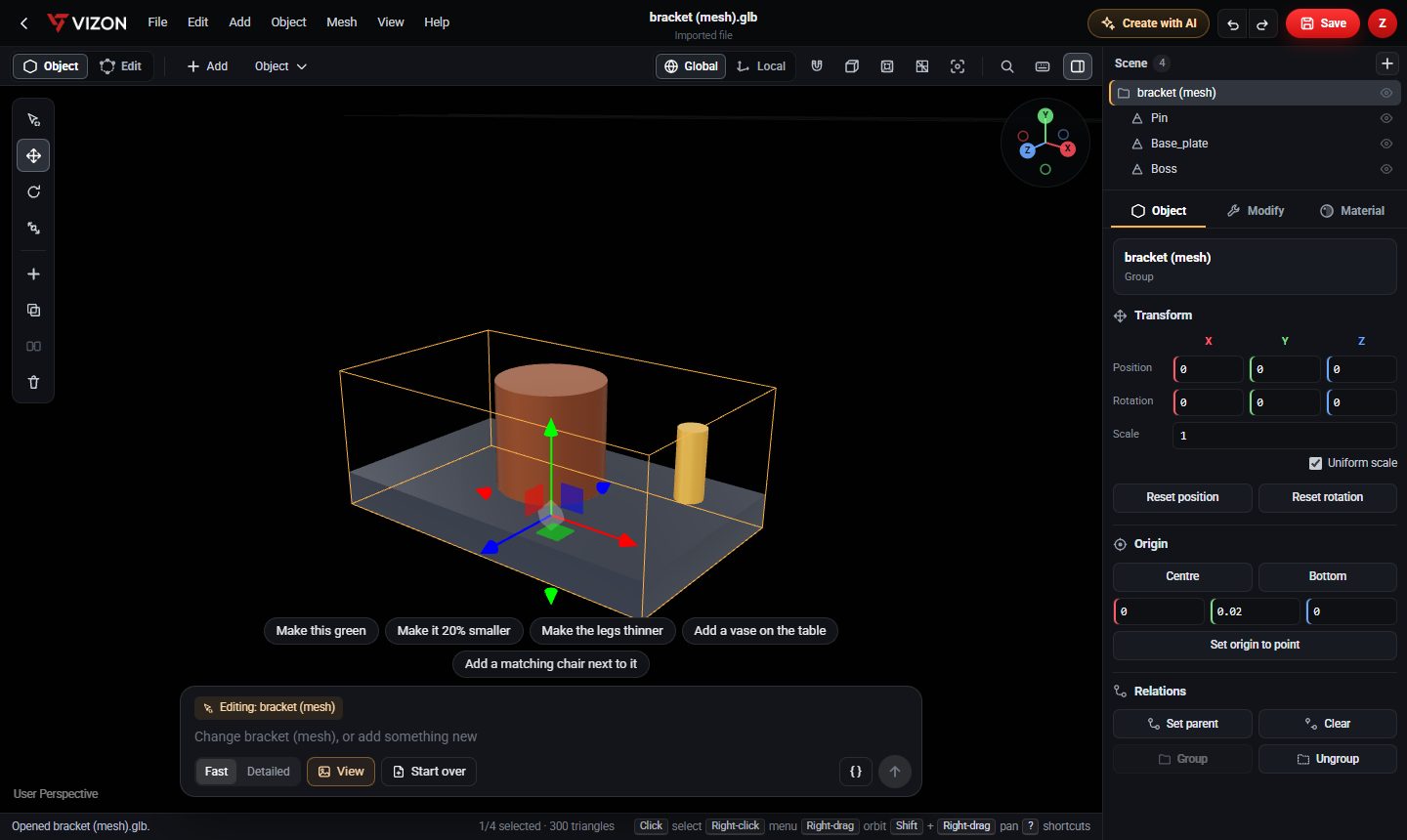
Select it, press S and drag, or type an exact scale in the transform panel. Uniform scale is on by default.
R and G, with Global or Local axes, or type exact rotation and position values.
Join parts of a model into one mesh with Ctrl+J, or merge overlapping parts into one solid with boolean union.
Place a cylinder where the hole goes and use boolean subtract.
Separate selected faces, or split by material or by loose parts.
Decimate to 50% or 20% of the triangles for faster loading.
Pick a preset, set colour, roughness and metalness, or load texture maps.
Move the pivot to the centre or bottom of the model, or to a point you choose.
Yes. VIZON covers everyday edits such as resizing, combining, cutting, splitting, decimating and retexturing in the browser.
STEP files open in the CAD editor, where you can add features to them. To edit one as a mesh, convert it to a mesh first.
Saving writes the edited model to your library. Keep a copy of the original if you need it unchanged.
VIZON runs in your browser. Create an account and open the tool in seconds.