
Exact sizes
Every sketch and feature is a number in millimetres, so the printed part fits.
Design printable parts to the millimetre in VIZON CAD, from enclosures and brackets to knobs and spacers, then export STL for your slicer or STEP for later.
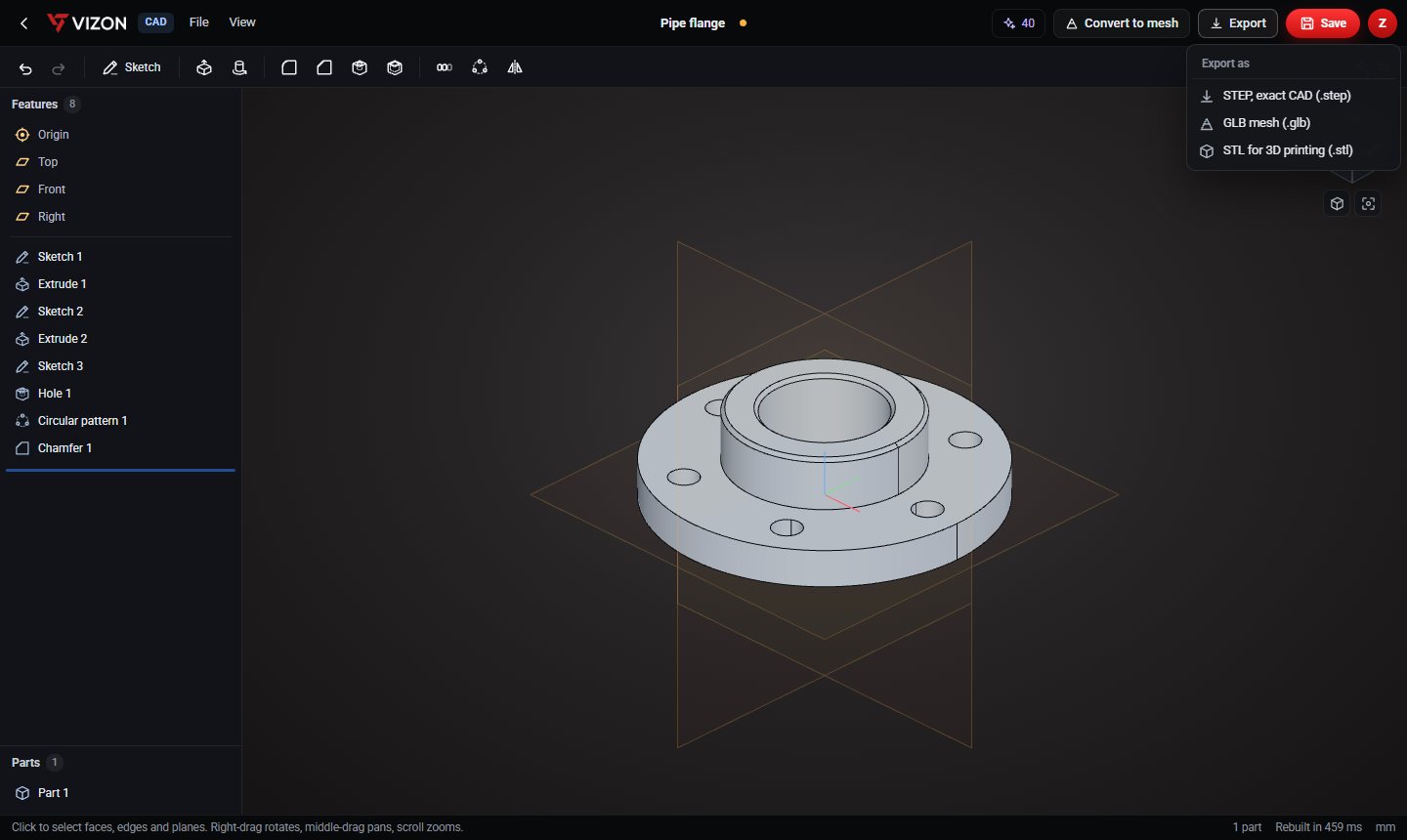
Every sketch and feature is a number in millimetres, so the printed part fits.
Hole features with counterbores and countersinks, at standard clearance sizes such as 3.4 mm for M3.
The shell feature turns a solid into an enclosure with walls of the thickness you choose.
Fillets on inside corners spread stress; chamfers on bottom edges help bed adhesion.
If a hole is too tight, change one number, rebuild and print again.
STL export uses millimetres with Z up, which is what slicers expect.
Want more detail? Read the guide: Designing Parts for 3D Printing: The Rules That Matter.
Real models built with these tools. Each one is free to download.
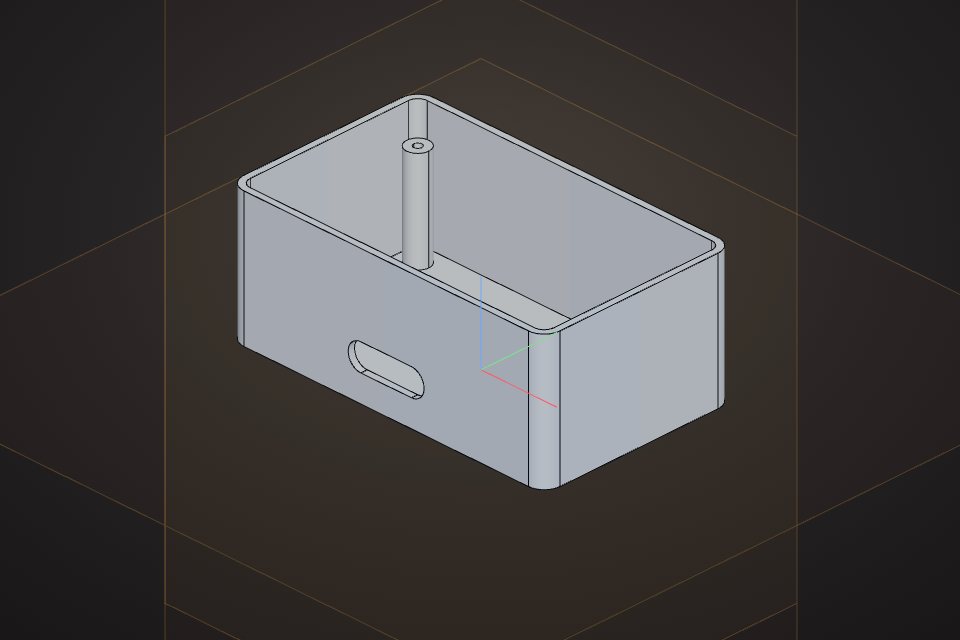 Electronics enclosure100 x 60 x 40 mm box, 2 mm walls, open top, four M3 screw bossesCAD part · free STEP, STL
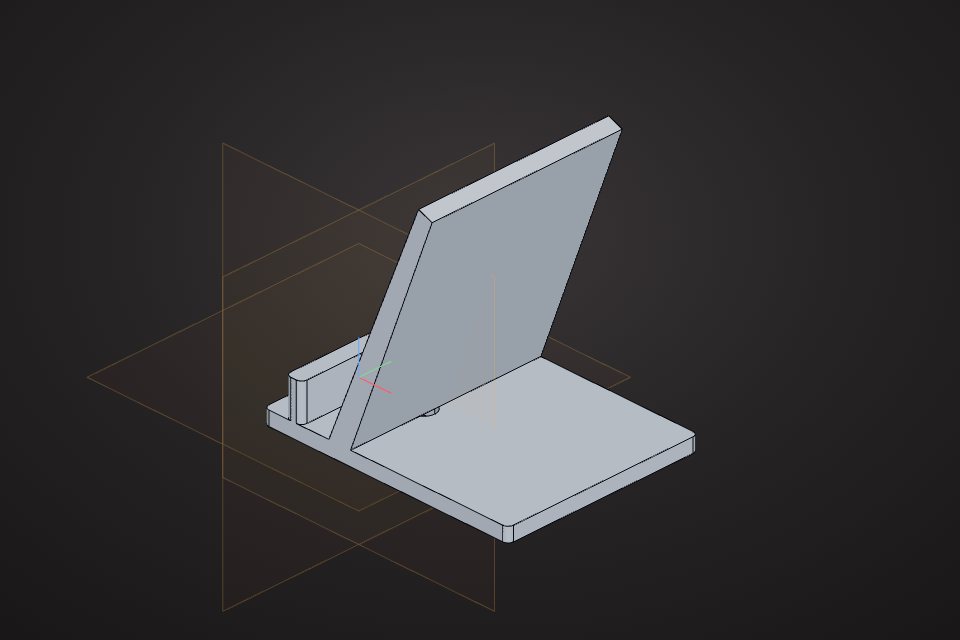 Phone standAngled desk stand, 70 mm wide, with a charging cable slotCAD part · free STEP, STL
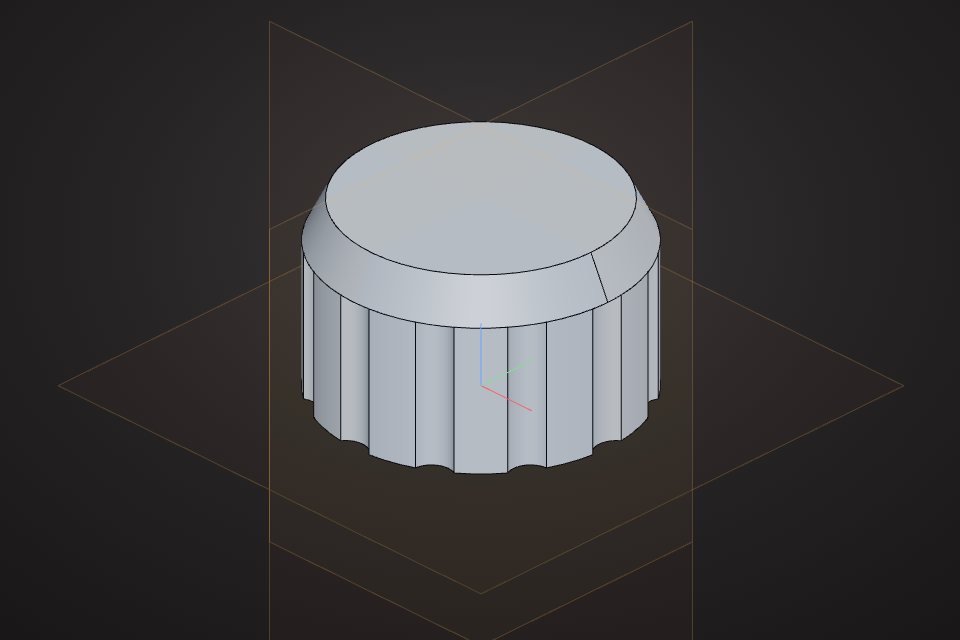 Control knob30 mm knob with a 6 mm shaft bore and 12 grip flutesCAD part · free STEP, STL
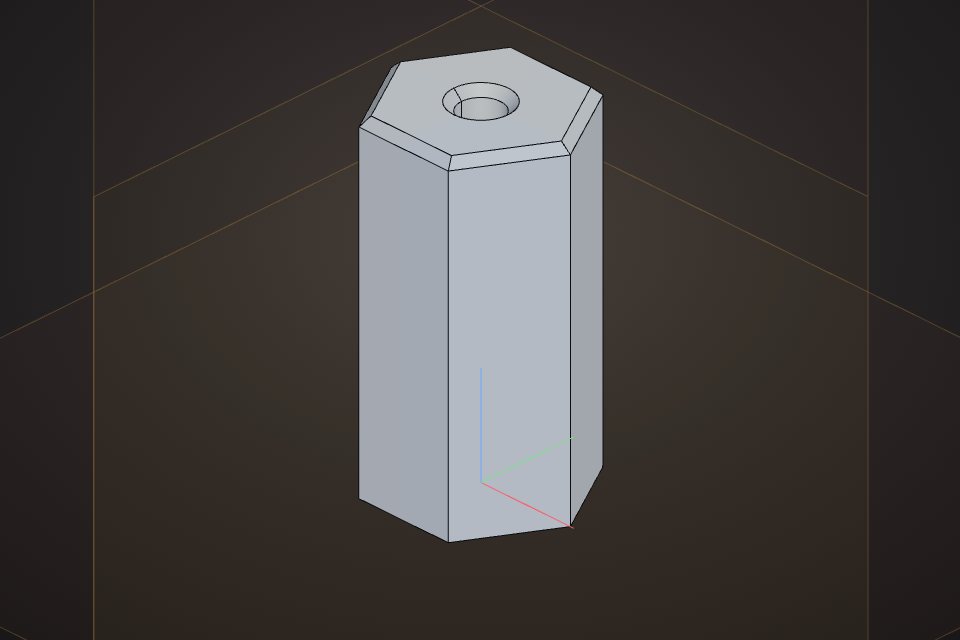 M3 hex standoff10 mm across flats, 20 mm long, M3 tap-drill boreCAD part · free STEP, STL
For FDM printers, at least two nozzle widths, so 0.8 to 1.2 mm with a 0.4 mm nozzle, and 2 mm or more for parts that take load.
Printed holes usually come out slightly small. Add about 0.2 to 0.4 mm to the diameter, or use standard clearance sizes.
Yes. Every CAD model in the VIZON model gallery has a free STL download.
VIZON runs in your browser. Create an account and open the tool in seconds.