
See the size first
The preview above reads the bounding box straight from the file, so you know the starting size before you scale.
Drop your STL to see its exact size, then scale it in VIZON to the dimensions you need and export a new STL for your slicer.
Drop a STL file here
The preview runs in your browser. Your file is not uploaded.
The preview above reads the bounding box straight from the file, so you know the starting size before you scale.
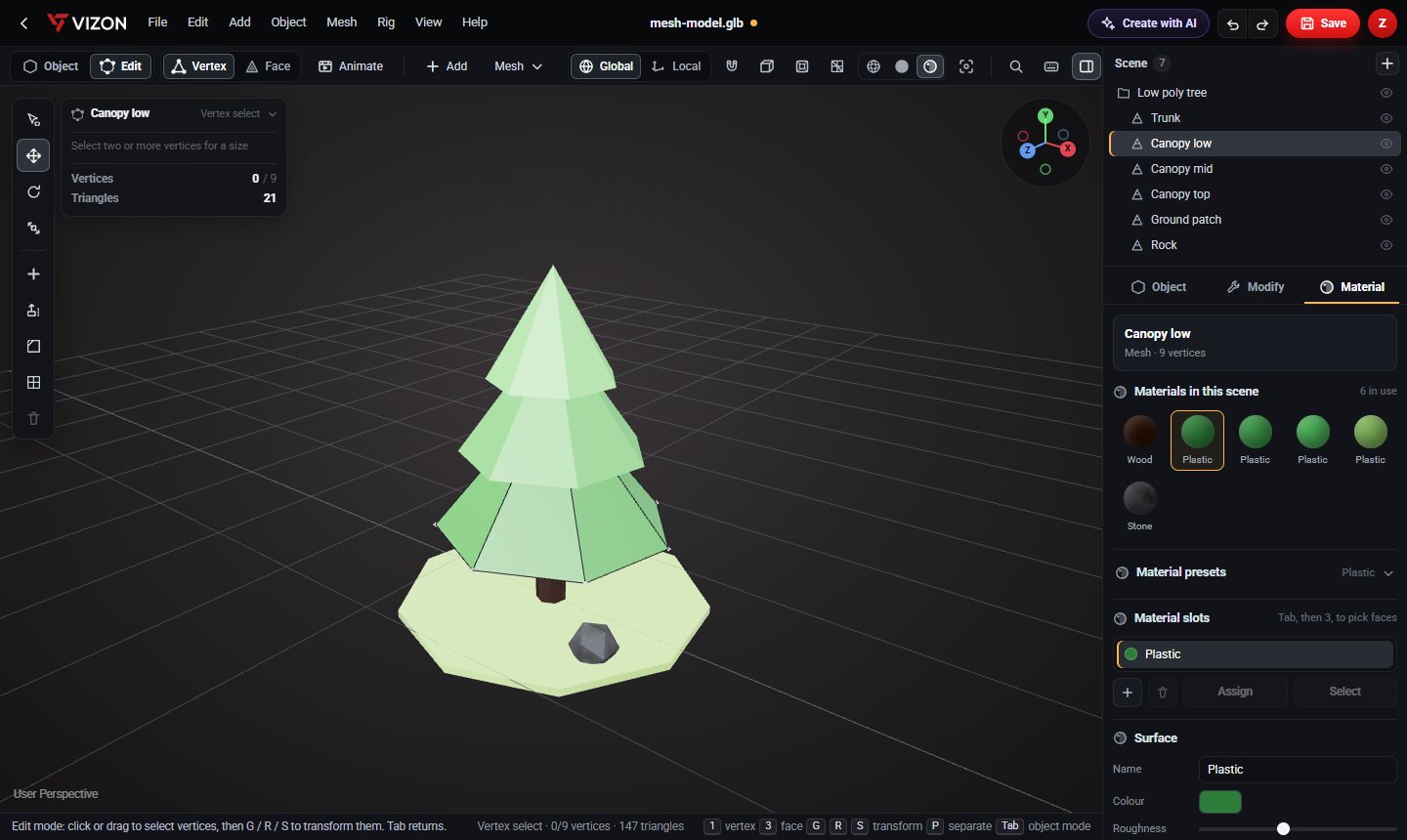
Select the model and press S, or type a scale such as 1.5 or 0.5 in the transform panel. Uniform scale keeps the proportions.
Untick uniform scale to stretch or squash only width, depth or height.
A model that imports 25.4 times too small was designed in inches. Scale it by 25.4 to convert to millimetres.
Press R, or type rotation values, to lay the part flat on the bed before export.
Save the model, then export STL from Studio for your slicer.
Want more detail? Read the guide: How to Edit an STL File Without Blender.
Drop it on this page. The preview shows the bounding box in the file units, which are almost always millimetres.
It was probably exported in inches or metres. STL files store no units, so scale by 25.4 for inches or 1000 for metres.
Yes, uniform scaling changes every dimension, holes included. To keep a hole size fixed, rebuild the part in VIZON CAD.
VIZON runs in your browser. Create an account and open the tool in seconds.