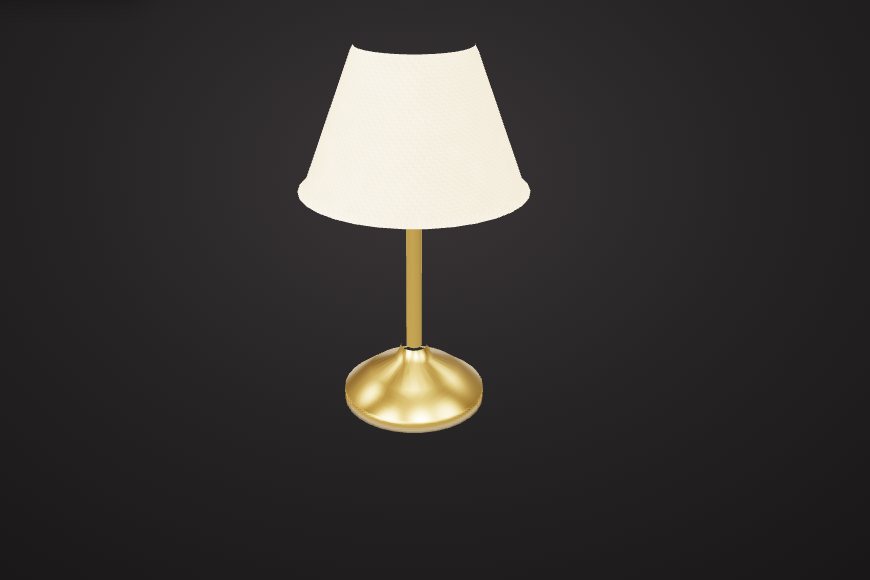
Change materials
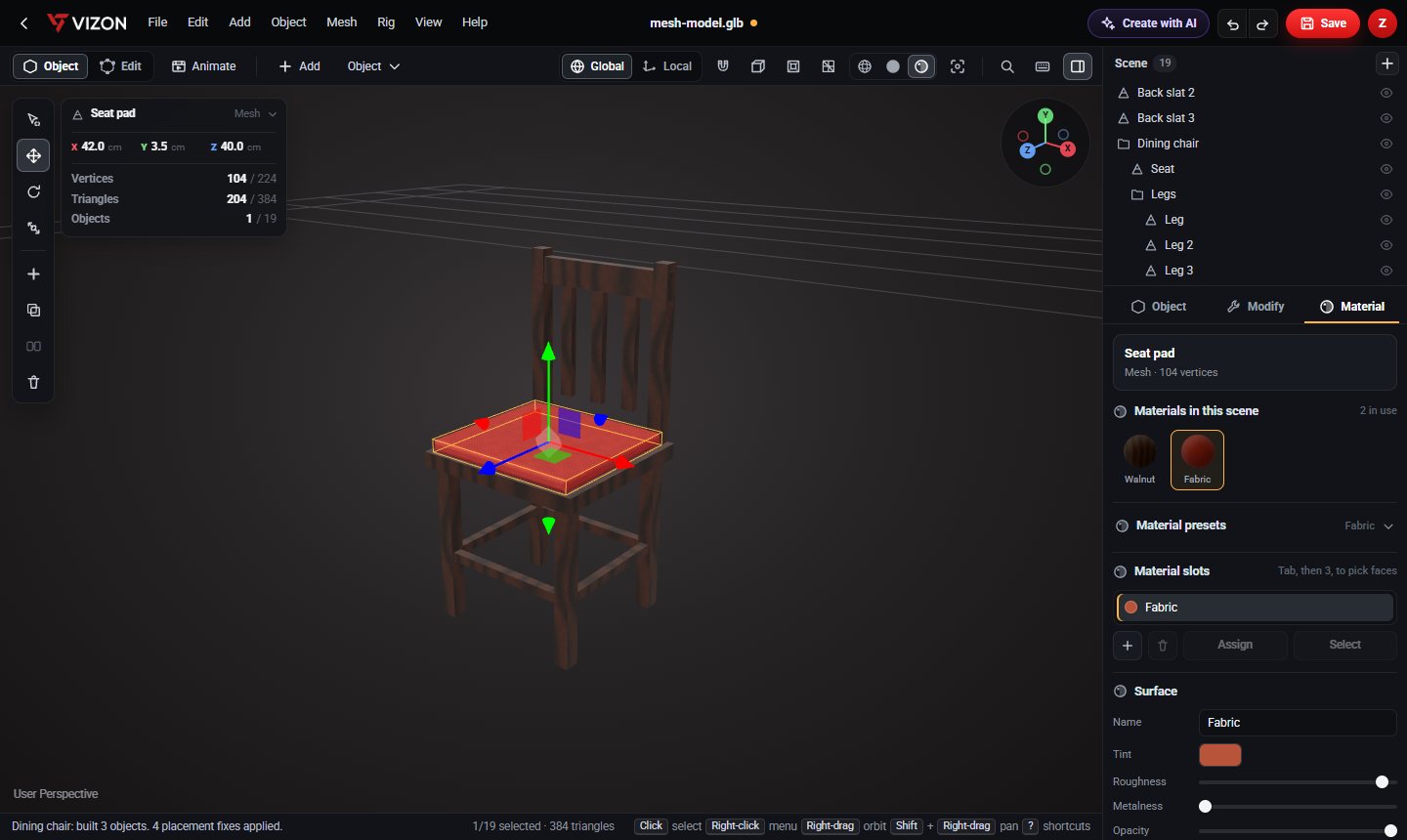
Swap materials per object or per face, set colour, roughness, metalness and opacity, or use presets.
Open a GLB or glTF model in VIZON to change its materials and textures, edit its meshes and UVs, add animation, and download it again as GLB.
Drop a GLB file here
The preview runs in your browser. Your file is not uploaded.
Swap materials per object or per face, set colour, roughness, metalness and opacity, or use presets.
Load base colour, normal, roughness, metalness, AO, emissive and height maps, sharing one placement.
Edit geometry in vertex or face mode and fix texture layout with unwraps and the UV editor.
Key transforms and bone poses on the timeline. Actions export as native GLB animations.
Decimate heavy meshes and remove objects you do not need before export.
Rename, group, ungroup and re-parent objects in the scene outline.
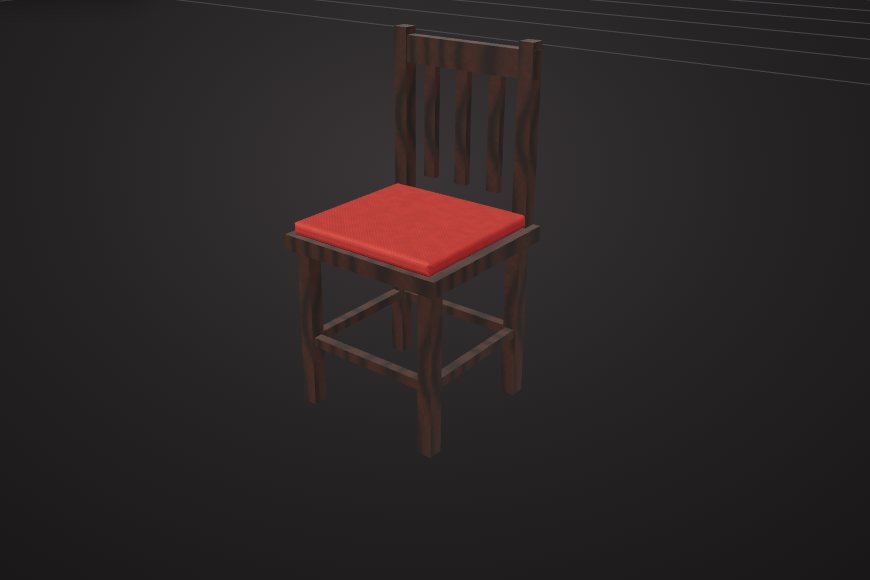
Real models built with these tools. Each one is free to download.
Yes. Select the object or faces, then pick a preset or set colour, roughness, metalness and texture maps.
Yes. Imported animation clips are kept, and actions you key in VIZON export as GLB animations.
Yes. Both open in the same editor. GLB is the single-file binary form of glTF.
VIZON runs in your browser. Create an account and open the tool in seconds.