Start from few-sided shapes
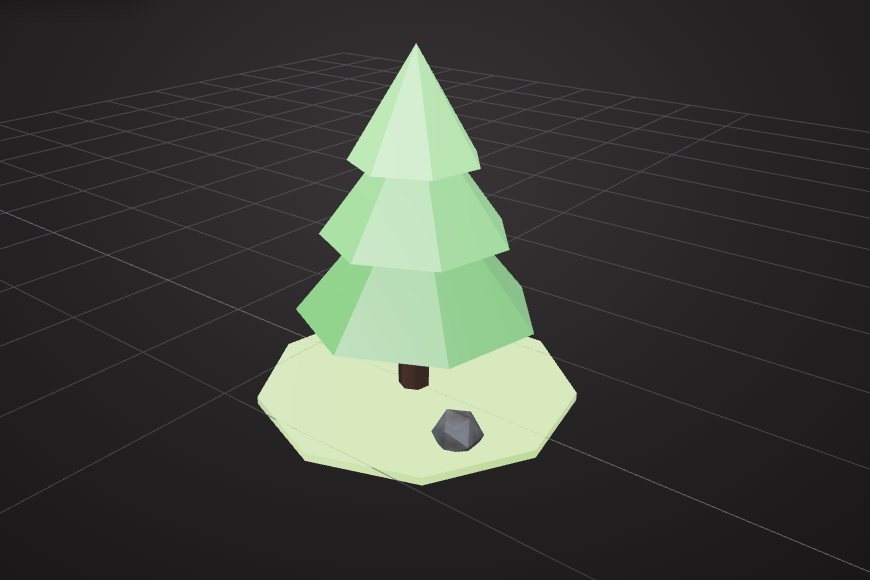
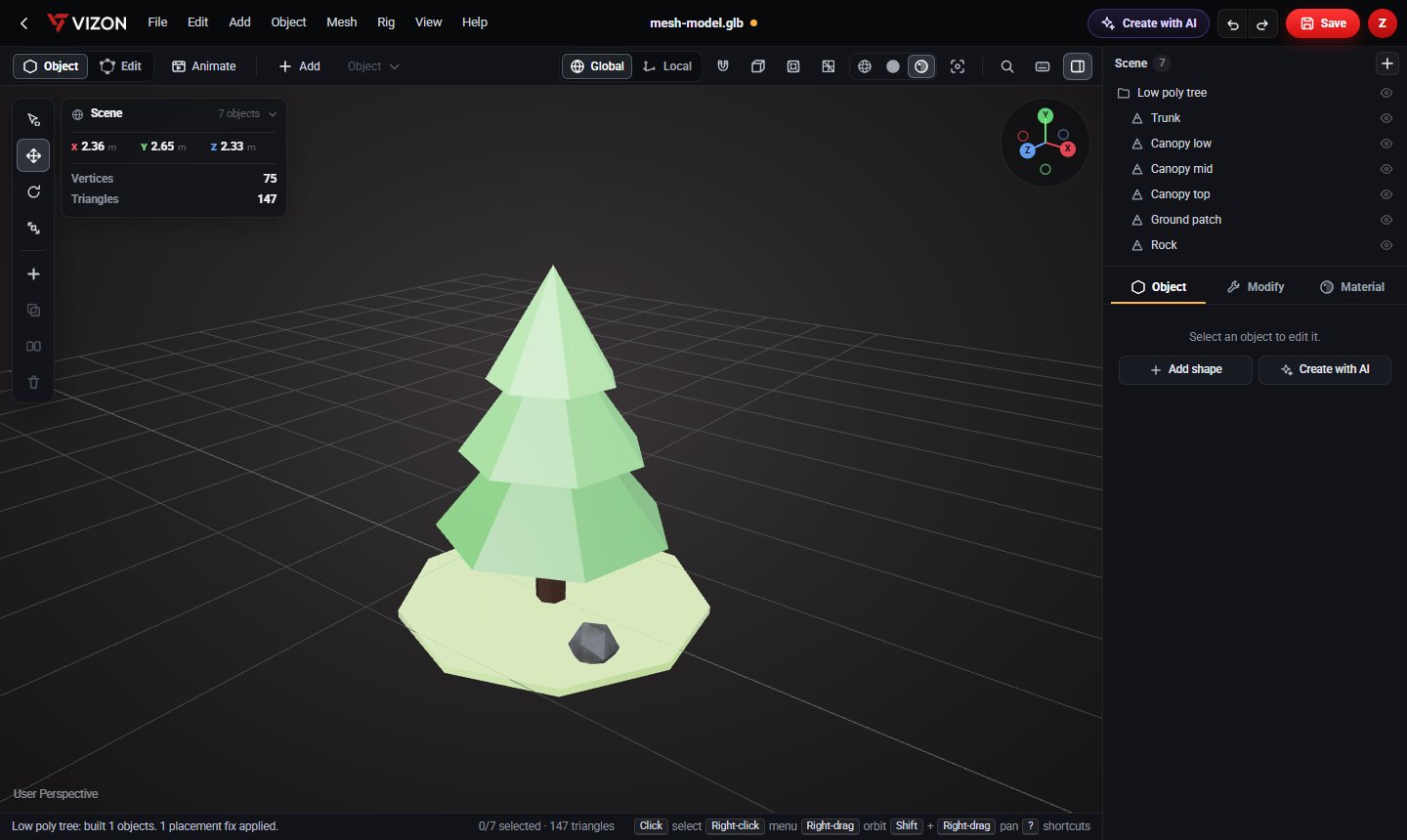
The low poly look comes from visible facets. Set cylinders, cones and spheres to between 5 and 8 segments. The tree above is a seven-sided trunk and three seven-sided cones, each a little smaller, with flat shading.
Use a small colour palette
Flat colours, not textures, define the style. Pick three or four shades per material family, such as greens for foliage and browns for wood, and reuse them across every asset so the scene feels like one world.
Cut openings with booleans
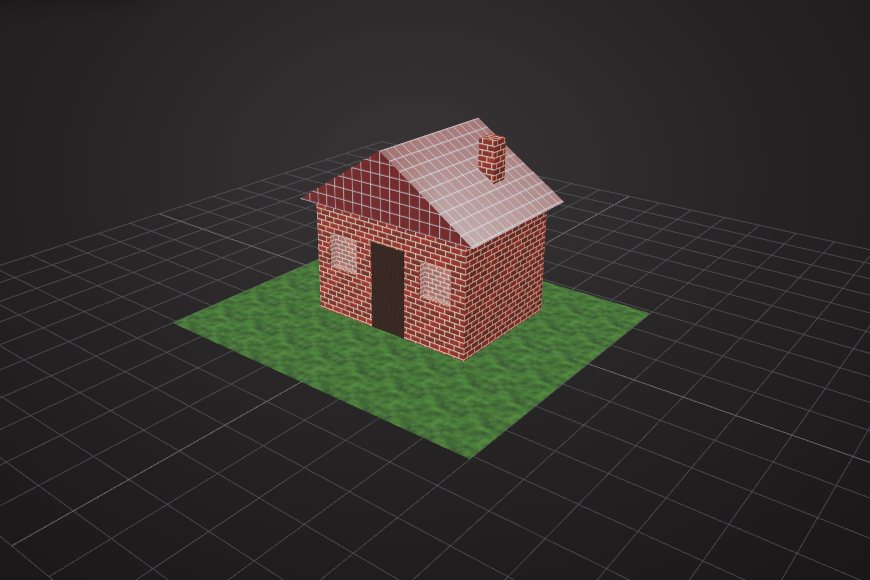
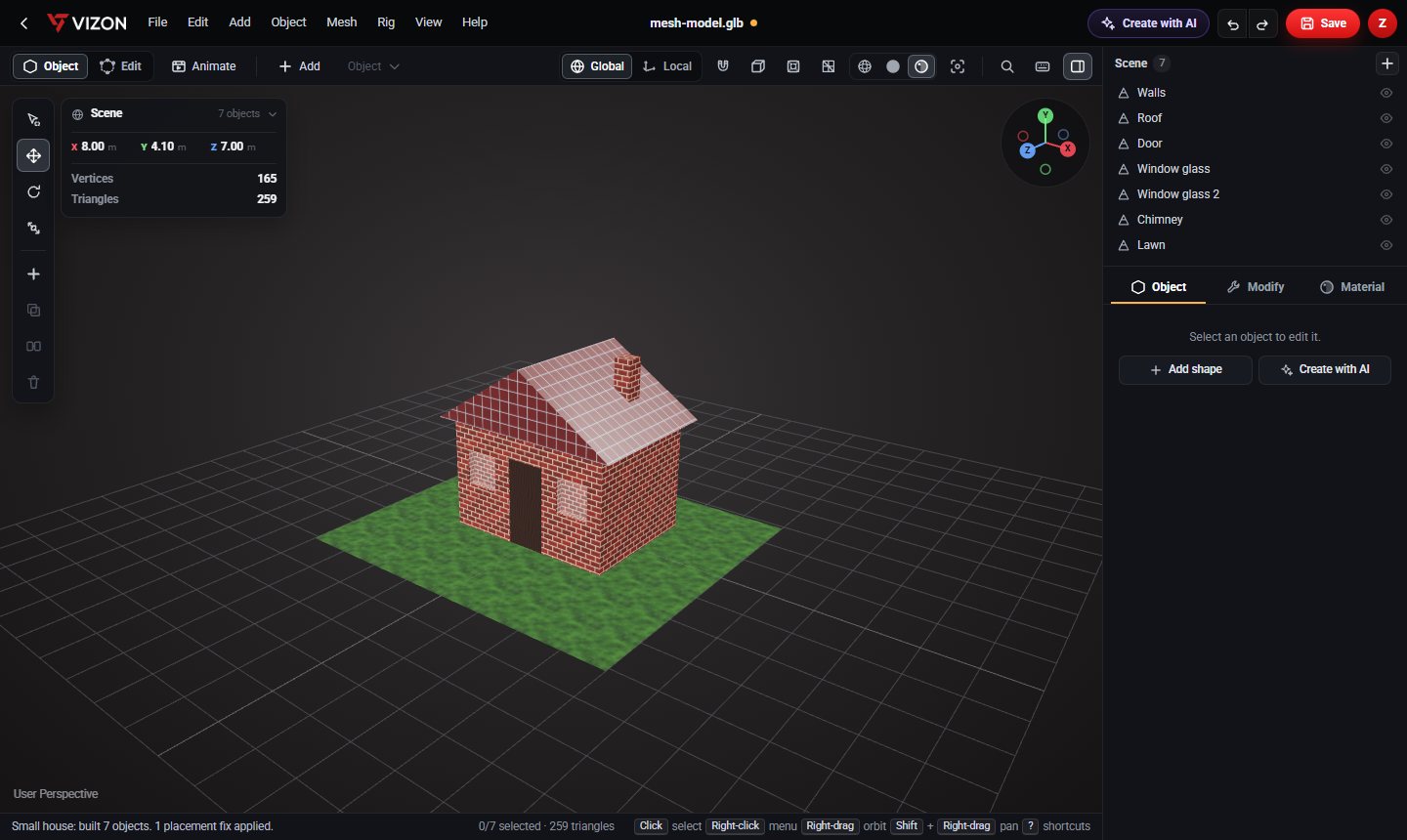
For buildings, start with a box for the walls and subtract boxes for the door and windows. An extruded triangle makes the gable roof.
Keep an eye on the budget
Low poly props are usually a few hundred to a few thousand triangles. If you import a detailed model, decimate it to 50% or 20% to match the style.
Export for your engine
Download GLB. Godot and Unreal import it directly, and Unity reads it with a glTF importer package. Keep each asset as a group of named parts so you can recolour pieces later.