
The short answer
- Send STL to a 3D printer slicer.
- Send STEP to a machine shop, a supplier, or another CAD program.
- Keep the STEP (or the CAD file) as the master, and export STL from it when you need to print.
How they store geometry
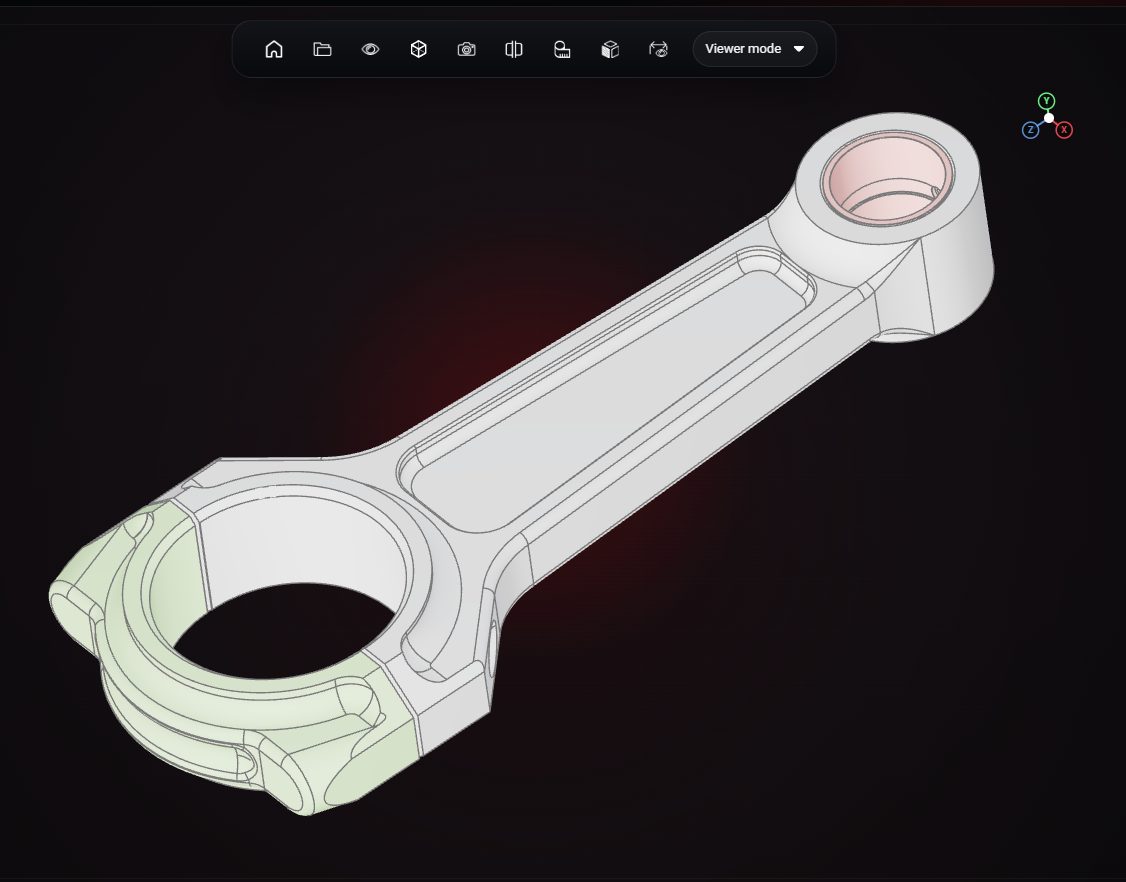
STL approximates every surface with flat triangles; a cylinder becomes a ring of thin facets. STEP stores the exact surface: a cylinder is a cylinder with a precise radius. That is why STEP can be measured and edited accurately, and STL cannot.
Units and metadata
STL stores no units, colours or part names. STEP stores units, part structure and basic colours.
Converting between them
STEP to STL is easy and loses only precision: in VIZON, open the STEP file in Studio or the CAD editor and export STL. STL to STEP does not give you real CAD; you get a STEP file full of triangles. To get an editable part, rebuild it in a CAD editor.
Side by side
| STL | STEP | |
|---|---|---|
| Geometry | Triangle mesh | Exact solids and surfaces |
| Units | Not stored | Stored |
| Multiple parts | No structure | Parts and assemblies |
| Editable dimensions | No | Yes, in CAD |
| Typical use | 3D printing | CAD exchange, manufacturing |