What changed
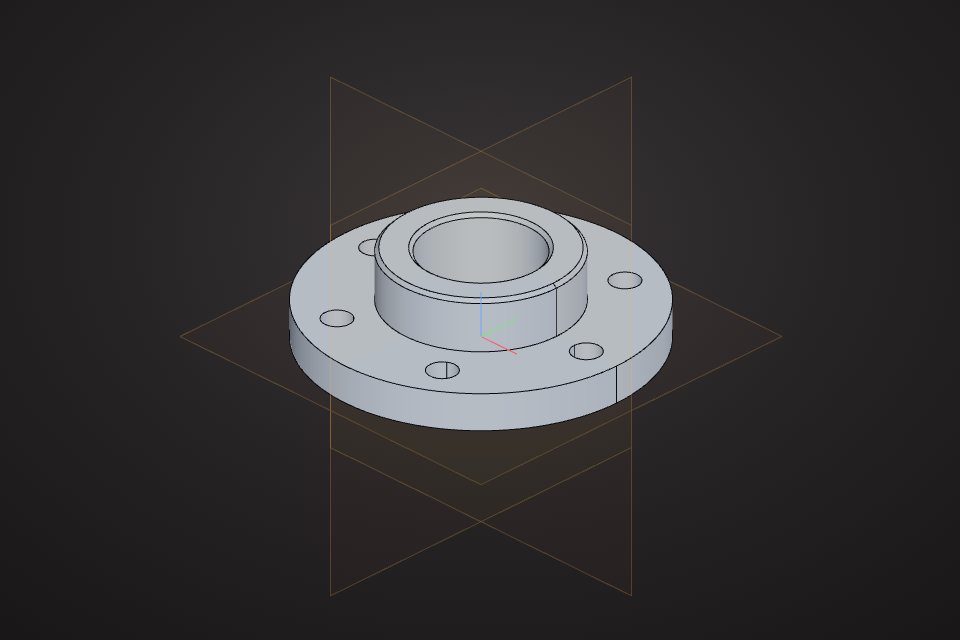
Two technologies made browser 3D practical. WebGL, and now WebGPU, give web pages fast access to the graphics card. WebAssembly lets heavy native code run in the browser at near-native speed. VIZON uses it to run the OpenCascade CAD kernel in the tab, the same family of kernel used by open-source desktop CAD.
What you can do in a browser today
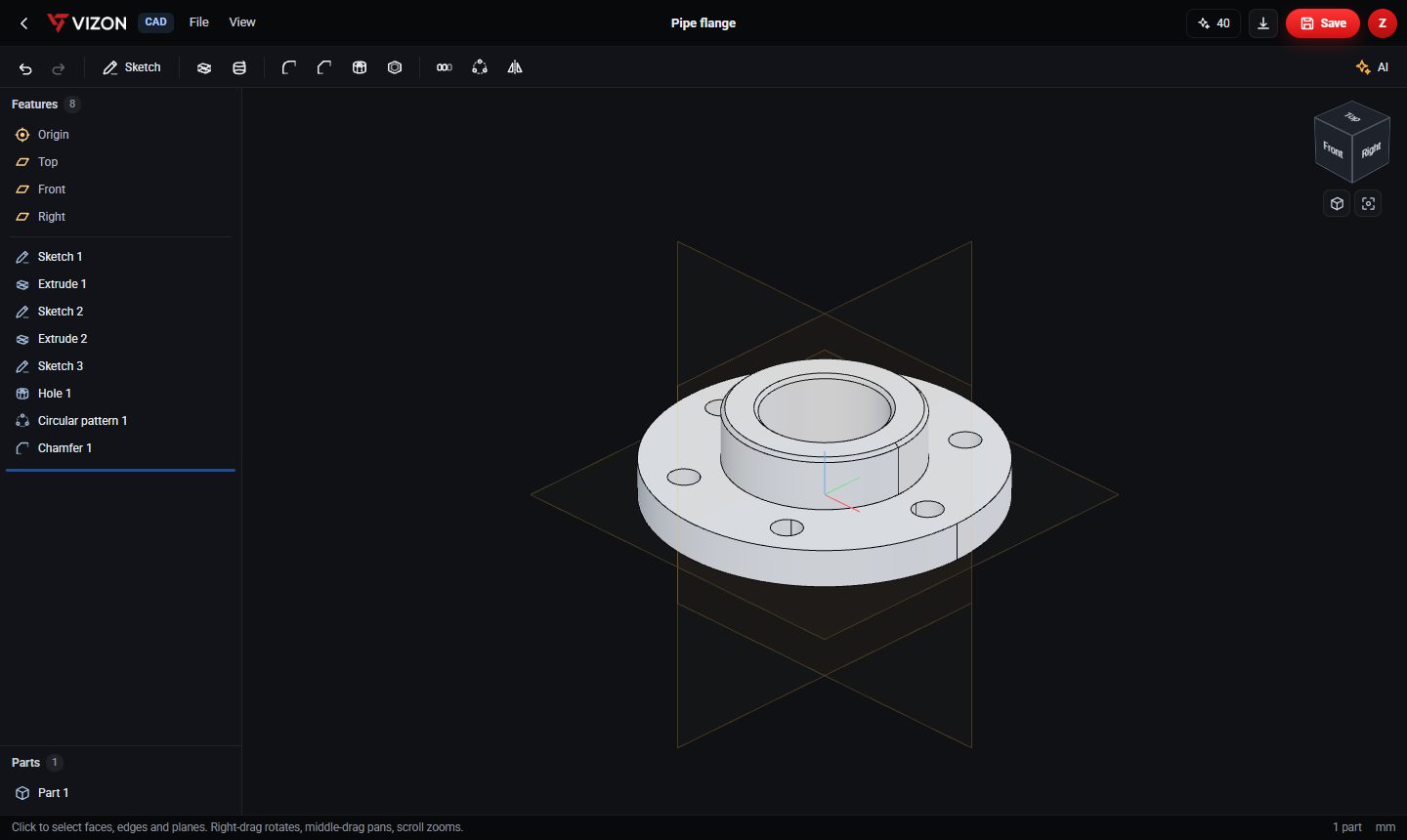
- Parametric CAD: sketches, extrudes, revolves, holes, fillets, shells and patterns, with history and STEP export.
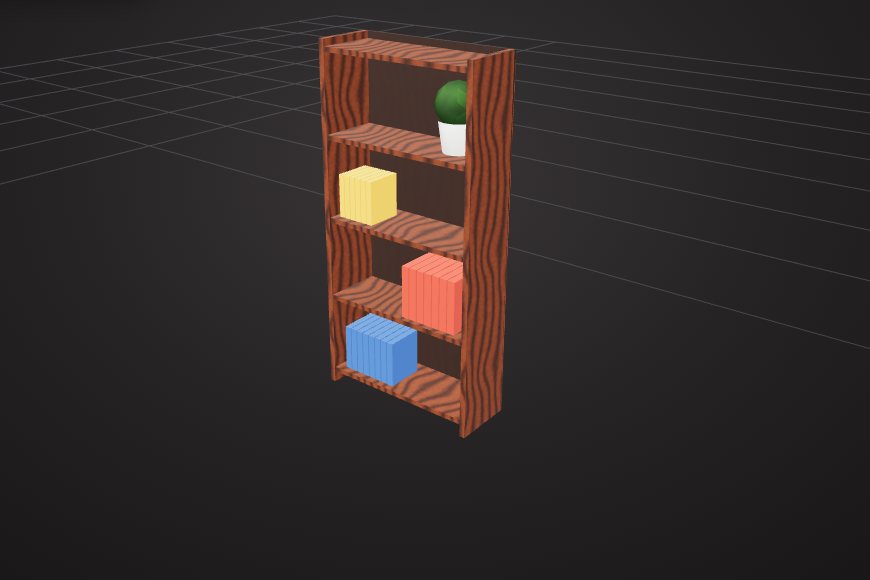
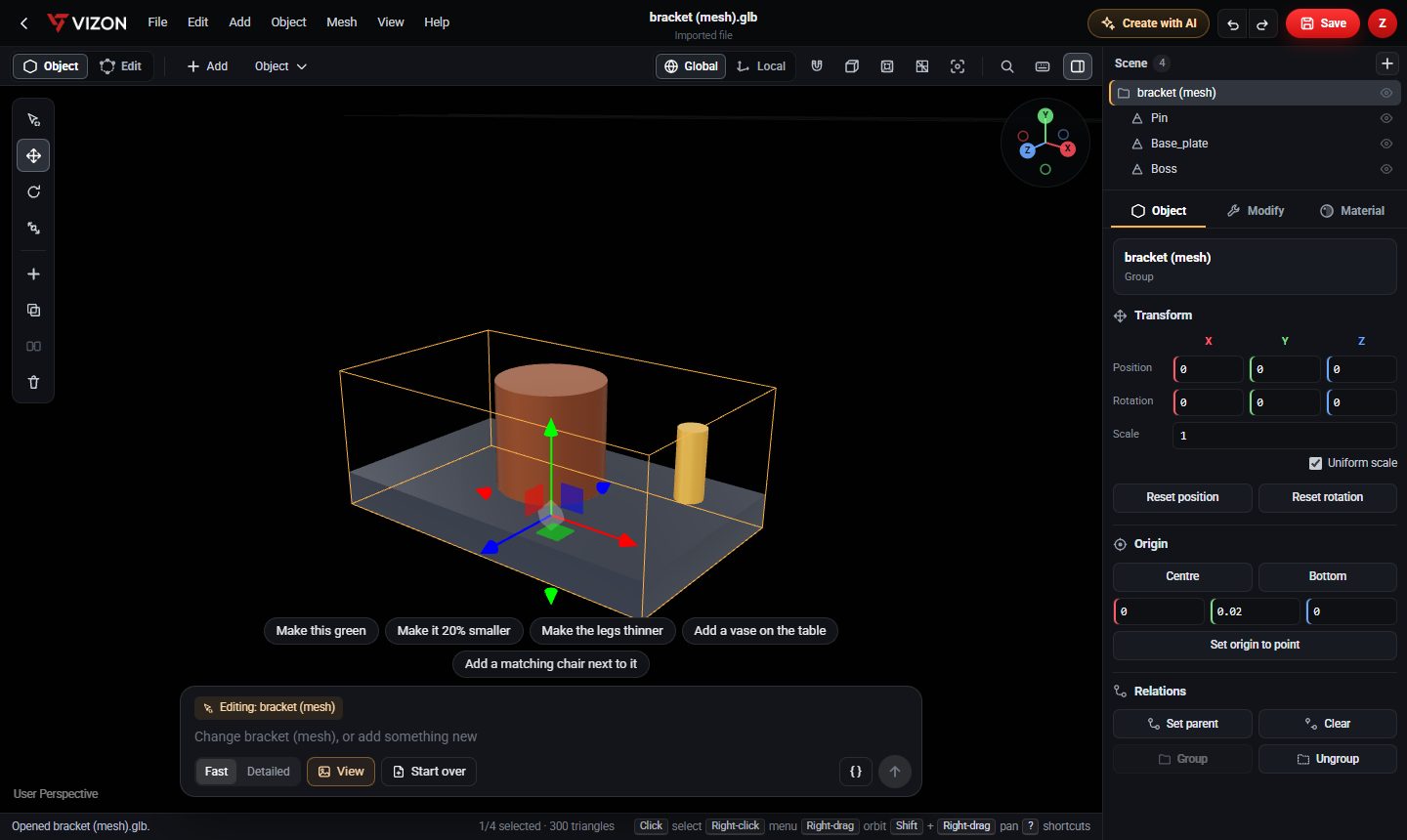
- Mesh modeling: vertex and face editing, booleans, bevels, UVs, materials and keyframe animation.
- AI generation that writes editable CAD features or builds mesh models from shapes.
- Viewing, measuring, sectioning and sharing CAD and mesh files with a link.
Why it is useful
- Nothing to install or update, and it works the same on Windows, macOS, Linux and tablets.
- Files live in an online library, so you can open a project on any computer.
- Sharing is a link, not an email with an attachment and a software requirement.
Where desktop software still wins
Desktop tools remain stronger for very large assemblies, 2D engineering drawings, simulation, film-quality rendering and sculpting millions of polygons. The practical approach is to use the browser for the many everyday jobs and keep desktop software for the specialist ones.