
Choose Tinkercad for
- Teaching young students and complete beginners.
- Very quick shape-based designs for a first 3D print.
- Classroom features and lesson resources built around it.
Tinkercad is a wonderful way to start 3D design. When your parts need exact dimensions you can change later, VIZON adds parametric CAD and AI while staying in the browser.
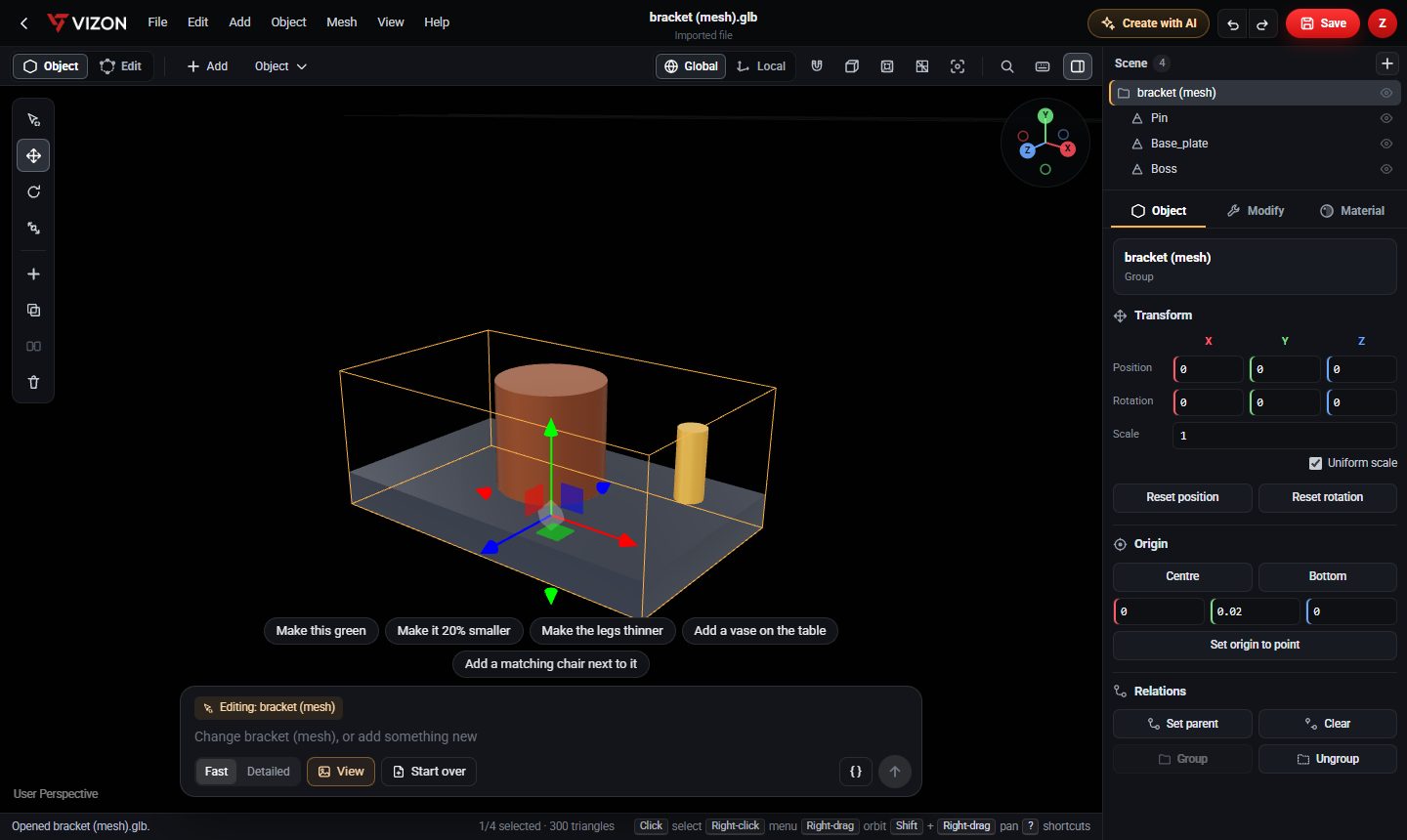
Tinkercad is a free, browser-based 3D design tool from Autodesk. You build models by combining basic shapes and "hole" shapes, which makes it very approachable and popular in schools.
| Tinkercad | VIZON | |
|---|---|---|
| Runs in | Web browser | Web browser |
| Modeling style | Combine solid and hole shapes | Parametric features and mesh editing |
| Feature history | Not its approach | Yes, with rollback and version history |
| Mesh editing | No vertex or face editing | Yes |
| Best for | Learning and simple prints | Precise printable parts, editing, AI |
A common path is Tinkercad to learn the ideas, then VIZON when parts need to fit, change and be reused.
Parametric CAD has a few more concepts, sketches and features, but you can also describe a part to the AI and edit the result.
Export them from Tinkercad as STL and open them in VIZON to view or edit as a mesh.
It runs in your browser, so trying it takes a minute, not an install.