
Choose Onshape for
- Multi-part assemblies with mates and motion.
- 2D engineering drawings for manufacturing.
- Large engineering teams with formal release workflows.
Onshape is a professional cloud CAD platform. VIZON focuses on fast single-part design with AI and a mesh editor in the same library. Here is how to choose.
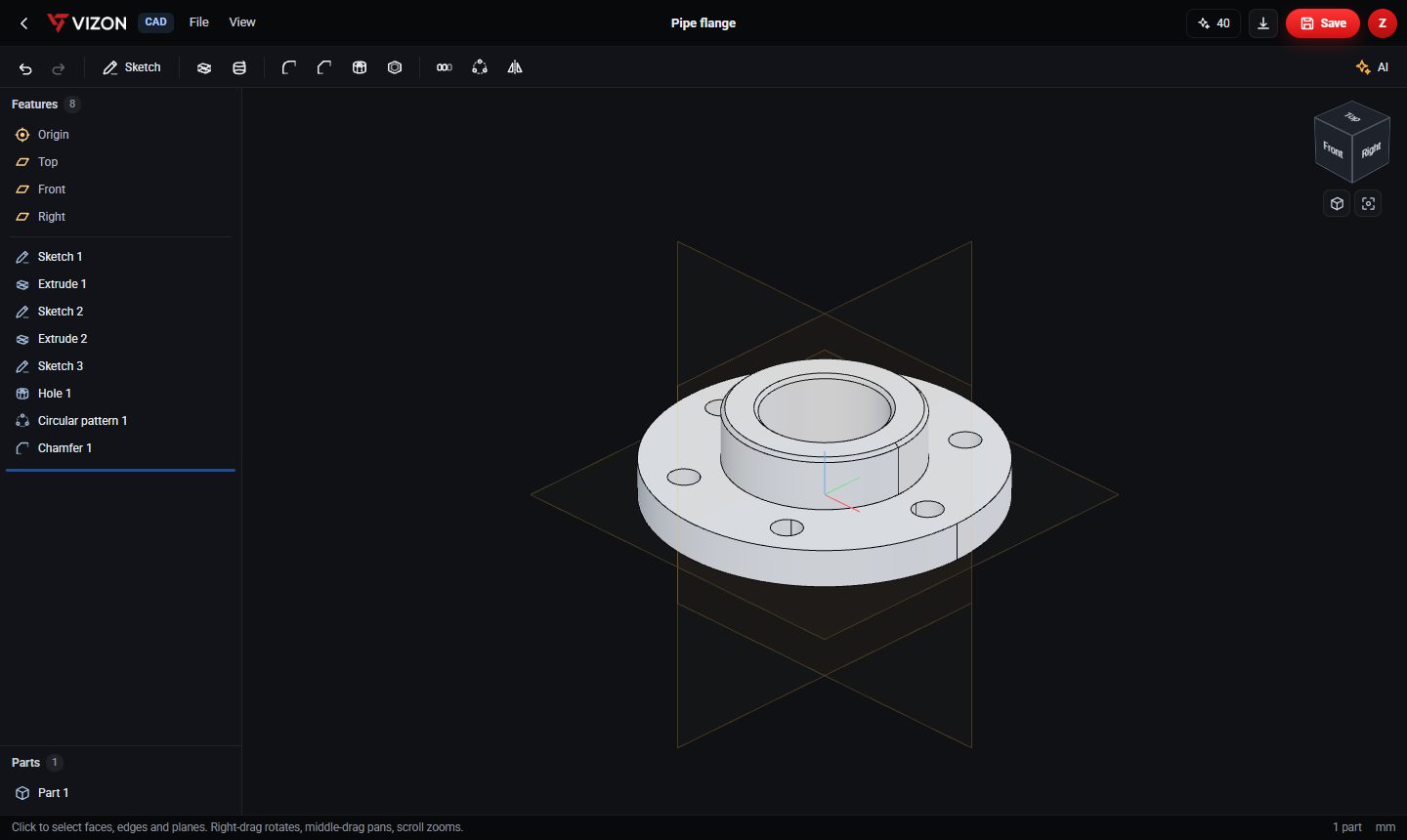
Onshape is a cloud-native parametric CAD platform from PTC that runs in the browser. It offers part studios, assemblies, drawings, built-in version control and real-time collaboration, with a free plan for public documents.
| Onshape | VIZON | |
|---|---|---|
| Runs in | Web browser and apps | Web browser |
| Parametric CAD | Yes, extensive | Yes, single parts |
| Assemblies and drawings | Yes | No |
| Mesh modeling | Not its focus | Yes, full mesh editor |
| STEP import and export | Yes | Yes |
Teams can design production assemblies in Onshape and use VIZON for quick concept parts, AI starts and presentation of STEP files.
Yes, through STEP. Export STEP from one and open it in the other.
Not with mates. A VIZON file can hold several parts, and STEP assemblies open in the viewer and Studio, but assembly design belongs in a full CAD suite.
It runs in your browser, so trying it takes a minute, not an install.