
Choose Blender for
- Sculpting high-detail organic models and characters.
- Film-quality rendering, lighting and compositing.
- Complex rigs, simulations and long animations.
- Large production scenes and add-on driven pipelines.
Blender is a superb, free desktop 3D suite. VIZON is not trying to replace all of it. It covers the everyday modeling and editing jobs in a browser tab, with CAD and AI built in.
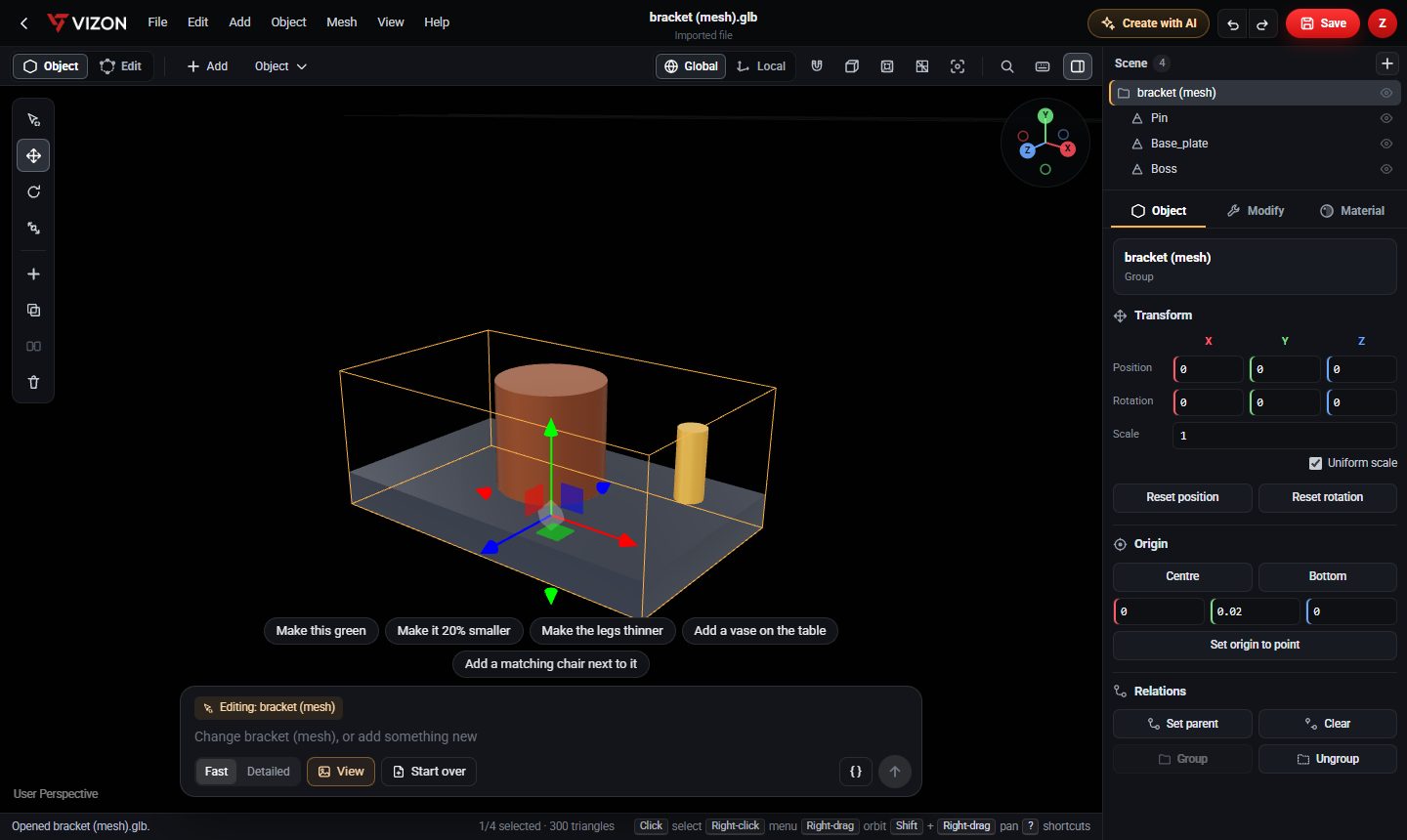
Blender is a free, open-source 3D creation suite for Windows, macOS and Linux. It covers modeling, sculpting, UV editing, rigging, animation, simulation, rendering with Cycles and Eevee, compositing and video editing.
| Blender | VIZON | |
|---|---|---|
| Runs in | Desktop app | Web browser |
| Cost to start | Free, open source | Free to start, included with Zimension |
| Mesh editing | Extensive | Core tools: edit mode, extrude, bevel, booleans, UVs |
| Parametric CAD | Not a CAD tool | Yes, with feature history and STEP export |
| Sculpting and rendering | Industry-grade | Not the focus |
| Shortcuts | Blender keymap | Many Blender-style shortcuts (G, R, S, E, Ctrl+B, F3) |
Many people use both: VIZON for quick edits, AI starts and parts with exact sizes; Blender for sculpting and final renders. GLB moves models between them with materials intact.
Blender is a desktop application. Browser tools such as VIZON cover common modeling and editing tasks without an install.
Many of them do: G, R and S transform, E extrudes, Ctrl+B bevels, Ctrl+J joins, P separates and F3 searches commands.
It runs in your browser, so trying it takes a minute, not an install.